This teardown is not a repair guide. To repair your ASRock B850 LiveMixer Space WiFi, use our service manual.

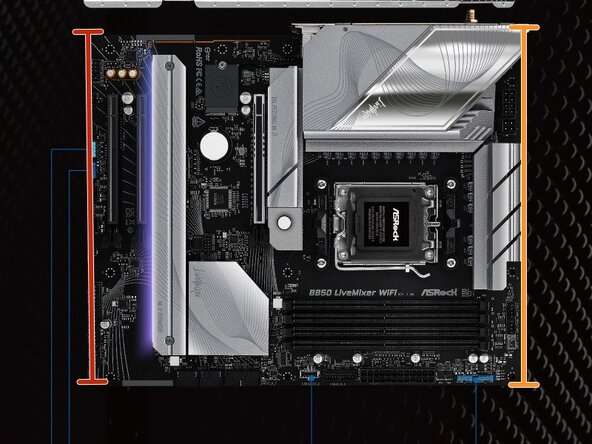
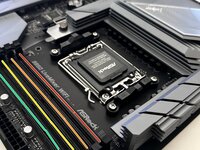
  1. ASRock B850 Labels, Top-Down: step 1, image 1 of 1
    • Top of mobo

    • Bottom of mobo

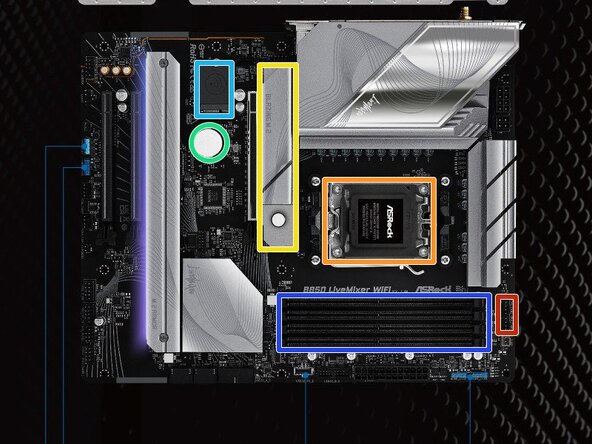
  2. ASRock B850 Labels: step 2, image 1 of 2 ASRock B850 Labels: step 2, image 2 of 2
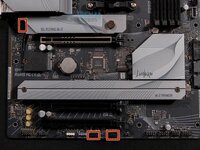
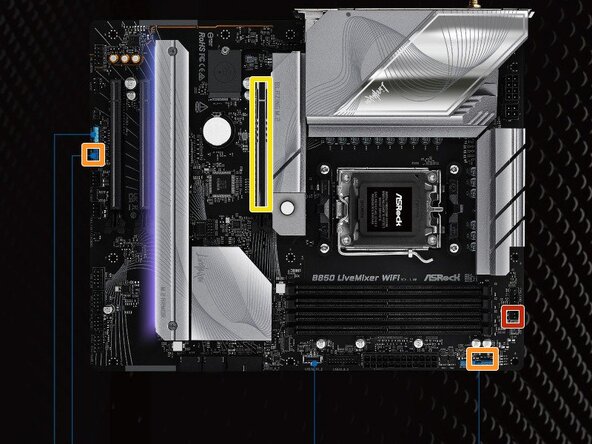
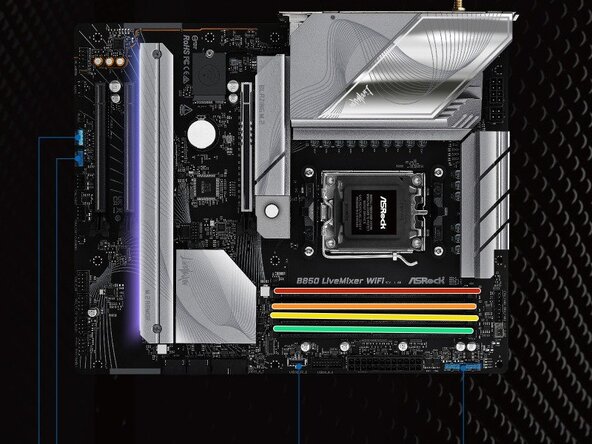
    • CPU fan connectors

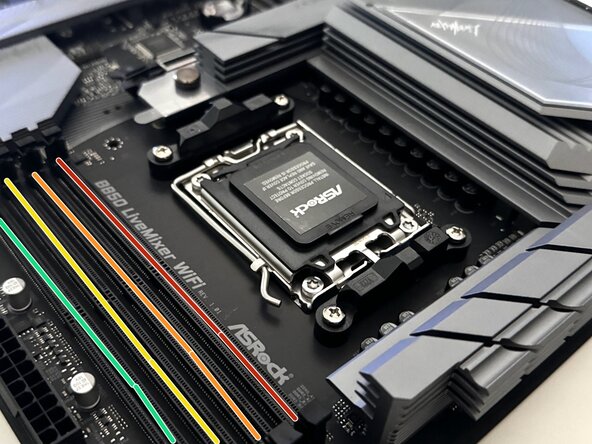
    • CPU goes here

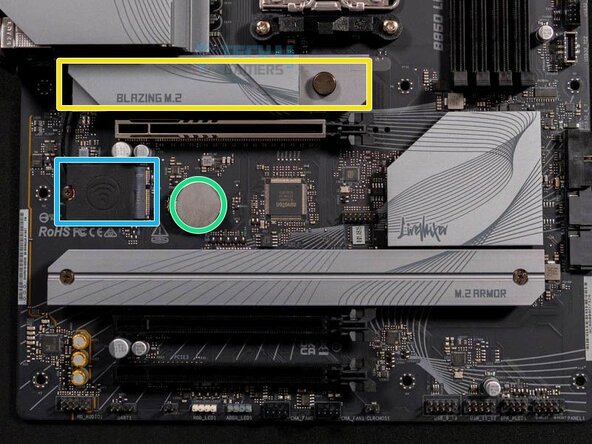
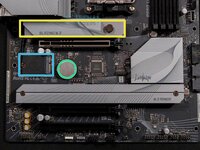
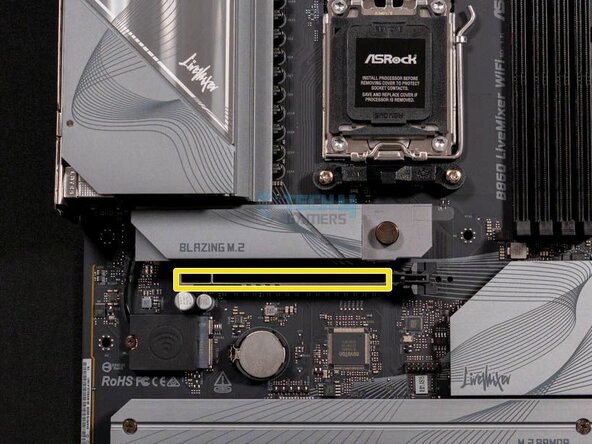
    • SSD cover

    • CMOS battery

    • Wifi chip

    • Ram slots

  3. ASRock B850 Labels: step 3, image 1 of 2 ASRock B850 Labels: step 3, image 2 of 2
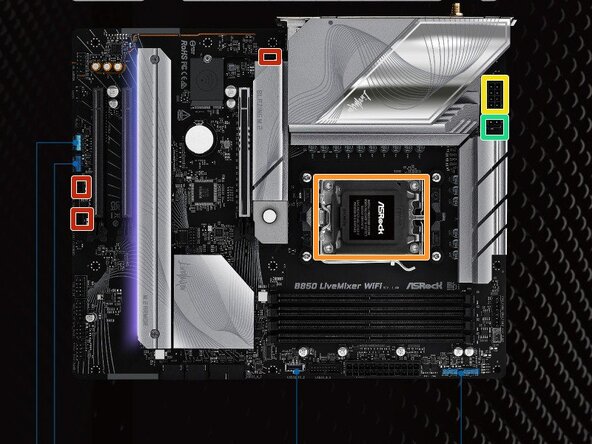
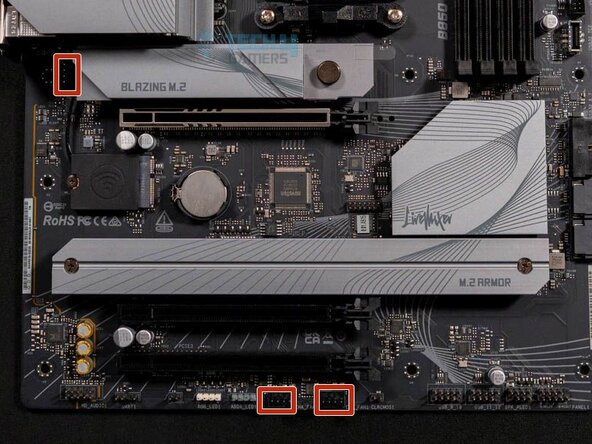
    • Chassis fan connectors

    • Heatsink goes here (After CPU is installed)

    • ATX12V1 port

    • ATX12V2 port

  4. ASRock B850 Labels: step 4, image 1 of 2 ASRock B850 Labels: step 4, image 2 of 2
    • AIO Pump

    • ADDR LED

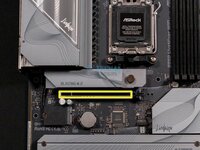
    • Graphics card goes here

  5. ASRock B850 Labels, RAM Channels: step 5, image 1 of 2 ASRock B850 Labels, RAM Channels: step 5, image 2 of 2
    • Channel A1

    • Channel A2

    • Channel B1

    • Channel B2

    • If you only have 2 sticks of RAM, you should use channels A2 and B2 to avoid any errors

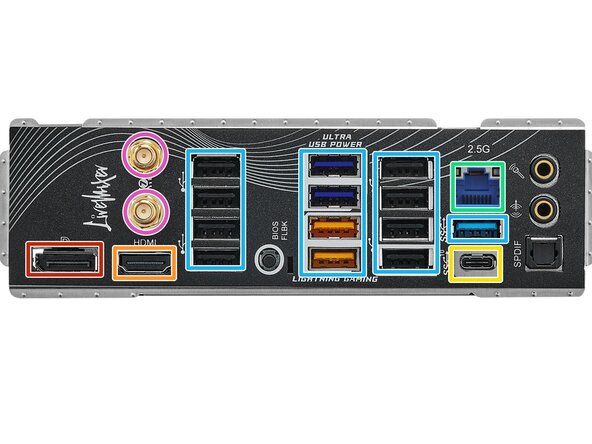
  6. ASRock B850 Labels, Ports - Left: step 6, image 1 of 1
    • Display port

    • HDMI port

    • USB-C port

    • Ethernet port

    • USB 2.0 and 3.0 ports

    • Antenna plugs in here

Kyeler W

Member since: 03/04/25

2,773 Reputation

15 Guides authored

0 Guide Comments

Add Comment

View Statistics:

Past 24 Hours: 6

Past 7 Days: 42

Past 30 Days: 182

All Time: 1,142