
3DO FZ-1 Disassembly Guide

Ben Eccles and one other contributor
Last updated on Nov 4, 2017
Views: 9.8K
View statistics:
- Past 24 Hours:
- 9
- Past 7 Days:
- 42
- Past 30 Days:
- 187
- All Time:
- 9,793
Comments: 2
2 guide comments.
Go to guide commentsCompleted: 8 9
8 people have marked this guide "completed." Will you be next?
9 people have marked this guide "completed." Including you — great job!
Favorites: 2 3
2 people have favorited (and subscribed to) this guide. Will you be next?
3 people have favorited (and subscribed to) this guide — including you!
Community-Contributed Guide
An awesome member of our community made this guide. It was not created by iFixit staff.
Introduction
Go to step 1 ↓Today we are going to take apart the Panasonic version of the FZ-1 R.E.A.L 3DO Interactive Multiplayer home video game console. Originally released in 1993, the 3DO was known as an early adopter of CD-Drive games, and for the ability to display photos and play music.
What you need
Tools
-
-
-
Spudger4.9
-
-


-
-
-
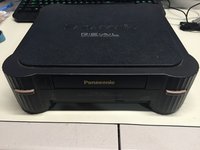
Here we have the front view of the FZ-1 3DO.
-
Note the ports on the back of the unit. The FZ-1 comes with RF, S-Video, and Composite Outputs, as well as a expansion port on the back of the unit.
-
A larger 2nd expansion slot can be found on the right side of the unit.
 Ask FixBot
-
-
-
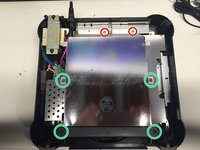
Flip the unit over, so that the bottom side of the case is facing up towards you, exposing the four screws casing screws.
-
Remove the four #2 Phillips Screws from the casing.
-
After the screws are removed, flip the unit back over while holding the top and bottom pieces of the case together.
-
-
-
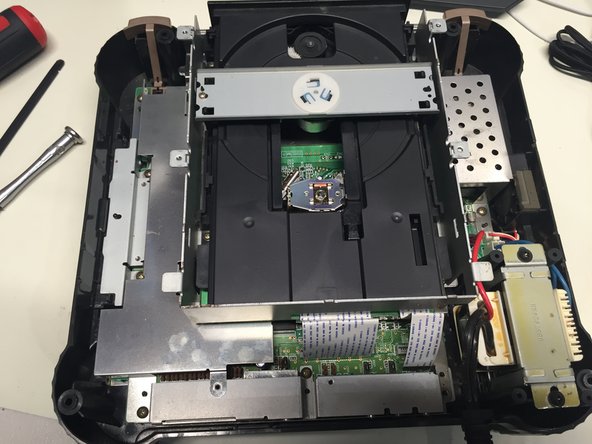
Remove the top portion of the case to expose the internal components.
-
-
-
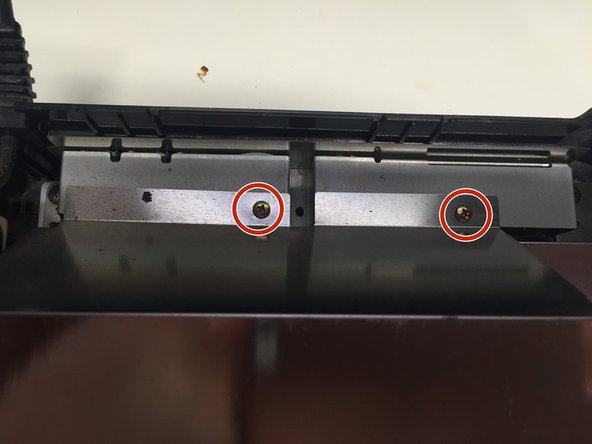
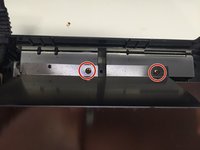
Remove the 2 #1 Phillips Screws from the back of the Disc Drive Shield.
-
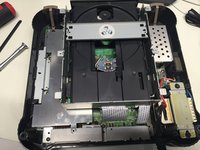
Using a Spudger, carefully pry up the four metal tabs to remove the disc drive cover.
-
Remove the 4 #2 Phillips Screws.
-
Remove the disc drive shield, and the two bars you just unscrewed.
-
-
-
Remove the 5 #1 Phillips Screws holding the CD Drive to the motherboard.
-
Carefully unplug the two ribbon cables connecting the CD drive to the motherboard.
-
You can now safely remove the CD drive from the case.
-
-
-
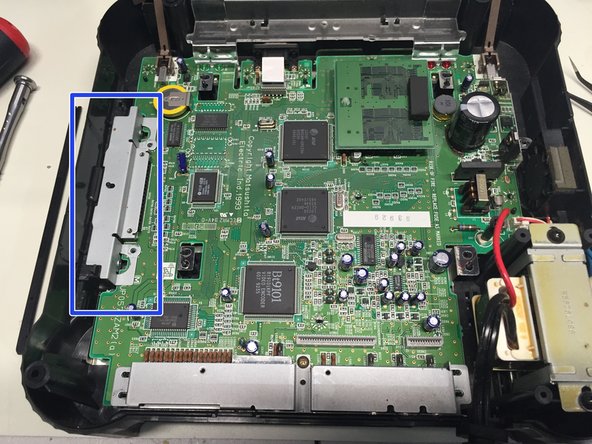
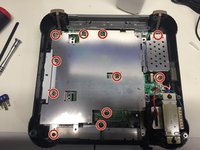
Remove the 11 #1 Phillips Screws connecting the metal shield to the motherboard.
-
Remove the metal shield.
-
Remove the metal cover from the expansion port.
-
-
-
Remove the #1 Phillips Screw from back port cover, and then remove the cover.
-
-
-
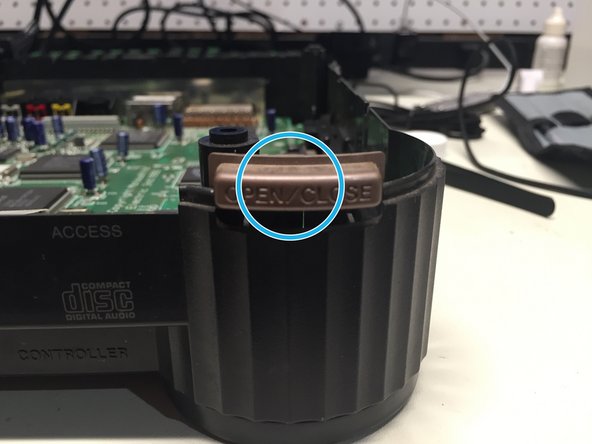
Remove the plastic cover, power and eject buttons found at the front end of the unit.
-
-
-
-
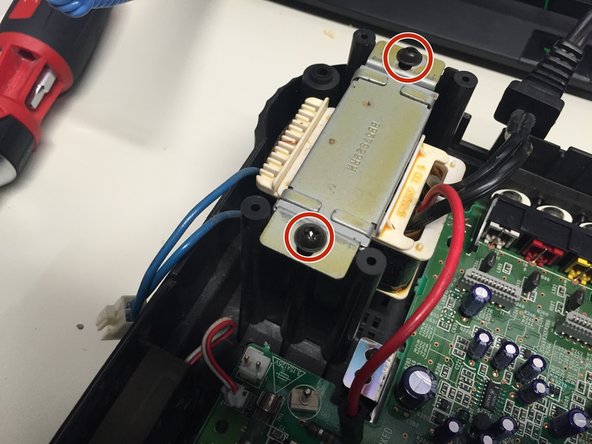
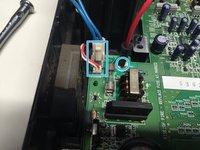
Unplug the power and fan cables from the motherboard.
-
Remove the 2 #2 Phillips Screws holding the power supply to the case.
-
Remove the power supply and fan from the case.
-
-
-
Unplug the ribbon cable connecting the motherboard to the controller port board.
-
Remove the controller board and motherboard.
-
-
-
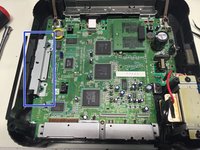
Remove the metal shield at the bottom of the case. Mission complete!
-
-










To reassemble your device, follow these instructions in reverse order.
Cancel: I did not complete this guide.
8 other people completed this guide.

2 Guide Comments
Can you tell me what size the screws are? I need to order a replacement set for my FZ-1
I thought I couldn't fix this old appliance in my house. Until I came across this site! Thank you. :)
