Introduction
The 360fly is a lens, camera, and storage device all in one. Its internal battery and 32GB memory give users the power to capture approximately 2 hours of 360° HD footage each time out.
This lightweight camera provides everything users need to take entire surroundings from a single digital unit.
- Powerful 16-megapixel image sensor and 4K video resolution 2880 x 2880 pixels up to 30 fps.
- Eight glass element ultra-fish-eye lens is used to capture 360-degree video.
If you are unable to clearly capture an image or the lens has been damaged in some way, follow this guide to replace the lens.
What you need
-
-
-
Flip the camera upside down and peel off the two plastic screw covers with the metal spudger to reveal the screws.
 Ask FixBot
-
-
-
Remove the two 5 mm screws from the bottom of the camera with a T4 screwdriver.
-
-
-
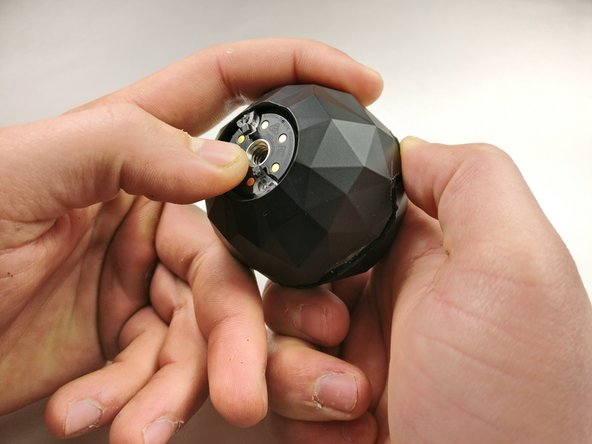
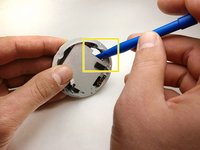
Gently pry the plastic ring from around the charging plate with the metal spudger.
-
Remove the outside shell by pressing against the center of the charging plate and pulling the bottom shell away from the top shell.
-
-
-
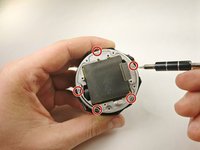
Remove the five 2 mm screws using a T4 screwdriver.
-
Pull off the charging plate assembly.
-
-
-
-
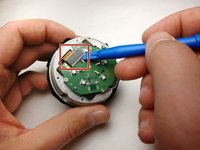
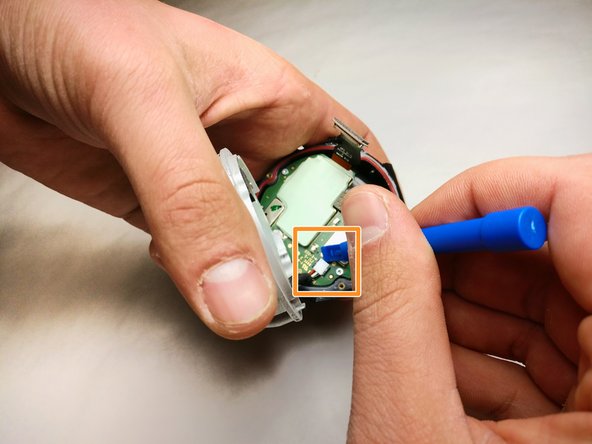
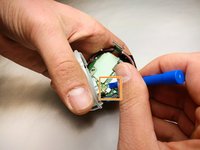
Gently pry the plug off the port on the circuit board with a plastic opening tool.
-
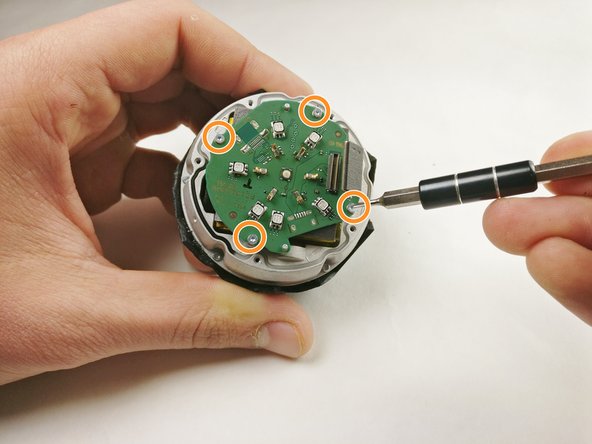
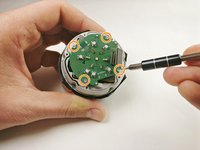
Remove the four 2 mm screws using a T4 screwdriver.
-
Remove the circuit board from the device.
-
-
-
Remove the five 4 mm screws around the battery assembly with a T4 screwdriver.
-
Lift the battery assembly and gently pry the plug out of its port on the board below with a plastic opening tool.
-
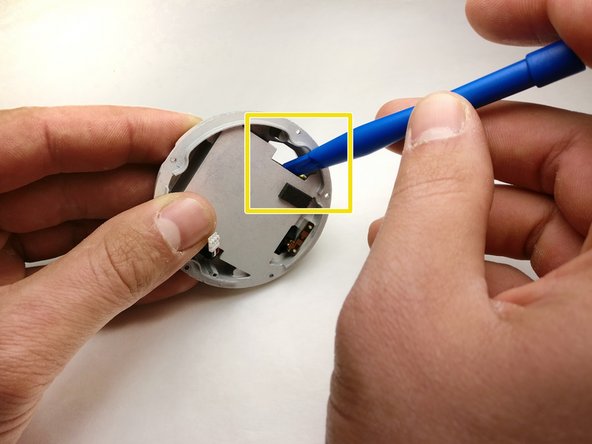
Press the battery from the back of the battery assembly to remove it with a plastic opening tool until the glue releases the battery.
-
-
-
-
-
Gently pry the plug from the motherboard and remove the motherboard from the assembly.
-
-
-
Remove the three 3 mm screws from the circuit assembly with a T4 screwdriver.
-
-
-
-
-
Gently push against the lens module to remove it from the 360fly 4K assembly.
-







To reassemble your device, follow these instructions in reverse order.

Team

IUPUI, Team S5-G3, Baechle Fall 2017 Member of IUPUI, Team S5-G3, Baechle Fall 2017
IUPUI-BAECHLE-F17S5G3
3 Members
36 Guides authored
4 Guide Comments
Hi. Where to get a replacement lens as I am in need for this repair, but 360fly offer a full service for $150 and do not sell spare lenses. Thx
