Shop the Holiday Gift Guide
Free Shipping on Domestic Orders $75+

2007 Toyota Highlander Key Case Replacement

Views: 680

View statistics:

Past 24 Hours:
6
Past 7 Days:
25
Past 30 Days:
87
All Time:
680
Comments: 0

No one has left comments on this guide. Will you be first?

Go to guide comments
Completed: 1

1 person has marked this guide "completed." Will you be next?

Favorites: 0

No one has favorited (and subscribed to) this guide. Will you be the first?

Time Required: 10 minutes
Difficulty: Easy
2007 Toyota Highlander Key Case Replacement

Introduction

Go to step 1 ↓

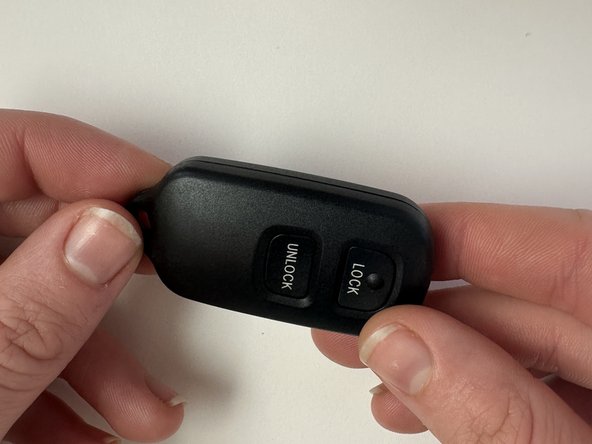
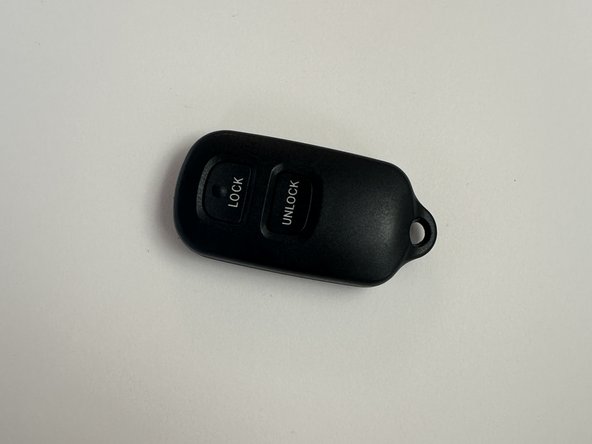
This guide will detail how to replace the outer casing of a 2007 Toyota Highlander’s key fob, but can be used as a general guide on how to replace the outer casings of most car’s key fobs. Before performing the repair detailed in this guide, you should find the model’s replacement fob casing online. An example search could look like "[car make and model] [car year] key fob case." Make sure to compare measurements of your key case with the product description provided by the seller. Order this case, and when you have the replacement then perform the repair.

What you need

Tools

  • Spudger
    4.9
    1. 2007 Toyota Highlander Key Case Replacement, Key Case: step 1, image 1 of 1
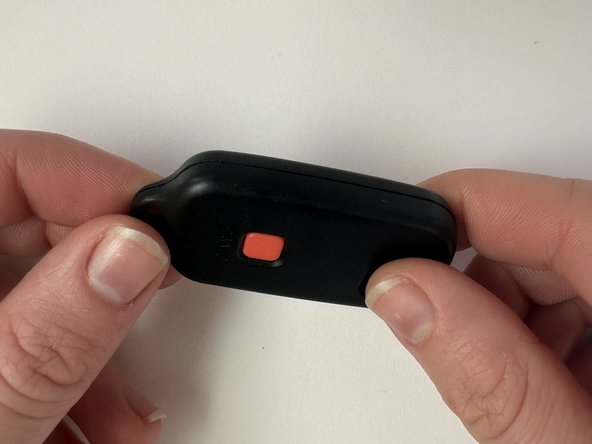
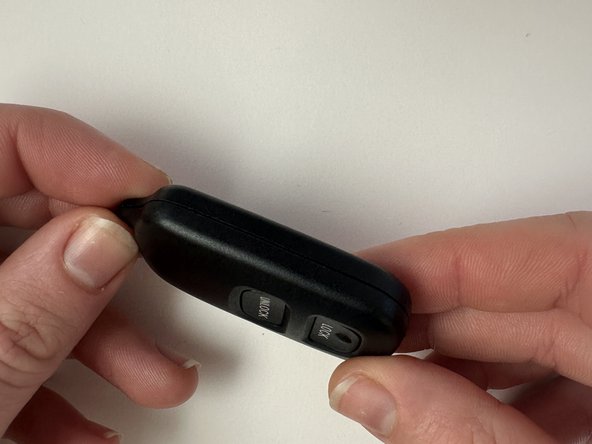
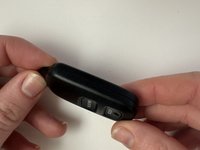
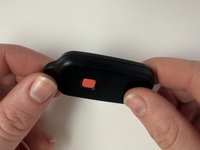
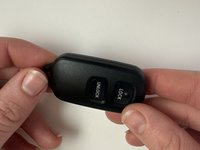
      • Locate the seam of the casing.

      • The seam might be only available on one side of the key fob. Make sure to look on all sides for the seam.

      Ask FixBot
      Add Comment

    2. 2007 Toyota Highlander Key Case Replacement: step 2, image 1 of 3 2007 Toyota Highlander Key Case Replacement: step 2, image 2 of 3 2007 Toyota Highlander Key Case Replacement: step 2, image 3 of 3
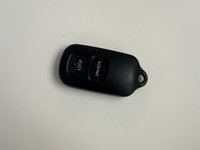
      • Use a prying tool to pry open the key fob casing.

      • Tools other than a screwdriver can be used, but for safety purposes it is important to use a tool that is small enough to open the seam but not sharp enough to hurt yourself.

      • While it does take a somewhat large amount of force to open the case, it should not take more than you should be able to provide with just a tool. Too much force may damage the components, so be sure to be careful when prying.

      Ask FixBot
      Add Comment

    3. 2007 Toyota Highlander Key Case Replacement: step 3, image 1 of 2 2007 Toyota Highlander Key Case Replacement: step 3, image 2 of 2
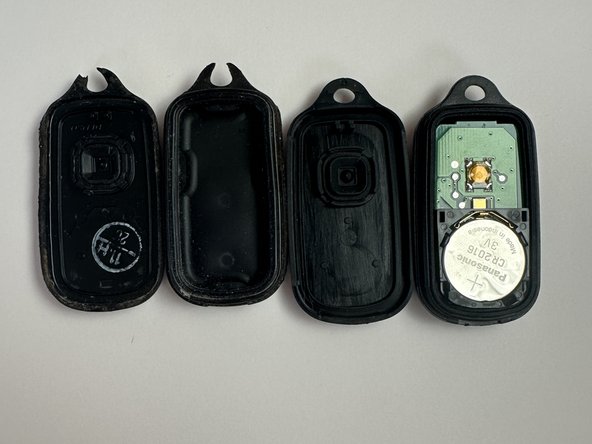
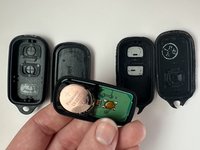
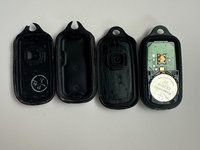
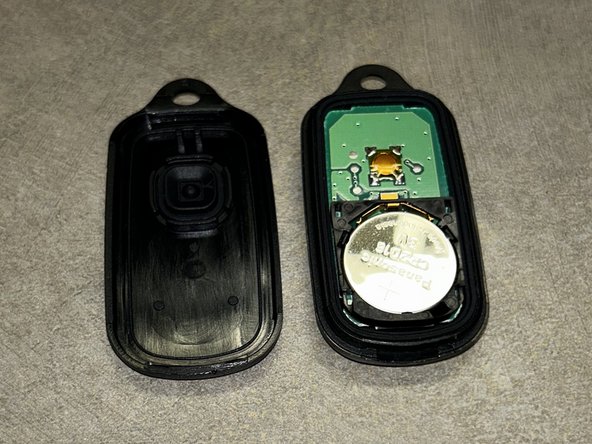
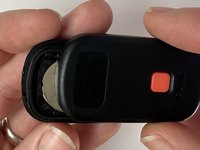
      • Remove the electronics from the damaged casing.

      • Be sure to handle the electronics with care, as damaged electronics might lead to a key more damaged than before.

      • The battery may be loose or even fall out. This is ok; simply put the battery back in the slot that it might've fallen out of.

      Ask FixBot

      Add Comment

    4. 2007 Toyota Highlander Key Case Replacement: step 4, image 1 of 3 2007 Toyota Highlander Key Case Replacement: step 4, image 2 of 3 2007 Toyota Highlander Key Case Replacement: step 4, image 3 of 3
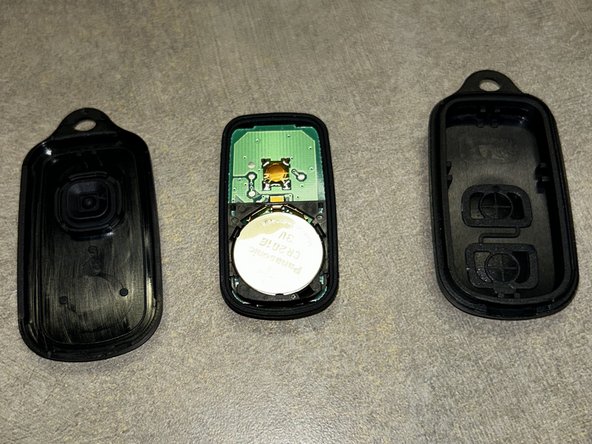
      • Put the electronics into the new case.

      • Again, handle the electronics with care.

      • The electronics need to be placed in the correct side of the key. This side should be the one you took it out of, or commonly the opposite side of the buttons.

      Ask FixBot

      Add Comment

    5. 2007 Toyota Highlander Key Case Replacement: step 5, image 1 of 3 2007 Toyota Highlander Key Case Replacement: step 5, image 2 of 3 2007 Toyota Highlander Key Case Replacement: step 5, image 3 of 3
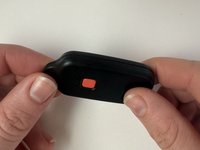
      • Make sure the buttons and two sides of the casing are lined up.

      • The casings must line up properly for the next step; otherwise the key or its components may be damaged.

      Ask FixBot

      Add Comment

    6. 2007 Toyota Highlander Key Case Replacement: step 6, image 1 of 3 2007 Toyota Highlander Key Case Replacement: step 6, image 2 of 3 2007 Toyota Highlander Key Case Replacement: step 6, image 3 of 3
      • Carefully close the new casing and ensure that there is not too much force required to close the case. The two sides should lock with a clicking sound. Make sure to check that the case does not open easily to ensure a successful repair.

      • If the two sides do not properly connect, the key may not be successfully reassembled. Make sure that the key does not reopen and it's reconstructed properly.

      Ask FixBot

      Add Comment

Finish Line

Cancel: I did not complete this guide.

One other person completed this guide.

Author

with

Katelyn Rohlwing

Member since: 02/20/24

145 Reputation

1 Guide authored

0 Guide Comments

Add Comment

View Statistics:

Past 24 Hours: 6

Past 7 Days: 25

Past 30 Days: 87

All Time: 680