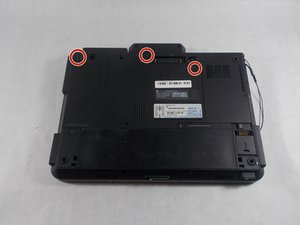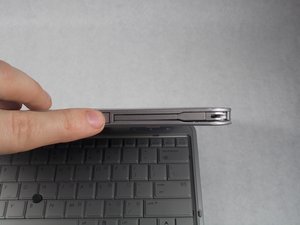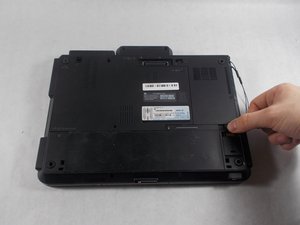
Battery

|
1 Answer 0 Score |
Random keys press by themselves but stops when boot in safe mode |
|
2 Answers 0 Score |
Black screen, no BIOS |
|
2 Answers 0 Score |
HP Elitebook 2740p Thermal paste replacement |
|
1 Answer 1 Score |
Failed Harddrive, what now? |
These are some common tools used to work on this device. You might not need every tool for every procedure.
The Elitebook 2740p is a tablet PC released by HP in 2010 that is equipped with a 2.4 GHz dual core Intel i5 processor and 2GB of DDR3 RAM. A 160GB Hard Drive comes standard. It is equipped with a 12.1” touch display that is also compatible with the included stylus. The OEM operating system is windows 7.
It is part of the second generation of EliteBook laptops, direct successor to the EliteBook 2730P, and predecessor to the 2760P. The laptops appear quite similar, so the most surefire way of correctly identifying your device is to read the model number located on the device label on the underside of the device.
HP EliteBook 2740p Product End-of-Life Disassembly Instructions
HP EliteBook 2740p Tablet PC(Core i7-620M・160GB SSD)カタログ
HP EliteBook 2740p 12.1-inch Pen and Touch Tablet PC Data Sheet
HP EliteBook 2740p Pen and Touch Tablet PC Datasheet
HP EliteBook 2740p Tablet PC Specifications Sheet
UMASSD-VALLIERE-S18S8G4
3 Members
72 Guides authored
Past 24 Hours: 1
Past 7 Days: 16
Past 30 Days: 46
All Time: 3,656