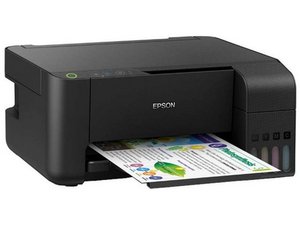

Why can't I connect it to WiFi?
I can't turn on my printer WiFi
Is this a good question?
Score
0

Rep: 171
 5
5
Hi Sharif!
Please try following the Wifi setup process from the printer manual. Epson L3150 Manual - Wifi settings from printer
There you have three different ways you can connect your printer to Wifi!
If that does not work, please proceed to the Checking the Network Status header in the same manual, and follow those instruction to print a network error code. You can then check that error code in the list in the Messages and Solutions header just bellow for solutions and troubleshooting of the error code.
If you cannot solve the error code with the manuals instruction. Please upload a picture of the network status sheet so we can further assist you.
Good luck,
cheers!
Was this answer helpful?
Past 24 Hours: 7
Past 7 Days: 7
Past 30 Days: 7
All Time: 7
