
Can't access recovery menu
Hello,
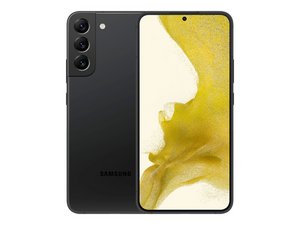
I bought a Samsung galaxy s22+ from a (trustworthy) second hand store. Since I'm travelling, I let them send it to a friend. Said friend sent me the whole unboxing thing to show me if everything worked - and it did. Now the friend brought me my phone. I inserted my old sim cards and turned it on to set it up. But I ended up with a lock screen that asked for a pin code. I thought it was mine, since my sim cards were in it, but I could put in any numbers - it seems the 'OK' button doesn't do anything.
I also couldn't get it into recovery mode - it always ends up with the lock screen.
So I was recommended to let the battery drain, and try again. Just did that two times - still ending up in lock screen every time I hold the volume up and power button.
My friend didn't do anything with the settings, nor did they set a pin code.
My old phone is about to die, hence why I bought this solution.
Grateful for any ideas!
Is this a good question?

 3
3  1
1 