Free Shipping on Domestic Orders $75+

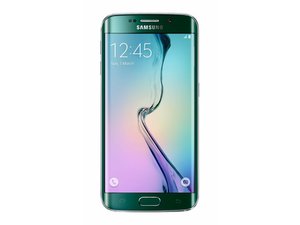
Announced in March 2015 and released April 10, 2015, the Galaxy S6 Edge is the curved-screen version of Samsung's newest flagship smartphone.

Why won't my phone turn on?

I don't know what happened it was working a few minutes ago until suddenly it started going a little glitch then I tried to turn it off and it worked so I wanted to turn it on again but it isn't working im charging it right now and I don't know what to do I need this fixed in 3 days.

Answered! View the answer I have this problem too

Is this a good question?

Score 0
Add a comment

1 Answer

Chosen Solution

Y.I.N.E try a power cycle first "There are multiple ways to reset your device if you are experiencing issues. The first step is to power cycle your device. Press and hold the Power/Lock button, then select Power off. Select Power off to confirm. To turn the device back on, press and hold the Power/Lock button until the screen lights up.
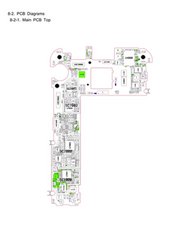
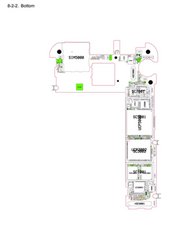
Note: If you are unable to power your device off or if it becomes unresponsive, press and hold the Power/Lock button for 10 seconds, until it reboots." If that does not work check through other solutions for a software issue on here If none of those work, you have to dig a lot deeper into the bowels of your phone ;-) Follow this flow sheet to narrow it down. the images are best viewed when downloaded and using your own image viewer.

Image
Image
Image
Image

Was this answer helpful?

Score 2

2 Comments:

Thank you for your help but I realized that my phone is just dead since it is a old model and the battery has been steadily declining.

by

@Y.I.N .E just replace the battery and start from there. "just dead" should be an easy fix ;-)

by

Add a comment

Add your answer

Y.I.N .E will be eternally grateful.
View Statistics:

Past 24 Hours: 1

Past 7 Days: 8

Past 30 Days: 41

All Time: 870