Introduction
October 4th, 2011. Let's talk iPhone. Yesterday's press release brought us some fun new information about the upcoming iPhone 4S (check back on October 14th for the teardown) as well as the next generation of iPod Nano. As we wait in anticipation for this year's phone call-making piece of fruit, we take a bite into the newest addition to the iPod Nano line.
Fun fact: this newly released Nano is NOT any cooler than the last Nano. Actually, it's pretty much exactly the same. See why below.
Follow iFixit on twitter for the latest updates.
What you need
-
-
Our favorite nanoscopic slice of Apple is back and has some fun features packed inside.
-
1.54-inch multi-touch display
-
240 x 240 pixel resolution
-
Built-in Accelerometer
-
Stock Nike+ Compatibility
-
Rechargeable Lithium-Ion battery with up to 24 hours of music playback
-
8 GB or 16 GB internal storage
-
-
-
Not much has changed in terms of packaging. The Nano is still encased in its own cube of self-indulgence.
-
A quick glance at the model number shows us that much like its sibling before it, it still carries the identification of Model A1366.
-
A little sleuthing shows that any difference in part numbers is only a matter of different Nano colors. This one, MC689, is blue; MC688 is silver, yadda yadda...
-
-
-
"Bill, they're so cute! Can we get one??" - "You know, Mary, those things will grow up some day—and they require a lot of responsibility."
-
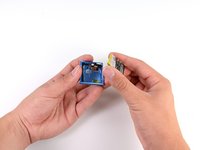
Like most siamese twins, the 6th and 7th Generation share the same physical qualities but differ in personalities.
-
Can you guess which is which? We'll give you a hint: The 7th Generation Nano is not red....
-
-
-
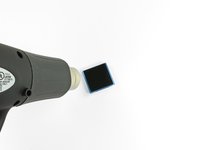
No screws? Have no fear! *trumpet sound* Our trusty heat gun is here to save the day!
-
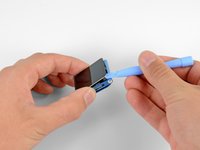
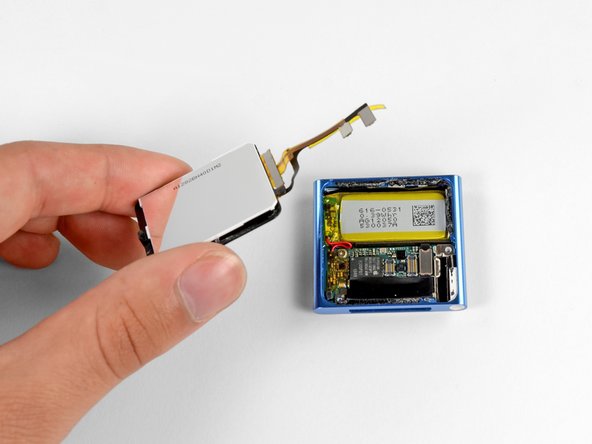
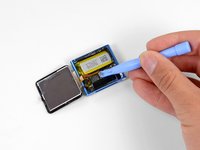
BLAMO! WHAMMO! Take that you malicious front glass! Your days of providing high quality entertainment to the citizens of Earth are numbered! Surrender now or taste defeat at the hands of our sidekick, Plastic Opening tool!
-
-
-
-
To the front, to the back, to the front, to the back. Nn ss, nn ss, nn ss.
-
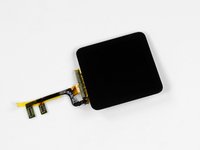
Just like last year, The 1.54" LCD screen is equipped with multi-touch, and we are still perplexed as to why you would need two fingers for this device.
-
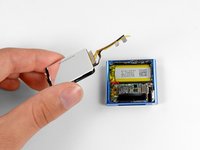
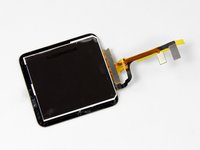
The display is still the same 240x240 pixel display and remains inseparably bonded to the front glass.
-
-
-
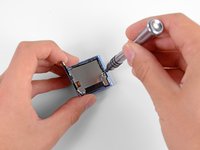
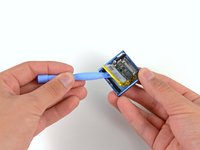
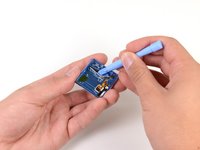
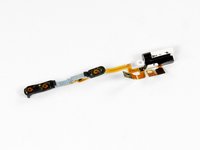
We begin prying the headphone jack ribbon cable assembly from the inner case. Unfortunately, what seems to be an entire bottle of glue slows our process.
-
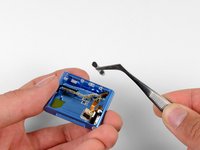
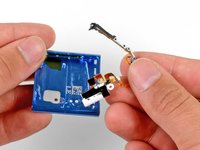
With the assembly away from the case, the volume buttons are free for removal.
-
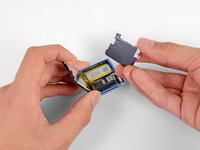
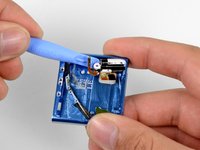
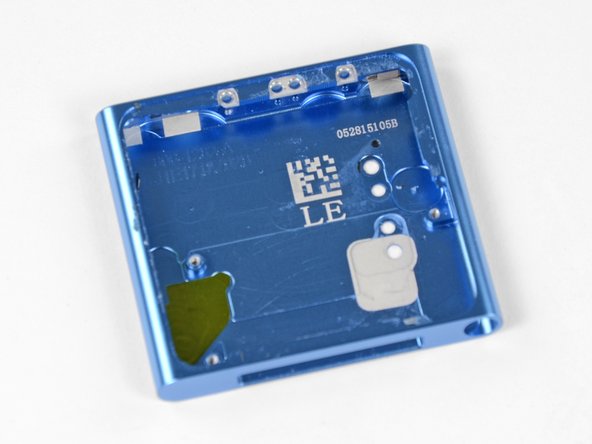
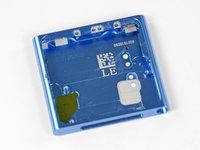
The glue is gone, and the last of our plastic opening tool duties are done.
-
-
Tool used on this step:Spudger$3.99
-
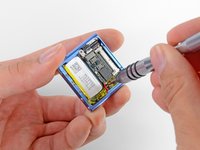
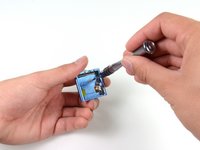
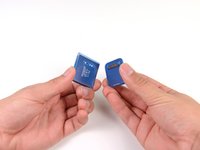
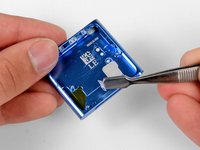
Recruiting the help of our spudger and our precision tweezer set, we remove the remaining gallons of glue from inside the nano's case.
-
-
-
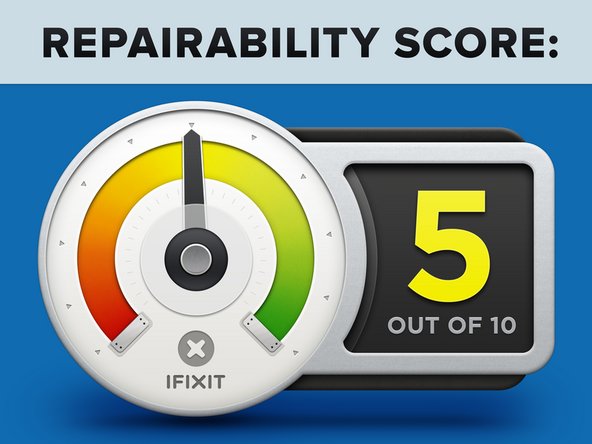
iPod Nano 7th Generation Repairability Score: 5 out of 10 (10 is easiest to repair)
-
Good: Once the display is removed, the rest of the disassembly is relatively straightforward.
-
Good: The ribbon cable connectors make it easy to disconnect the display and headphone jack from the logic board.
-
Neutral: The headphone jack and volume buttons are attached to the same ribbon cable and must be replaced at the same time.
-
Bad: Getting the display off of the device requires the use of a heat gun, as there is a lot of adhesive holding it in place.
-
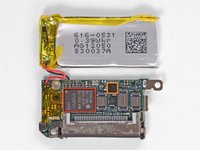
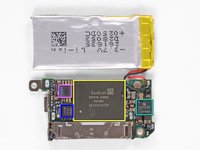
Bad: The battery is soldered to the logic board, making replacement of a single component more cumbersome.
-






















2 Guide Comments
After opening the iPod Nano 6th gen and trying to fix the power-button issue (a very common problem, seen all the YouTube movies about it) I have put together the device. Unfortunately it won't power up anymore, at least the screen is not working or the device is not recharging anymore. Either way, be careful, after disassembling this device might not work anymore. Delicate parts are in place. Good luck with the teardowns.
Hi Bas Flipsen!
Please bear in mind that this is a teardown, not a repair guide, we have actual step-by-step guides for this device on the device page. For a button replacement, you can follow the headphone jack assembly guide!

