Introduction
NeXT Computer was founded in October of 1985 when Steve Jobs was forced out of Apple by John Scully. He started NeXT as a high-end computer company targeted at the University/Scientist/Computing Industry. NeXT only ever released , the NeXTStation, and The NeXTCube, in different variations. NeXT computers were high-end workstation computers, and only a few thousand were ever sold. The NeXTStation featured a, though the Turbo NeXTStation featured a68040. There were color and non-color variations of the NeXTStation. The world's first web server was created by Tim Berners-Lee, at CERN on a NeXTCube. NeXT computers were used to make games like Doom, and Wolfenstein. This is my&W NeXTStation. Mac OS X Is based off of NeXTStep, the NeXT OS.
What you need
-
-
The NeXTStation, this is a great addition to any computer collection.
-
-
-
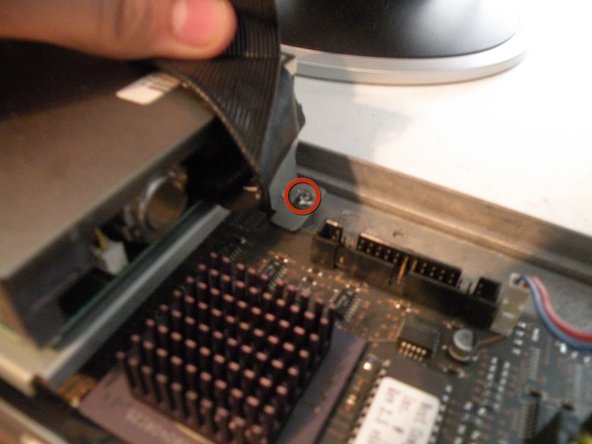
Turn the NeXTStation around, and remove this screw:
-
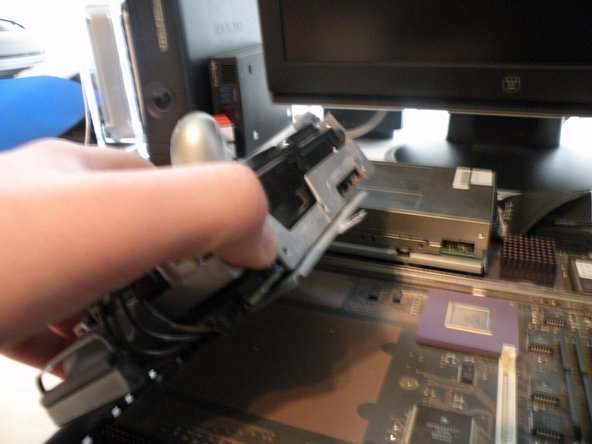
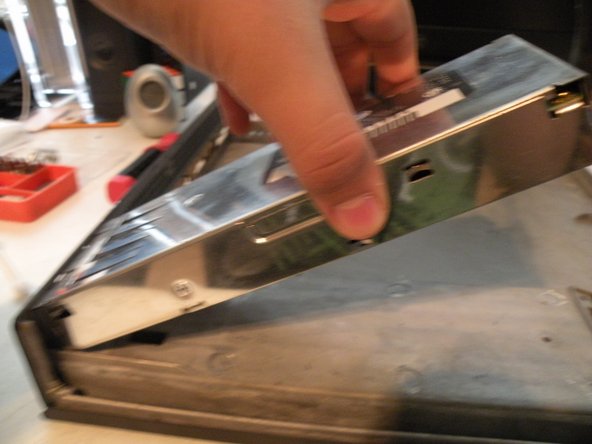
Then, lift the top cover of the computer. This will reveal the guts.
-
The ports from left to right: SCSI2, Keyboard & Mouse, DSP Port, DB-19(MegaPixel Display), DB-9(Serial), RJ-45(Ethernet), Coaxial (10b2 Ethernet), Power
-
I find notes in everything!
-
-
-
-
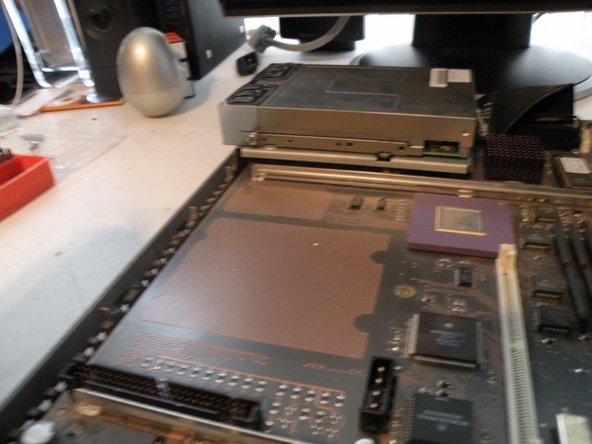
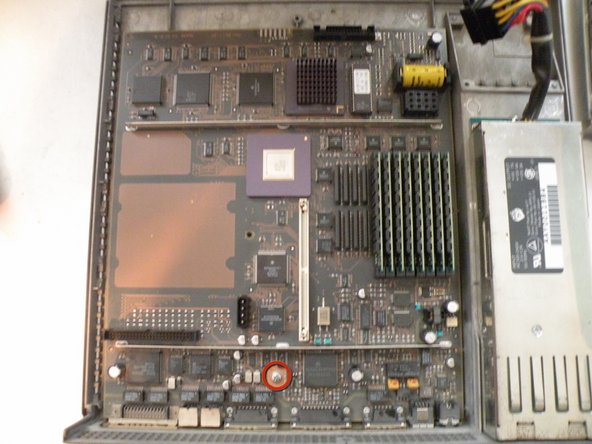
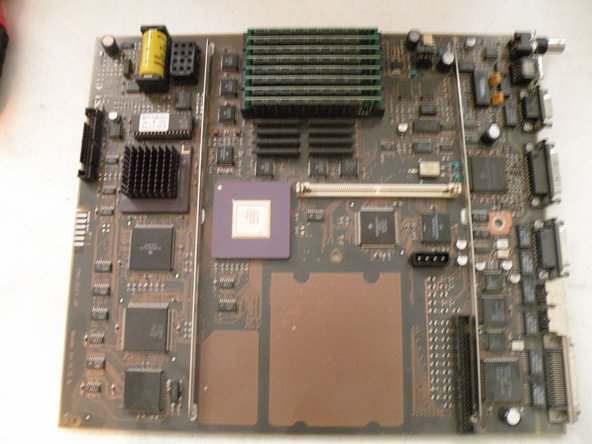
The Logic Board Overview:
-
The Board has a 25Mhz Motorola 68040 CPU, This board features a ton of chips for something made nearly 20 years ago.
-
The CPU: Motorola XC68040RC25
-
The Co-Procesor: MB610313
-
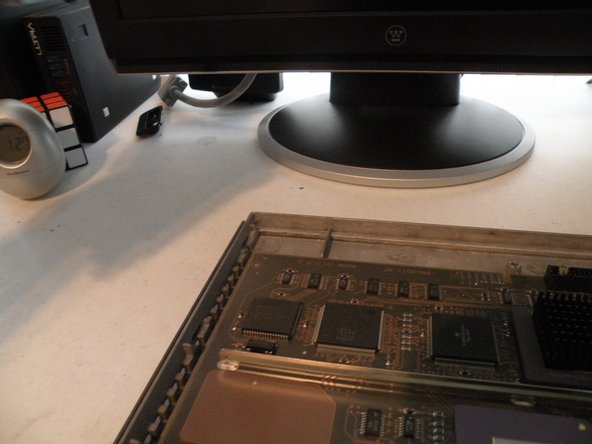
Motorola Chips
-
Intel Chips
-
AMD Chips (Intel and AMD In the same computer?)
-
Fujitsu Chips
-
















Team

3 Comments
http://www.youtube.com/watch?v=jhfUKEu7s...
The Machine to Build the Machines:
Watch NeXT's revolutionary computer controlled (NeXT Cubes - no less) assembly line in action!
Quote from Juddy:
http://www.youtube.com/watch?v=jhfUKEu7s... The Machine to Build the Machines: Watch NeXT's revolutionary computer controlled (NeXT Cubes - no less) assembly line in action!
Amazing!
MB610313 - ICP (Integrated Channel Processor). Basically DMA on steroids for almost all of the main sub components of the system. I believe that the cube, or at least the 25Mhz 030/040 cubes, had two of these.
