Introduction
Replace a broken optical drive to read compact disks.
What you need
-
-
Loosen the two Phillips screws securing the access door to your iMac.
-
Remove the access door.
-
-
-
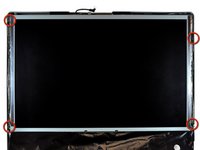
Remove the following screws along the lower edge of your iMac:
-
Three 6 mm T8 Torx screws
-
One 8 mm T8 Torx screw (Right side of the RAM slot on 2105)
-
-
Tool used on this step:Plastic Cards$2.99
-
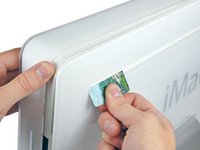
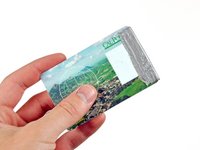
Insert a plastic card up into the corner of the air vent slot near the top of the rear case.
-
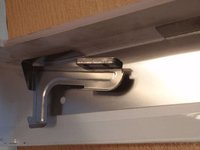
Push the card toward the top of the iMac to release the front bezel latch.
-
Pull the front bezel away from the rear case.
-
Repeat this process for the other side of the front bezel.
-
If the bezel refuses to release, try lifting the lower edge of the front bezel slightly away from the rear case (detailed in the next few steps) and repeat the latch release process.
-
-
-
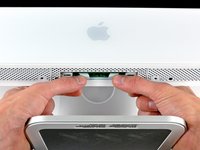
Lay your iMac stand-side down on a flat surface.
-
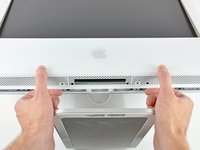
To lift the front bezel off the iMac, simultaneously:
-
Use your thumbs to press in the RAM arms and hold the iMac down.
-
Use your index fingers to pull the small bridge of material on the front bezel toward yourself.
-
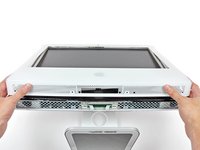
Pull the front bezel up with your index fingers.
-
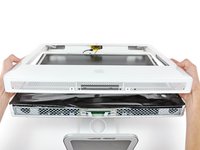
Once the small bridge of material has cleared the RAM arms, lift the front bezel by its lower edge just enough to clear the bottom edge of the rear case.
-
-
-
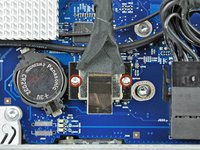
Remove the two 5 mm T6 Torx screws securing the display data cable connector to the logic board.
-
Pull the display data cable connector up off the logic board by its black pull tab.
-
-
-
-
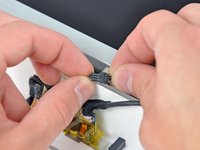
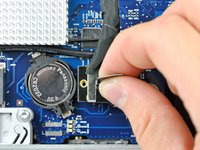
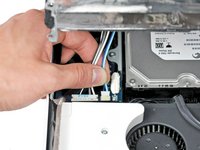
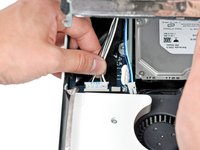
Disconnect the optical drive thermal sensor cable by pulling its connector away from the socket on the logic board.
-
-
-
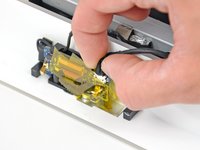
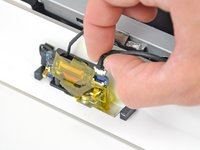
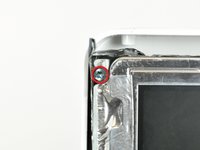
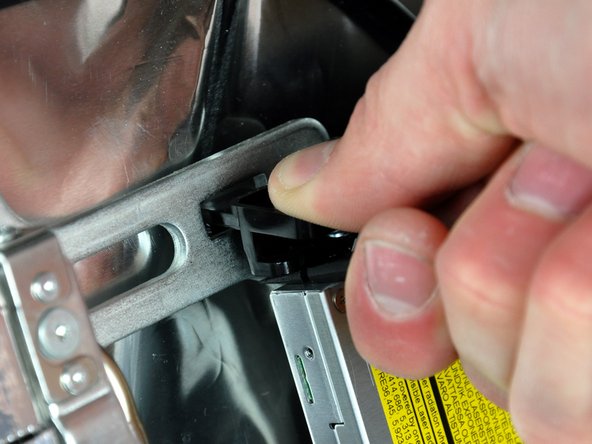
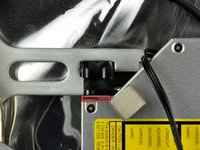
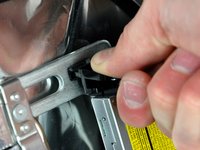
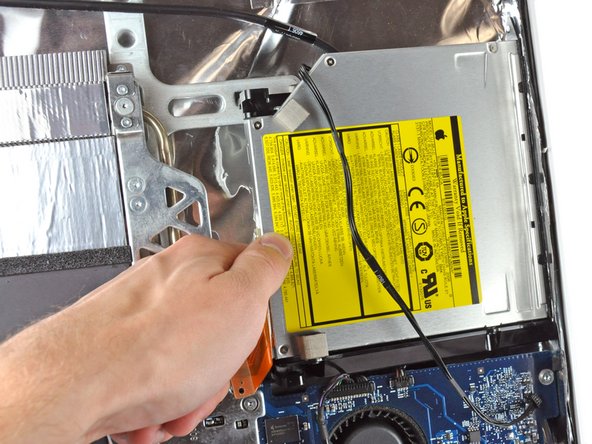
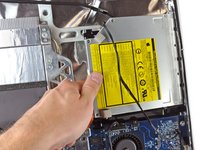
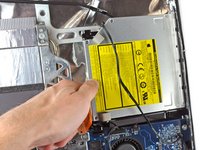
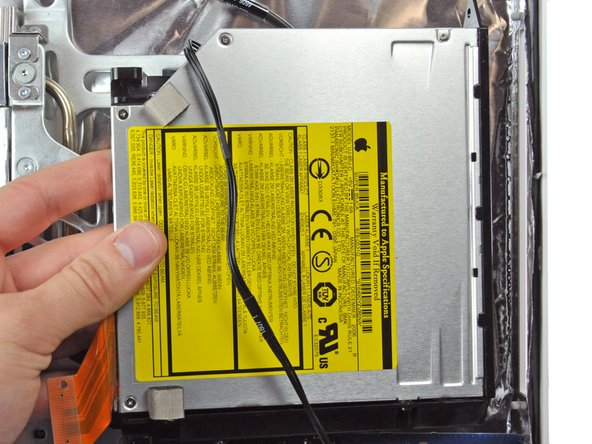
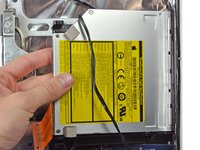
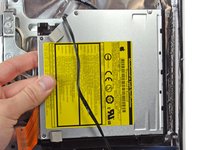
Remove the two T6 Torx screws securing the optical drive cable to the optical drive.
-





















To reassemble your device, follow these instructions in reverse order.
Cancel: I did not complete this guide.
27 other people completed this guide.


4 Guide Comments
I cannot get the top latches to release.Tried all the suggestions here and on YouTube. Especially a good video from Twistedmac. Made his suggested access card all different ways but nothing is working.
Any further tips or help will be greatly appreciated.
Also on the latch picture where does the credit card actually have to make contact? Please help I'm going bonkers.
Finally figured it out. Lift up the bezel from the bottom about 45 deg
you will then see the latch on both sides. Put a spudger or whatever under the latch and push up. Do not lift the bezel too high or you will damage the latches. This worked like a miracle for me.
Had no success with the credit card method, it was really frustrating.
The sleestack post is also also great.
OMG!!! The rating for this repair as "moderate" is waaaaaayyyy off! I've been repairing various laptops for YEARS on iFixit and this was my first attempt at a desktop repair. It was so much more fidgety and difficult than the hardest laptop I've done (probably about 12 - 15 other repairs by now).
And sorry... tho' I love this site and am grateful for these tutorials, this one was wanting in detail and assumed that I not only knew terminology that I didn't know (I was able to figure it out of course, I DID finish the repair) but skipped important details that made it infinitely harder (and took me waaaayyy longer than it should have!). For example, when removing the optical drive, the guide skipped about three steps and I ended up accidentally breaking some delicate plastic bits. And gee thanks for waiting until I have everything apart to tell me I need a longer screwdriver! I found a tedious workaround, but... sheesh dude! All in all, I'd have to say...by far the WORST experience I've had on this site!
