Introduction
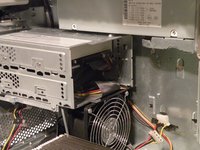
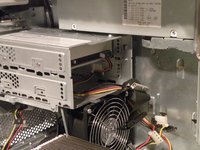
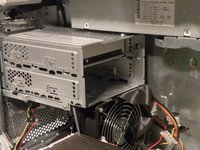
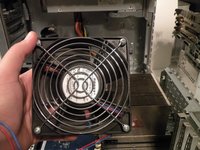
The Power Mac G4 MDD Uses two system fans, an optical fan (for the optical drives), and a main system fan (cools the CPU, the hard drives, and the graphics card).
What you need
-
-
The Power Mac G4 MDD: the last, and the fastest G4-based Mac. This computer boasted up to a Dual 1.42GHz PowerPC G4 CPU (though I have a single 1.25GHz).
-
Two USB 1.1 Ports
-
Assorted Audio
-
Video (ADC & DVI)
-
Networking (RJ-45 Ethernet/56k Modem)
-
Some later model MDD's (such as the dual 1.42GHz) Have a FireWire 800 Port Here:
-
-
-
-
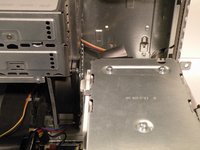
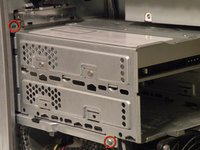
Once the cables are free, set the drive cage aside.
-
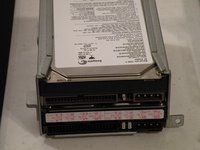
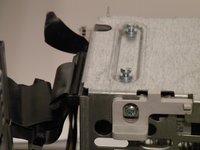
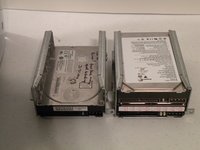
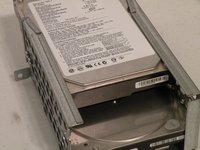
To remove the hard drives from the cages, remove the four screws on the sides of the cage that are connected to the drives, then slide the drives out.
-
The two cages are cross compatible and can be put in either location.
-
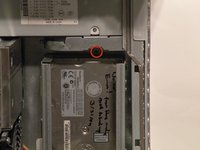
The MDD does not have a 128GB drive limit like older Macs. My MDD has 3 drives (a 400GB Hitatchi Deskstar, 40GB Seagate Barracuda 7200.7, and a 30GB Quantum Fireball LCT).
-
Note the ID jumpers on the two drive set. One is set to Master, the other to slave. A single drive can be set to Cable Select.
-
-
-
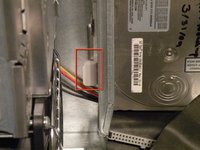
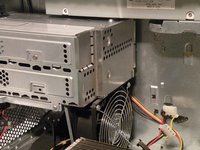
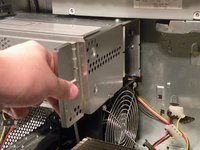
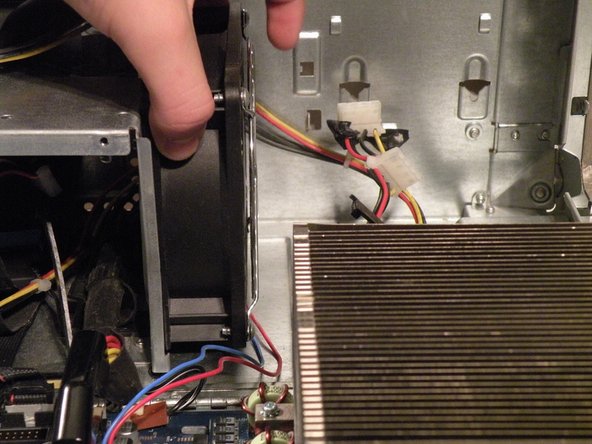
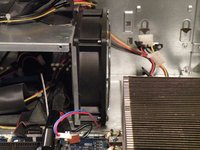
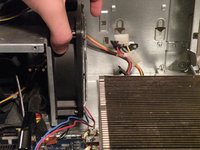
You may find removing the system fan is unnecessary to remove the power supply cable from behind it, but if you're unfamiliar with how the power supply cable is situated behind the fan, this step is useful in seeing this.
-
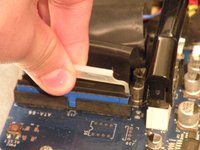
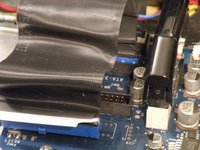
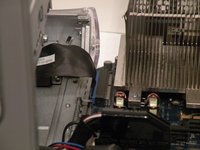
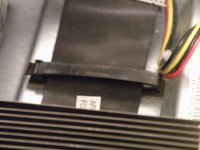
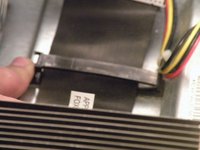
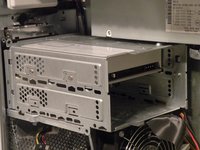
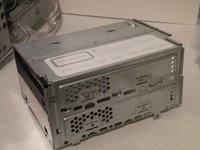
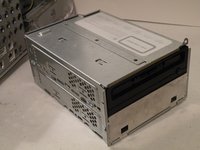
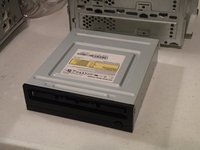
Disconnect the optical drive IDE/ATA-33 cable from the logic board.
-
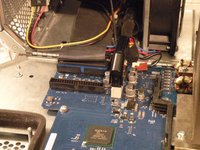
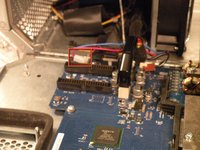
Disconnect the system fan 2-wire power cable connector from the logic board.
-




























To reassemble your device, follow these instructions in reverse order.
Cancel: I did not complete this guide.
11 other people completed this guide.


Team

