
0
Score
Bill
1
Asked
How to remove the battery?
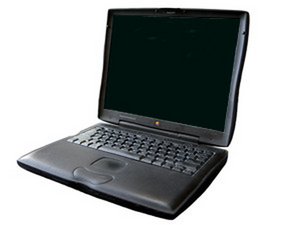
How does one go about removing the battery? there seems to be a button on it but pushing it has no effect other than making the green lights go on, I've seen a great how-to on other computers and was hoping there was one for this old lady as-well.
3
Score
rj713
33.9k
Answered
Accepted Answer
On the front edge of the case is a lever. Pull the lever and slide out the battery. The lever on the other side is for removing your optical drive although some people put a battery in both sides for more battery time. URL for a drawing is http://forums.macrumors.com/showthread.p... Go to number 5. Ralph
URL for this unit http://www.ifixit.com/Guide/Device/Power...