2

Score

Avatar
Antiker
25

Asked

unknown "Screw" from my iPhone 4

History

Hello,

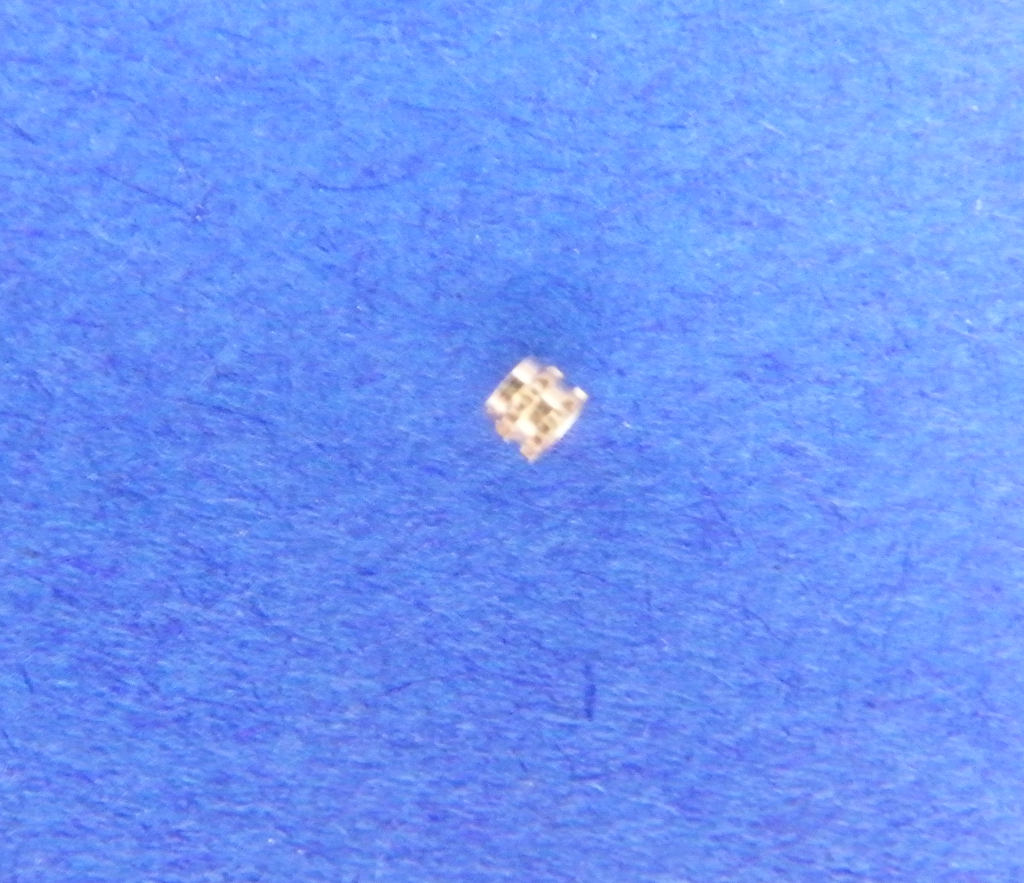
I want to change my iPhone from black in white. Now i have a "screw". I do not know from where this is.

Here are two pictures. Where i have to install this thing? Sorry for my English.

http://i152.photobucket.com/albums/s199/...

http://i152.photobucket.com/albums/s199/...

Edited by

It dosent look like a Pentalobe, are any of the screws missing on the bottom of your phone?

Michael C,

Post Answer

4

Score

Avatar
rab777hp
12.6k

Answered

Accepted Answer

PermalinkHistory

What you need is iFixit's iPhone 4 liberation kit to remove the pentalobe screws from the bottom and to install phillips screws you can remove with any old screwdriver.

Product Image

iPhone 4 Liberation Kit

All the parts and tools to replace 5-point pentalobular screws with #00 Phillips screws. — 50+ available at 9.95 each.

1

Score

Avatar
doug2k
13

Answered

PermalinkHistory

Hey Doug here....That is a nut that goes in between the motherboard and the back of the screen. Its a little hard to explain but there is a cover plate that takes 5 screws next to the camera and covers the connectors...it goes under the lowest screw....under it and the screw goes right thru it.... hope this helps

1

Score

Avatar
Mike D
19

Answered

PermalinkHistory

doug 2k is correct.. i just installed a color lcd assembly swap and that same lil bugger came off my logic board. the location of this piece is hard to explain but doug did a pretty good job.. look on the logic board, to the right of the rear camera connection, there is a little metal piece of the EMI cover that looks like a Y but rounded, that little piece that fell off went under there..

i'm not exactly sure if the piece is mandatory but my phone is functioning without it..

if you look at step 13 here, (Installing iPhone 4 Logic Board) your "screw" insert would belong beneath where the yellow circle is..

i dunno how one would repair this part... mayyybe using some krazy glue gel (?) ---> which i wouldnt recommend because that would be apparent to a tech if you ever chose to warranty the device.

sorry so wordy..

-mike :)

here's a pic of what I was talking about.. [image|97604|size=thumbnail]

Mike D,

but on a second/third/fourth look at your pics, the part may be from the dock connector cover, its located along the same side of the logic board as the one i pictured here. right next to the battery tab..

Mike D,

0

Score

Avatar
Tony
67

Answered

PermalinkHistory

This looks like something that a screw goes in to. I wouldn't worry to much if you are missing a screw, but this is what holds in the screw, and might prevent it from being shorted out. Make sure that all your screws are tight, and if one isn't that is where this goes.

0

Score

Avatar
Alex Zheng
1

Answered

PermalinkHistory

This looks like two washers. I had one left over from my disassembly of an iPhone 4. Take a look at your logic board and see if there is any gap between the metal covers and the PCB - I suspect that the washers are belong there.

0

Score

Avatar
Pomme123
1

Answered

PermalinkHistory

theres a few of these in the iphone 4. in my opinion (only caus i know im now missing this bit cause it fell out and i could get it back in) is that up top just under the horizontal display cable there is a screw that is supposed to go in there. in between the metal chip cover and the motherboard there is suppose to be one of those, thats the one thats gone on me, but if i were you i wouldnt worry about it

0

Score

Avatar
hammondeer
1

Answered

PermalinkHistory

Yes. This collar is under the yellow circle screw from that link above. Mine popped out though the phone seems to work without it, it is disturbing not to have in there. All instructions for logicboard removal should warn the person on this as it pops out. It is so tiny that trying to reposition it (better caution could have been taken) it shot out somewhere in my kitchen. I may make a small collar out of aluminum since I am concerned this MAY minor-ly may effect the grounding. If you are like me it is quite disturbing to have something not go back in a disassembly the way it was or missing. Just about NO information about this is available AND the collar or insert is not in any IPhone 4 screw kits I have seen

0

Score

Avatar
Bob
1

Answered

PermalinkHistory

Looks more like a screw anchor.

Add Your Answer