
 3
3  3
3 iPod folder icon displayed-not visible by Itunes nor computer
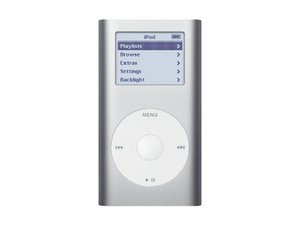
Hey so I've recently decided bought 2 ipod mini's on ebay. 1 of them displays a folder icon whenever booted up and isn't recognised by itunes or my computer. The other was a simple battery replacement job.
Now whilst replacing the battery of the 2nd ipod mini, I swapped the hard drive disks to see if the icon problem was isolated to the hard drive. Both hard drives worked on the working ipod mini, meaning that the problem is not with the hard drive.
This means that it's a logic board problem...
If my computer won't recognise the ipod, how can I get it to restore? I've tried putting it into disk mode, (menu+center button until apple icon is displayed and then play and center button) but it 'get's stuck' on the apple icon when I try to do this and will not respond until I restart the ipod.
Any help would be great!
Is this a good question?


1 Comment
I'll be watching what happens with this because I just obtained an iPod mini with the exact same problem that you describe.
by Scott