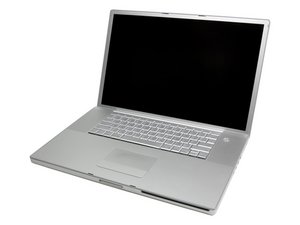
scrambled image on screen
Unit powers up fine but image is scrambled. I tried patching 2nd monitor & it does the same. Any ideas?
Is this a good question?
Score
2

Rep: 25
 1
1
 1
1
Unit powers up fine but image is scrambled. I tried patching 2nd monitor & it does the same. Any ideas?
Is this a good question?

Rep: 37.6k
315
66
 72
72
Same scrambled video on external monitor = bad news. Probably a faulty graphic processor unit and that means a logic board replacement. Try all usual troubleshooting procedures (pram reset, PMU reset, etc). If nothing restore the video then replace the logic board.
Here's a link to troubleshooting steps:
Was this answer helpful?

Rep: 13
1
I'm not looking forward to opening up the monitor but your common-sense response is very helpful. Thank you!
- Mark
Was this answer helpful?
Rep: 13
1
I have a scrambled video problem on mine too, but it only happens when the tilt of the screen isn't exactly right. Couldn't this be a short-circuiting cable?
Was this answer helpful?
Yes it could be a bad LVDS (video) cable or a faulty LCD screen. First connect your computer to an external monitor and if the video is normal on the external then try to reseat LVDS cable both ends. If it doesn't solve the problem, replace the LVDS cable. If you still have the issue then the LCD panel need to be replaced.
Past 24 Hours: 1
Past 7 Days: 2
Past 30 Days: 3
All Time: 2,477
