
0

Score

Avatar
susyq
1

Asked

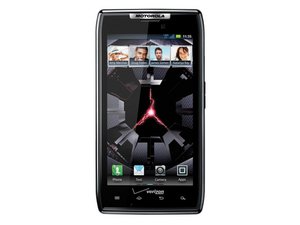
How do I reset a frozen screen on my razr?

History

I was in a call, & when I tried to end it, my phone froze. Now it is stuck with the call display still showing, and it won't let me do anything. I can't turn it off, and with no battery to take out, I have no idea how to reset it.

Post Answer

0

Score

Avatar
MisterDibbles
135

Answered

PermalinkHistory

I would suggest removing the battery for a few minutes. It's not the most difficult thing to get to.

Installing Motorola Droid RAZR Battery

You don't need to actually remove the battery, just unplug the terminal for a few minutes.

Edited by: MisterDibbles ( )

0

Score

Avatar
Marita
1

Answered

PermalinkHistory

My phone did the EXACT same thing. This is the fix that worked for me since the Razr doesn't allow you to take the battery out:

Hold the volume DOWN button + Power Button down at the same time for 10-15 seconds and the phone will power off. It might just restart. If it doesn't, wait 20 seconds then power it back on.

VOLUME DOWN BUTTON + POWER BUTTON held down at the same time for 10-15 seconds. This will power the phone down. Then you can turn it back on!!

Add Your Answer





