/

Shop the Holiday Gift Guide
Free Shipping on Domestic Orders $75+

Power Button is Unresponsive

Daniel Osorio Ospina and 1 contributor
Last updated on

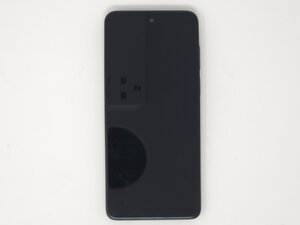
If your Motorola Moto G Stylus 5G 2023 crashes and the power button becomes unresponsive, then follow these steps to fix the issue.

Causes

1
  1. Press and hold the volume down button and the power button simultaneously for 10-12 seconds
  2. You should feel a vibration, and the screen should show the Motorola logo
  3. If this happens, release the buttons and let the phone restart
2
  1. Go to Settings > System > System updates.
  2. Tap Check for update. If an update is available, download and install it.
  3. Restart the phone after the update is complete.

Describe your problem in your own words

View statistics:
Past 24 Hours:1
Past 7 Days:8
Past 30 Days:54
All Time:431