Tineco FLOOR ONE S3 Breeze Battery Replacement

What you need

  1. Tineco FLOOR ONE S3 Breeze Battery Replacement, Battery: step 1, image 1 of 2 Tineco FLOOR ONE S3 Breeze Battery Replacement, Battery: step 1, image 2 of 2
    • Remove six 10.6 mm screws from the back of the vacuum with a Phillips #1 screwdriver.

    • Remove the entire back piece.

  2. Tineco FLOOR ONE S3 Breeze Battery Replacement: step 2, image 1 of 1
    • Remove four 10.6 mm screws from the remaining white back piece with a Phillips #1 screwdriver.

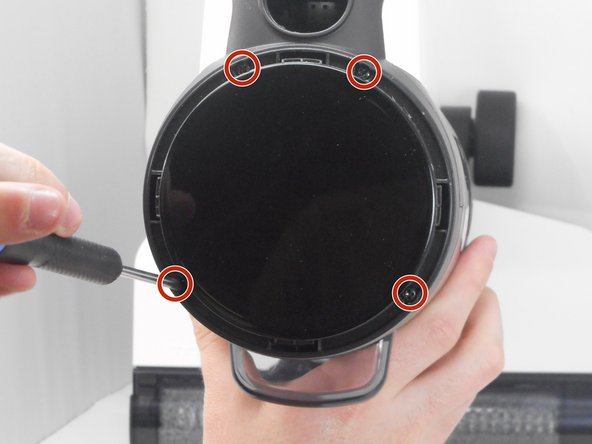
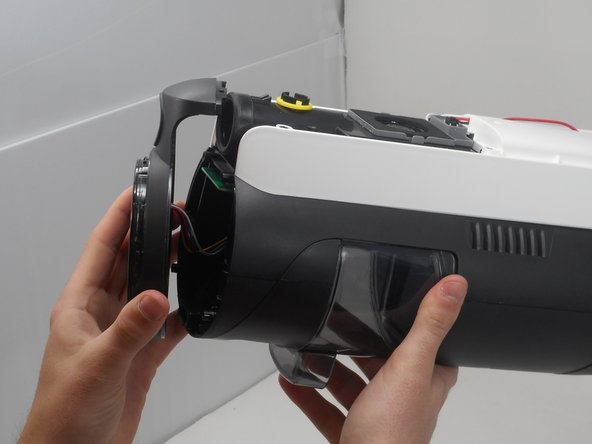
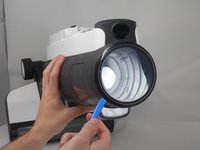
  3. Tineco FLOOR ONE S3 Breeze Battery Replacement: step 3, image 1 of 3 Tineco FLOOR ONE S3 Breeze Battery Replacement: step 3, image 2 of 3 Tineco FLOOR ONE S3 Breeze Battery Replacement: step 3, image 3 of 3
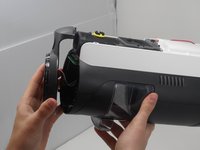
    • Pry open and remove the black ring at the top of the vacuum using by using an opening tool.

    • Remove four 10.6 mm screws located underneath the previously pried ring using a Phillips #1 screwdriver.

    • Remove the top circular piece from the body of the vacuum.

  4. Tineco FLOOR ONE S3 Breeze Battery Replacement: step 4, image 1 of 1
    • Remove the white back piece of the vacuum.

  5. Tineco FLOOR ONE S3 Breeze Battery Replacement: step 5, image 1 of 2 Tineco FLOOR ONE S3 Breeze Battery Replacement: step 5, image 2 of 2
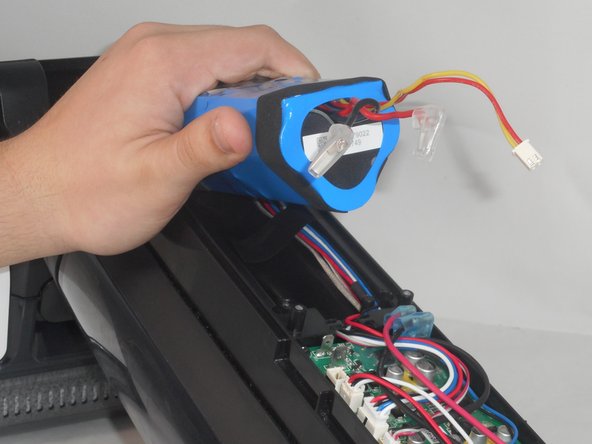
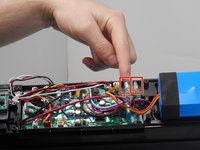
    • Unplug the wires of the battery by carefully pulling them up from the motherboard.

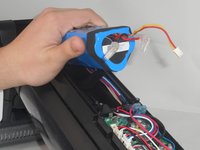
    • Slide the battery out of its slot and replace it with the new battery.

    • The connection may be difficult to remove. Be careful not to rip the entire connector from the motherboard.

Conclusion

To reassemble your device, follow these instructions in reverse order.

2 other people completed this guide.

Seth Bowers

Member since: 02/14/24

235 Reputation

2 Guides authored

0 Guide Comments

Add Comment

View Statistics:

Past 24 Hours: 11

Past 7 Days: 67

Past 30 Days: 443

All Time: 7,377