Sony WF-1000XM3 Earbud Battery Replacement

What you need
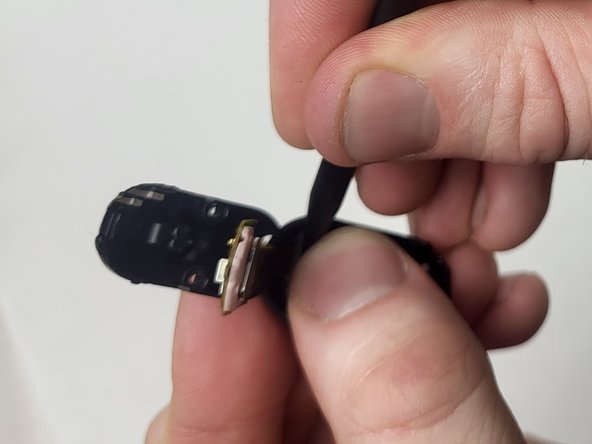
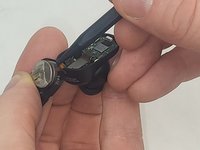
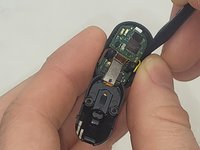
  1. Sony WF-1000XM3 Earbud Battery Replacement, Earbud Battery: step 1, image 1 of 2 Sony WF-1000XM3 Earbud Battery Replacement, Earbud Battery: step 1, image 2 of 2
    • Use a spudger to gently pry open the back plate of the earbud.

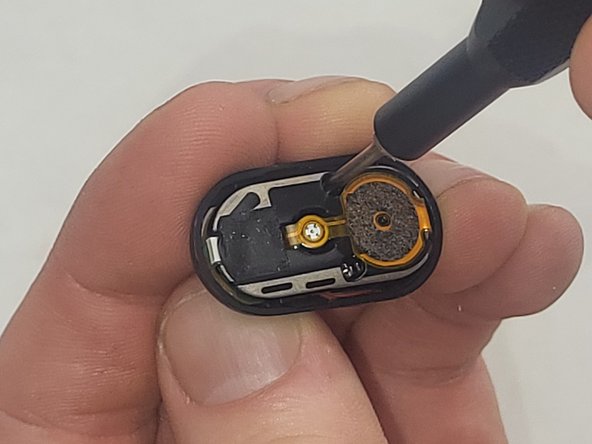
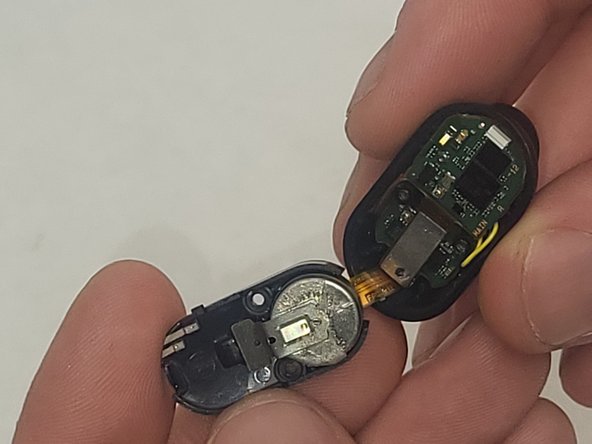
  2. Sony WF-1000XM3 Earbud Battery Replacement: step 2, image 1 of 3 Sony WF-1000XM3 Earbud Battery Replacement: step 2, image 2 of 3 Sony WF-1000XM3 Earbud Battery Replacement: step 2, image 3 of 3
    • Use a Phillips #000 screwdriver to remove the two 4 mm screws securing the internal components.

    • Both sides of the earbuds are attached with a ribbon cable. Separate the two halves carefully to prevent tearing the cable.

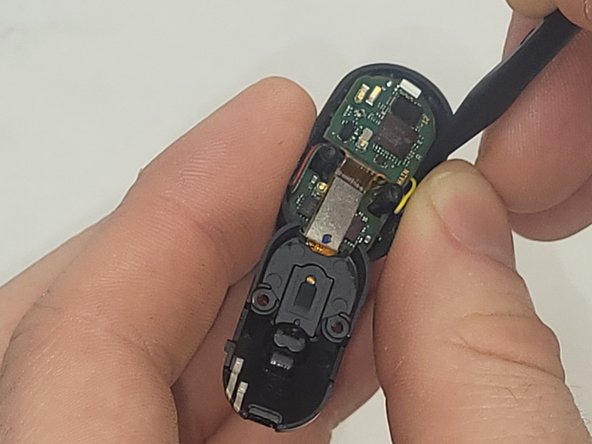
  3. Sony WF-1000XM3 Earbud Battery Replacement: step 3, image 1 of 2 Sony WF-1000XM3 Earbud Battery Replacement: step 3, image 2 of 2
    • Use a spudger to carefully remove the battery from the earbud's circuit board.

    • When replacing the battery, make sure to keep the same orientation as the old battery and reconnect the battery to the circuit board.

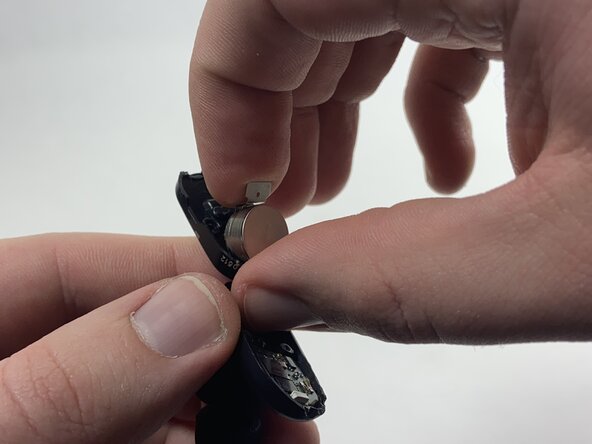
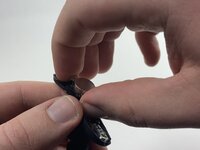
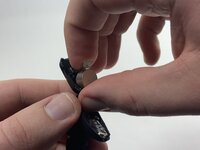
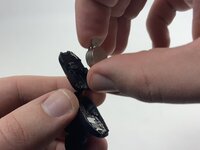
  4. Sony WF-1000XM3 Earbud Battery Replacement: step 4, image 1 of 3 Sony WF-1000XM3 Earbud Battery Replacement: step 4, image 2 of 3 Sony WF-1000XM3 Earbud Battery Replacement: step 4, image 3 of 3
    • Use a spudger to pry the battery and the metal negative contact from the earbud.

    • The battery and the negative contact are secured with double-sided tape, so it may take some force to remove them.

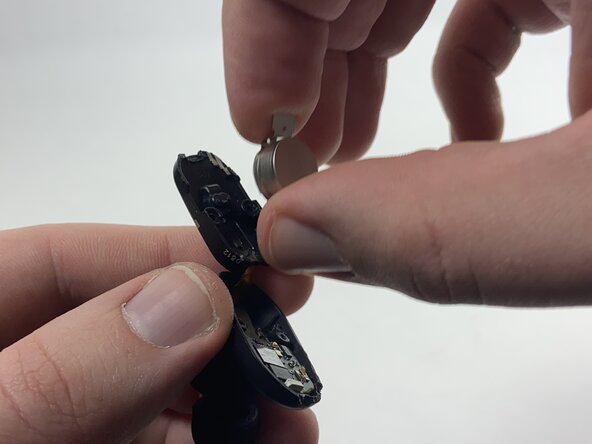
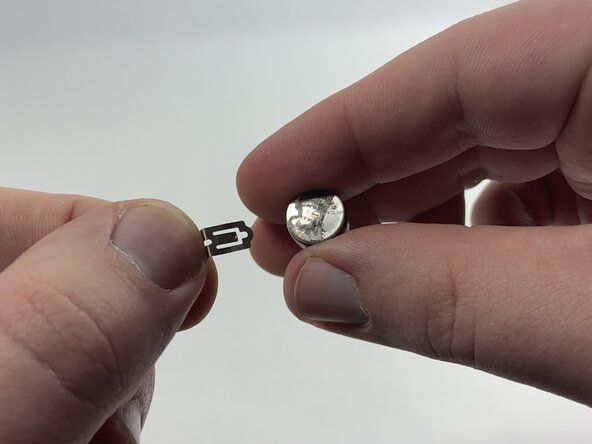
  5. Sony WF-1000XM3 Earbud Battery Replacement: step 5, image 1 of 3 Sony WF-1000XM3 Earbud Battery Replacement: step 5, image 2 of 3 Sony WF-1000XM3 Earbud Battery Replacement: step 5, image 3 of 3
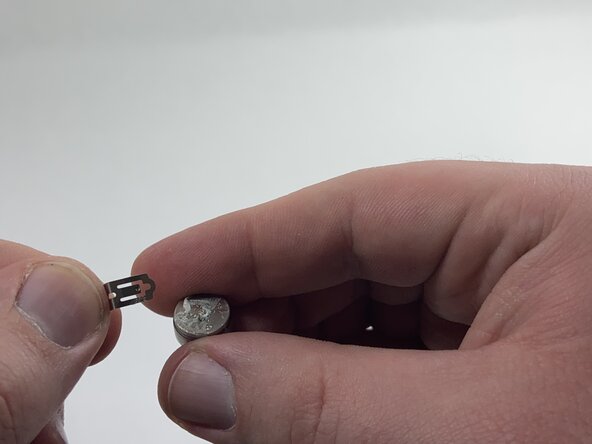
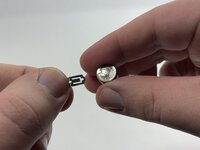
    • Remove the metal negative terminal from the battery.

    • Attach it to the new battery, either with double-sided tape or by placing the new battery and the terminal back into the earbud in the same position they were before.

Conclusion

To reassemble your device, follow these instructions in reverse order. Double-check your work to ensure everything is properly reassembled. Test the earbuds to confirm that the new battery is functioning correctly. If the earbud does not power on, recheck the connections and ensure the battery is connected correctly. Take your e-waste to an R2 or e-Stewards certified recycler.

5 other people completed this guide.

WyattC

Member since: 10/24/24

470 Reputation

4 Guides authored

Team

UMass Dartmouth, Team 3-6, Santin Fall 2024 Member of UMass Dartmouth, Team 3-6, Santin Fall 2024

UMASSD-SANTIN-F24S3G6

3 Members

9 Guides authored

1 Guide Comment

What battery does it take?

Aman Singh - Reply

Add Comment

View Statistics:

Past 24 Hours: 7

Past 7 Days: 47

Past 30 Days: 202

All Time: 2,781