
SiriusXM Onyx EZ Main Board Replacement

Corbin Whitis and
Last updated on Aug 6, 2024
Views: 806
View statistics:
- Past 24 Hours:
- 1
- Past 7 Days:
- 5
- Past 30 Days:
- 29
- All Time:
- 806
Comments: 0
No one has left comments on this guide. Will you be first?
Go to guide commentsCompleted: 1 2
1 person has marked this guide "completed." Will you be next?
2 people have marked this guide "completed." Including you — great job!
Favorites: 1 2
1 person has favorited (and subscribed to) this guide. Will you be next?
2 people have favorited (and subscribed to) this guide — including you!
Needs Better Images
Better photos will improve this guide. Help out by taking, editing, or uploading new ones!
Missing Details
Some of this guide's details are missing. Help users by adding tools, difficulty, or time.
Introduction
Go to step 1 ↓This guide instructs you how to replace the main board of your Sirius XM Onyx EZ radio.
What you need
Tools


-
-
-
Separate the radio from the mount prior to dissassembly.
-
Use the 1-inch blue wedge from the iFixit Kit to carefully remove main body from black, plastic casing.
 Ask FixBot
-
-
-
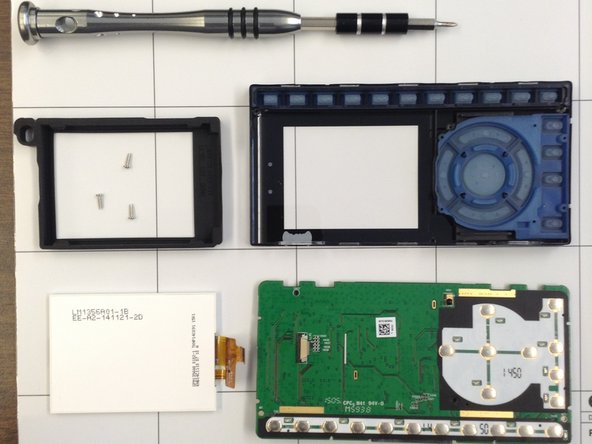
This will leave the back of the main board exposed.
-
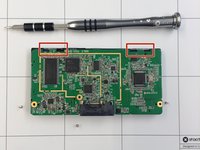
Unscrew the (3) Philips head screws with a PH000 Philips head screwdriver from the iFixit kit to remove the main board.
-
-
-
-
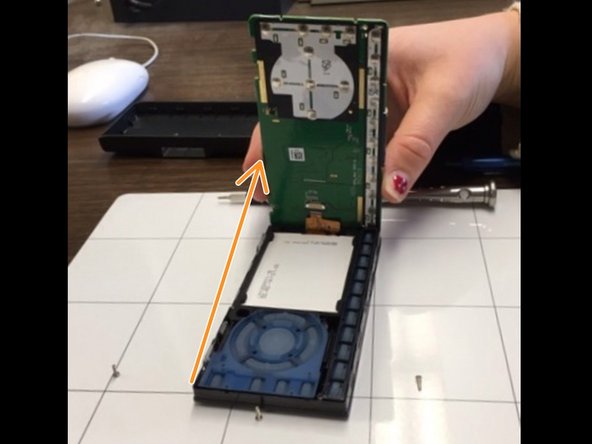
Slide the main board towards the base of the unit away from the two clear clips at the top.
-
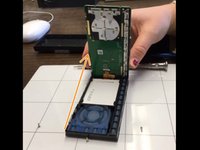
Once unclipped pull the board from the left side towards the right, exposing the LCD display.
-
-
-
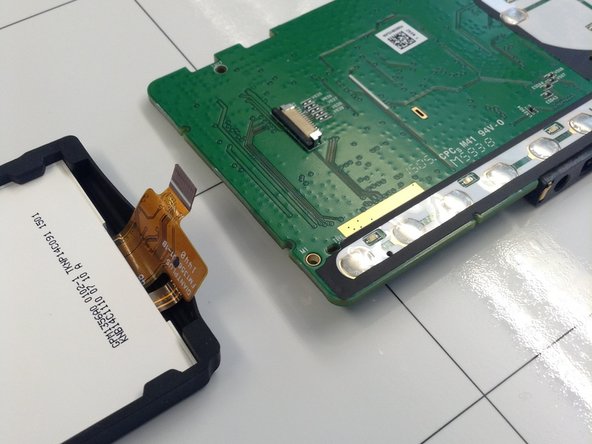
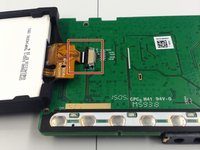
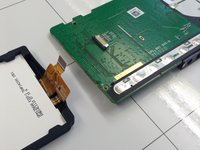
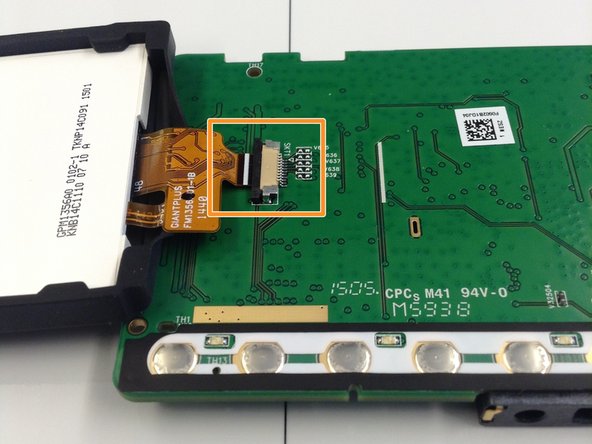
Disconnect the LCD display from the main board by gently pulling the brown tab out of the main board’s metal slot.
-
You can now discard the main board and replace it with your new one.
-
-
-
Attach the LCD Display to the main board by sliding the display's brown tab into the metal slot on the main board.
-
Place the LCD Display back into the front casing of the device, and slide the main board back into the two clear clips.
-
-




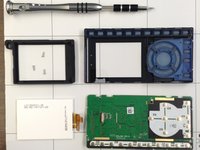

To reassemble your device, follow these steps in reverse order.
Cancel: I did not complete this guide.
One other person completed this guide.

Team

Ohio State, Team 1-1, Burgess Spring 2016 Member of Ohio State, Team 1-1, Burgess Spring 2016
OSU-BURGESS-S16S1G1
5 Members
12 Guides authored
