Shop the Holiday Gift Guide
Free Shipping on Domestic Orders $75+

Replacing a Casio Exilim EX-Z850 Speaker

Views: 3.3K

View statistics:

Past 24 Hours:
2
Past 7 Days:
15
Past 30 Days:
75
All Time:
3,338
Comments: 0

No one has left comments on this guide. Will you be first?

Go to guide comments
Completed: 0

No one has marked this guide "completed." Will you be the first?

Favorites: 2

2 people have favorited (and subscribed to) this guide. Will you be next?

Time Required: 10 - 20 minutes
Difficulty: Moderate
Replacing a Casio Exilim EX-Z850 Speaker

Introduction

Go to step 1 ↓

If the speaker in your Casio Exilim EX-Z850 is not working or does not produce clear sounds, you will need to replace it. This guide will show you step by step how to access the speaker inside of your camera.

What you need

Tools

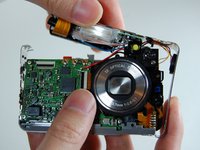
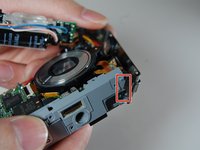
    1. Replacing a Casio Exilim EX-Z850 Speaker, Speaker: step 1, image 1 of 3 Replacing a Casio Exilim EX-Z850 Speaker, Speaker: step 1, image 2 of 3 Replacing a Casio Exilim EX-Z850 Speaker, Speaker: step 1, image 3 of 3
      • Remove the screws on both sides and the bottom of the camera with the Phillips #00 screwdriver.

      • The bottom screws are longer than the side screw.

      Ask FixBot

      Add Comment

    2. Replacing a Casio Exilim EX-Z850 Speaker: step 2, image 1 of 1
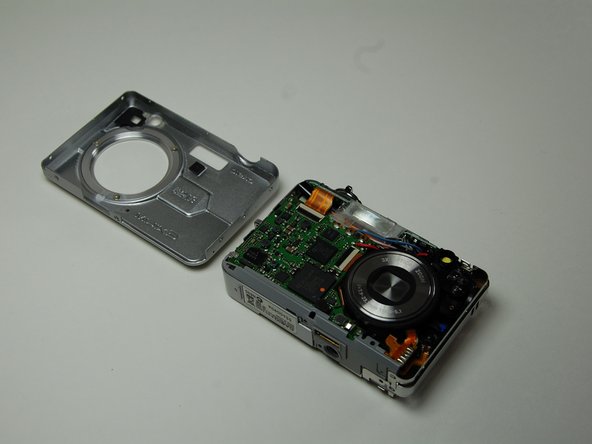
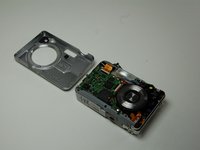
      • Gently pry apart the rear casing from the body of the camera.

      • Do not pull the casing completely away from the camera or you will damage the ribbon securing the rear casing to the contents inside the camera.

      Ask FixBot

      Add Comment

    3. Replacing a Casio Exilim EX-Z850 Speaker: step 3, image 1 of 2 Replacing a Casio Exilim EX-Z850 Speaker: step 3, image 2 of 2
      Tool used on this step:
      Tweezers
      $4.99
      Buy
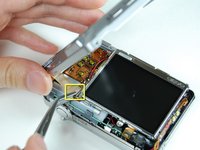
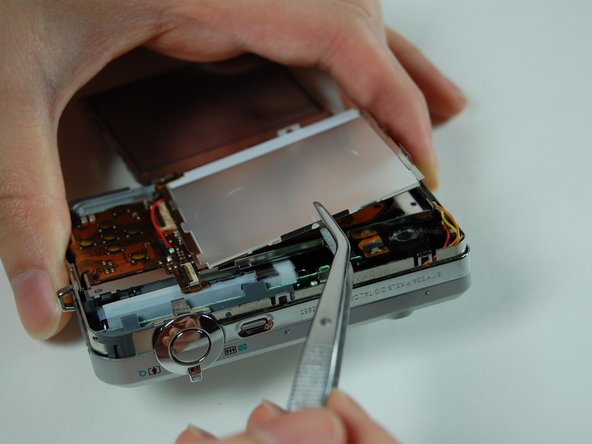
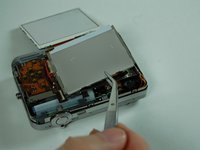
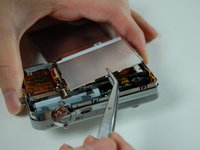
      • Use the tweezers to gently peel the ribbon from the contents inside of the camera, leaving it connected to the rear casing.

      • Set aside rear casing.

      Ask FixBot

      Add Comment

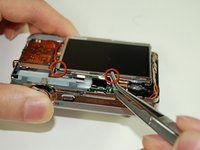
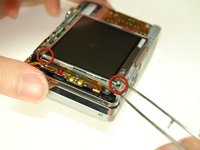
    4. Replacing a Casio Exilim EX-Z850 Speaker: step 4, image 1 of 2 Replacing a Casio Exilim EX-Z850 Speaker: step 4, image 2 of 2
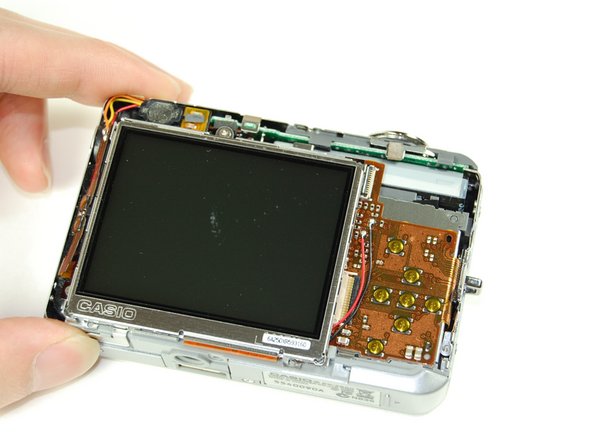
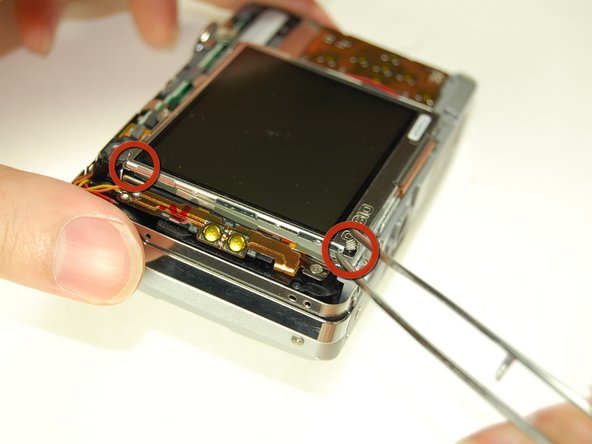
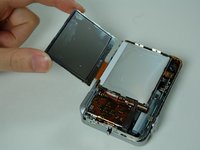
      • Use the tweezers to pry the LCD screen from the frame.

      • The bottom of the LCD screen is attached to the frame by black tape.

      Ask FixBot

      Add Comment

    5. Replacing a Casio Exilim EX-Z850 Speaker: step 5, image 1 of 2 Replacing a Casio Exilim EX-Z850 Speaker: step 5, image 2 of 2
      • Use the tweezers to flip the LCD screen to the other side.

      • The LCD screen has a ribbon on the bottom of it that is connected to the contents inside of the camera, do not pull it apart.

      Ask FixBot

      Add Comment

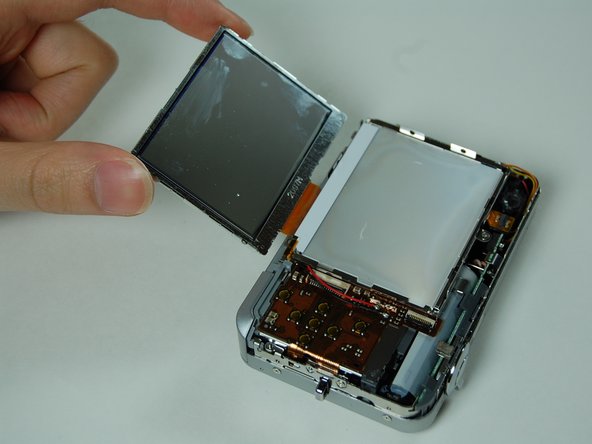
    6. Replacing a Casio Exilim EX-Z850 Speaker: step 6, image 1 of 2 Replacing a Casio Exilim EX-Z850 Speaker: step 6, image 2 of 2
      • Pry the LCD casing from the tape that is underneath it and then flip it to the opposite side to expose the contents under it.

      Ask FixBot

      Add Comment

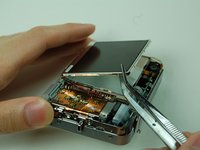
    7. Replacing a Casio Exilim EX-Z850 Speaker: step 7, image 1 of 3 Replacing a Casio Exilim EX-Z850 Speaker: step 7, image 2 of 3 Replacing a Casio Exilim EX-Z850 Speaker: step 7, image 3 of 3
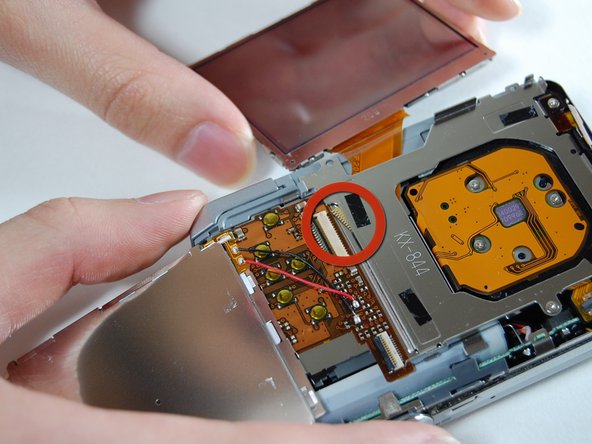
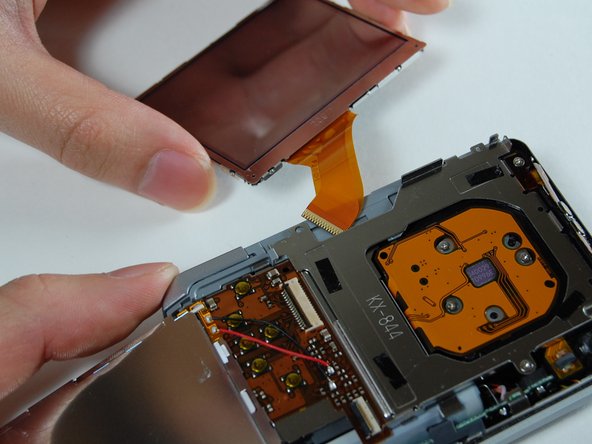
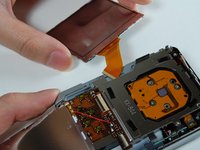
      • Use the tweezers to flip open the connector that is holding the ribbon connected to the LCD screen in place.

      • Remove the LCD screen with the ribbon from the camera.

      Ask FixBot

      Add Comment

    8. Replacing a Casio Exilim EX-Z850 Speaker: step 8, image 1 of 2 Replacing a Casio Exilim EX-Z850 Speaker: step 8, image 2 of 2
      • Remove the front casing from the body of the camera.

      Ask FixBot

      Add Comment

    9. Replacing a Casio Exilim EX-Z850 Speaker: step 9, image 1 of 2 Replacing a Casio Exilim EX-Z850 Speaker: step 9, image 2 of 2
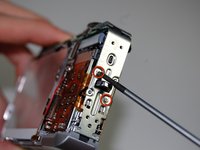
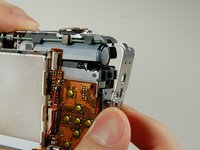
      • Remove two screws on the side where the battery is located using the Phillips #00 screwdriver.

      • Pull the side casing so it becomes dislocated from the top of the camera frame.

      Ask FixBot

      Add Comment

    10. Replacing a Casio Exilim EX-Z850 Speaker: step 10, image 1 of 2 Replacing a Casio Exilim EX-Z850 Speaker: step 10, image 2 of 2
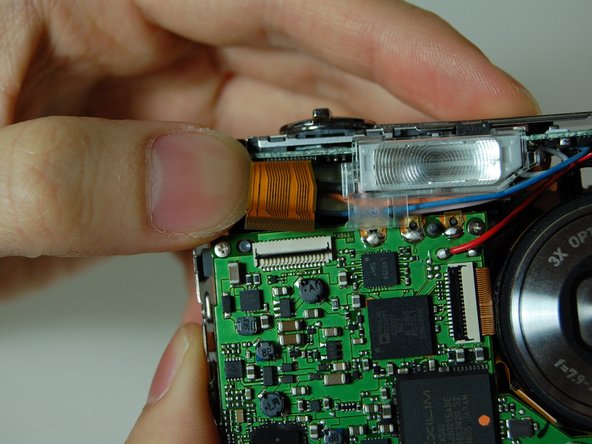
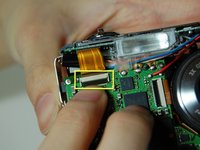
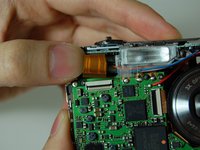
      • On the front of the camera, near the flash flip, there is a connector holding a ribbon. Remove the ribbon from the connector.

      Ask FixBot

      Add Comment

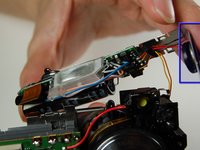
    11. Replacing a Casio Exilim EX-Z850 Speaker: step 11, image 1 of 3 Replacing a Casio Exilim EX-Z850 Speaker: step 11, image 2 of 3 Replacing a Casio Exilim EX-Z850 Speaker: step 11, image 3 of 3
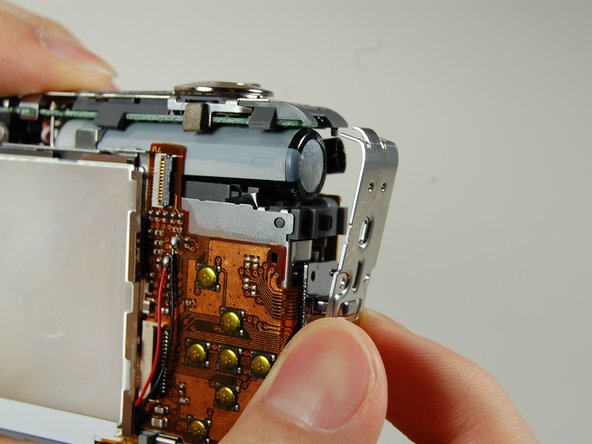
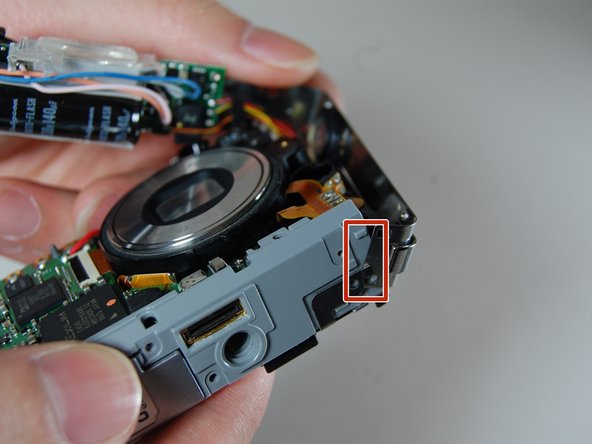
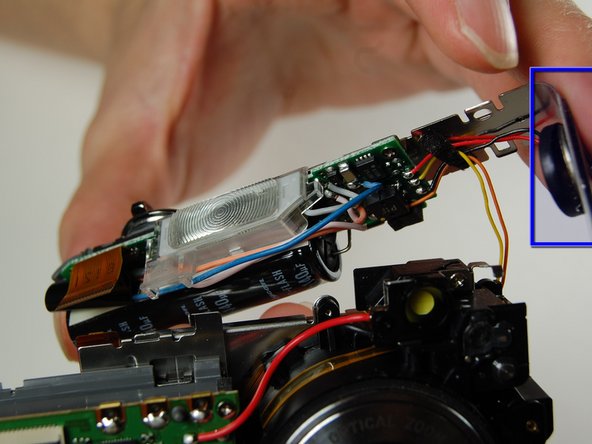
      • Carefully remove the L shaped frame from the camera by popping the frame off the bumps and tabs located at the bottom of the camera.

      • There is a yellow and orange wire soldered onto the camera. Be careful not to disconnect them.

      • The blue box is the speaker.

      Ask FixBot

      Add Comment

    12. Replacing a Casio Exilim EX-Z850 Speaker: step 12, image 1 of 1
      • Use the tweezers to remove the speaker.

      Ask FixBot

      Add Comment

Conclusion

To reassemble your device, follow these instructions in reverse order.

Cancel: I did not complete this guide.

Christian

Member since: 01/28/11

320 Reputation

3 Guides authored

Team

Cal Poly, Team 4-38, Regan Winter 2011 Member of Cal Poly, Team 4-38, Regan Winter 2011

CPSU-REGAN-W11S4G38

4 Members

84 Guides authored

0 Guide Comments

Add Comment

View Statistics:

Past 24 Hours: 2

Past 7 Days: 15

Past 30 Days: 75

All Time: 3,338