Shop the Holiday Gift Guide
Free Shipping on Domestic Orders $75+

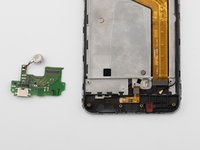
Orbic Wonder Charging Port Circuit Board Replacement

Views: 2.1K

View statistics:

Past 24 Hours:
1
Past 7 Days:
11
Past 30 Days:
63
All Time:
2,119
Comments: 0

No one has left comments on this guide. Will you be first?

Go to guide comments
Completed: 2

2 people have marked this guide "completed." Will you be next?

Favorites: 0

No one has favorited (and subscribed to) this guide. Will you be the first?

Time Required: 30 - 45 minutes
Difficulty: Moderate
Better Introduction

Improve this guide by completing or revising its introduction.

Orbic Wonder Charging Port Circuit Board Replacement

What you need

Tools

    1. Orbic Wonder Charging Port Circuit Board Replacement, Battery: step 1, image 1 of 3 Orbic Wonder Charging Port Circuit Board Replacement, Battery: step 1, image 2 of 3 Orbic Wonder Charging Port Circuit Board Replacement, Battery: step 1, image 3 of 3
      • Remove two 2mm TR9 Torx screws from the bottoms of the device.

      Ask FixBot

      Add Comment

    2. Orbic Wonder Charging Port Circuit Board Replacement: step 2, image 1 of 3 Orbic Wonder Charging Port Circuit Board Replacement: step 2, image 2 of 3 Orbic Wonder Charging Port Circuit Board Replacement: step 2, image 3 of 3
      • There is a border between the black phone backing and the silver screen.

      • Place the Jimmy in this border, and cautiously torque it back and forth to part the two halves.

      • When the halves are parted correctly, the gap should look like this.

      • Be careful to avoid damaging any connecting circuitry between the two halves.

      Ask FixBot
      Add Comment

    3. Orbic Wonder Charging Port Circuit Board Replacement: step 3, image 1 of 3 Orbic Wonder Charging Port Circuit Board Replacement: step 3, image 2 of 3 Orbic Wonder Charging Port Circuit Board Replacement: step 3, image 3 of 3
      Tool used on this step:
      Anti-Static Wrist Strap
      $7.95
      Buy
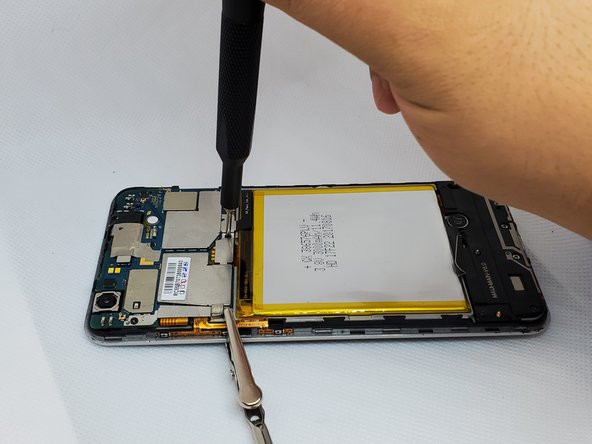
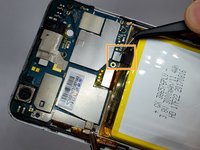
      • Before continuing, tighten the anti-static wrist strap around your wrist and connect the alligator clips to a metal portion of the phone.

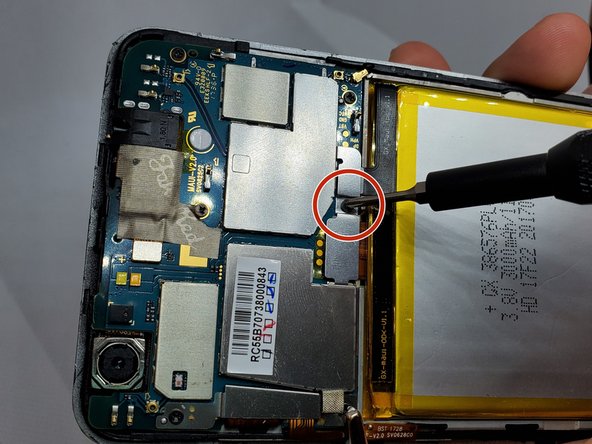
      • On the upper right side, there is a black ribbon cable in the shape of an “L”. Remove the single 1 mm Phillips #000 screw on the left side of the ribbon cable.

      Ask FixBot
      Add Comment

    4. Orbic Wonder Charging Port Circuit Board Replacement: step 4, image 1 of 3 Orbic Wonder Charging Port Circuit Board Replacement: step 4, image 2 of 3 Orbic Wonder Charging Port Circuit Board Replacement: step 4, image 3 of 3
      Tool used on this step:
      Tweezers
      $3.99
      Buy
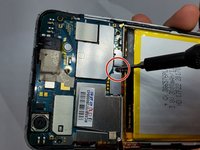
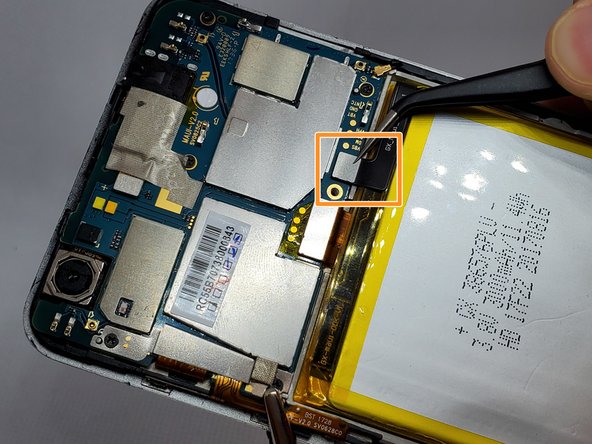
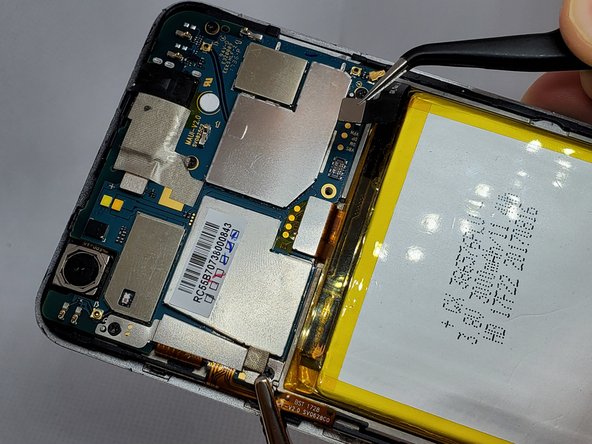
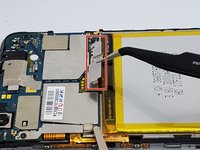
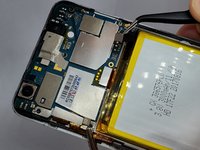
      • Use a pair of angled tweezers to carefully remove the metal casing of the ribbon cable.

      • Use a pair of angled tweezers to detach the black ribbon cable. This is done to unplug the battery.

      Ask FixBot
      Add Comment

    5. Orbic Wonder Charging Port Circuit Board Replacement: step 5, image 1 of 3 Orbic Wonder Charging Port Circuit Board Replacement: step 5, image 2 of 3 Orbic Wonder Charging Port Circuit Board Replacement: step 5, image 3 of 3
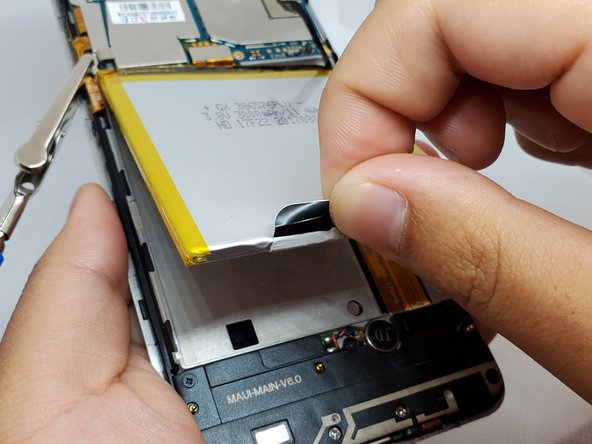
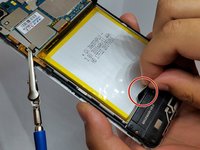
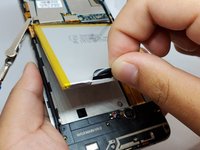
      • There is a black flap on the bottom of the battery.

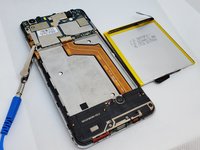
      • Using your fingers, pinch this flap and carefully pull the battery up and out of the phone.

      Ask FixBot

      Add Comment

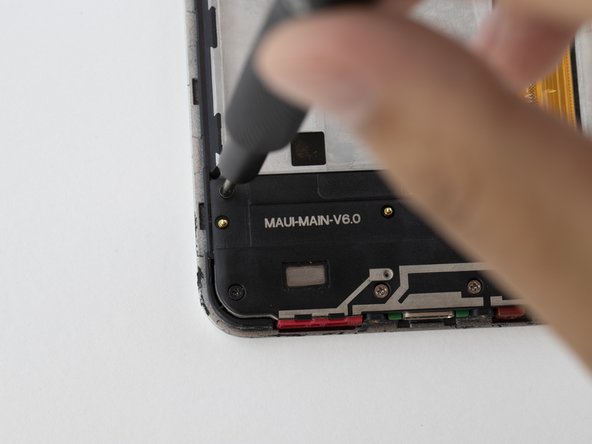
    1. Orbic Wonder Charging Port Circuit Board Replacement, Speaker: step 6, image 1 of 3 Orbic Wonder Charging Port Circuit Board Replacement, Speaker: step 6, image 2 of 3 Orbic Wonder Charging Port Circuit Board Replacement, Speaker: step 6, image 3 of 3
      Tool used on this step:
      Anti-Static Wrist Strap
      $7.95
      Buy
      • Remove the anti-static wrist strap.

      • Use the Phillips #000 screwdriver to remove the five black 2 mm screws.

      • Use the Phillips #000 screwdriver to remove the two grey 2 mm screws.

      Ask FixBot
      Add Comment

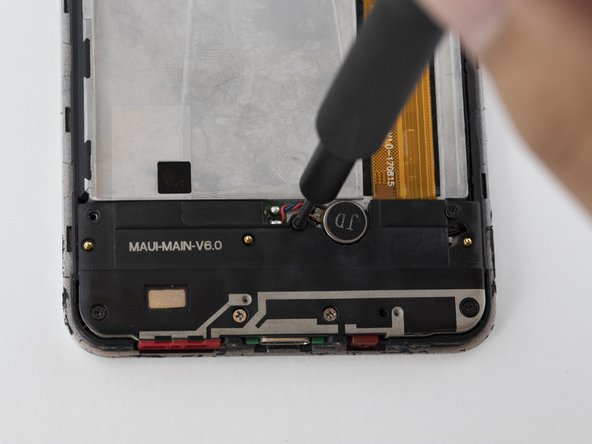
    2. Orbic Wonder Charging Port Circuit Board Replacement: step 7, image 1 of 2 Orbic Wonder Charging Port Circuit Board Replacement: step 7, image 2 of 2
      Tool used on this step:
      Tweezers
      $3.99
      Buy
      Ask FixBot
      Add Comment

    1. Orbic Wonder Charging Port Circuit Board Replacement, Charging Port Circuit Board: step 8, image 1 of 3 Orbic Wonder Charging Port Circuit Board Replacement, Charging Port Circuit Board: step 8, image 2 of 3 Orbic Wonder Charging Port Circuit Board Replacement, Charging Port Circuit Board: step 8, image 3 of 3
      Tool used on this step:
      Tweezers
      $3.99
      Buy
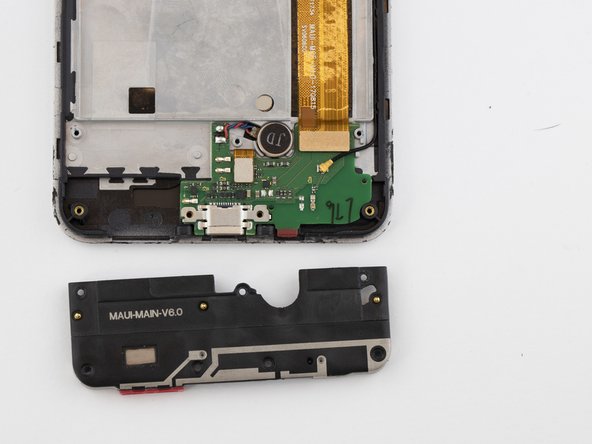
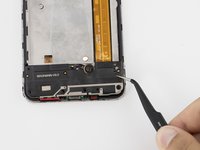
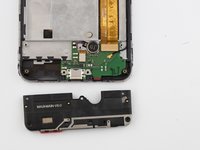
      • Detach the metal casing at the bottom of the phone.

      • Unplug the cable connector.

      • Use a pair of angled tweezers to unplug the black wire.

      Ask FixBot
      Add Comment

    2. Orbic Wonder Charging Port Circuit Board Replacement: step 9, image 1 of 3 Orbic Wonder Charging Port Circuit Board Replacement: step 9, image 2 of 3 Orbic Wonder Charging Port Circuit Board Replacement: step 9, image 3 of 3
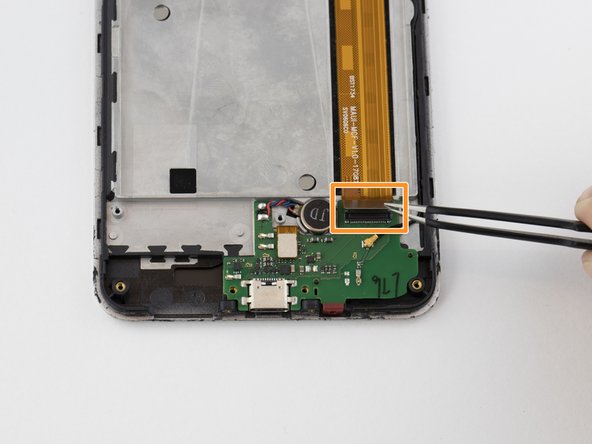
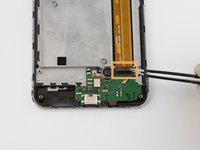
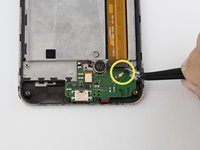
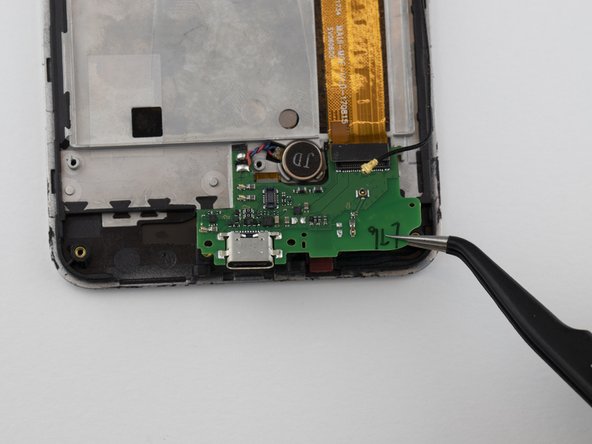
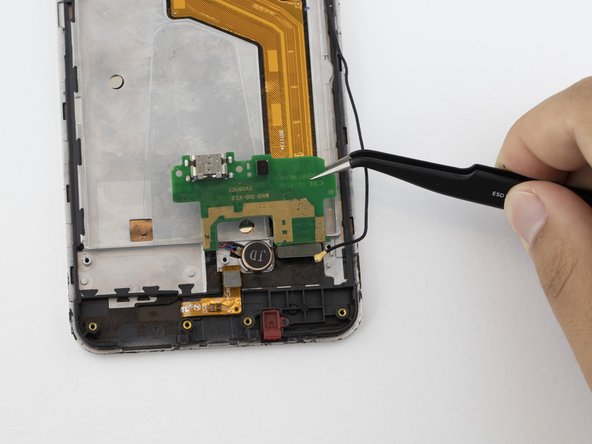
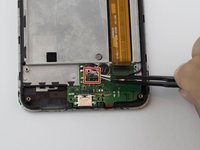
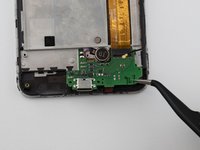
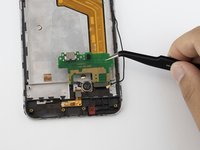
      • Using a pair of angled tweezers, disconnect the connector chip.

      • With the angled tweezers, gently lift (but do not remove) the green circuit board from the phone.

      Ask FixBot
      Add Comment

    3. Orbic Wonder Charging Port Circuit Board Replacement: step 10, image 1 of 2 Orbic Wonder Charging Port Circuit Board Replacement: step 10, image 2 of 2
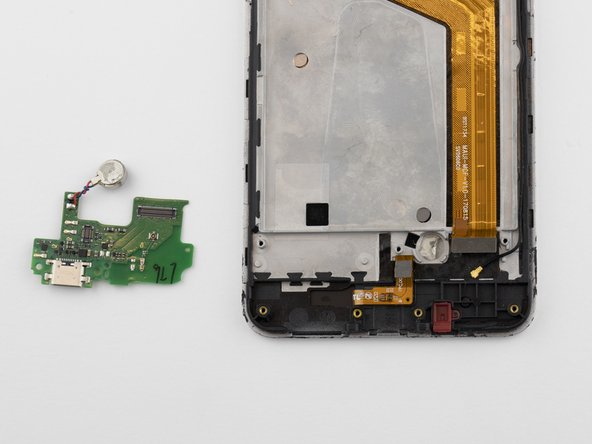
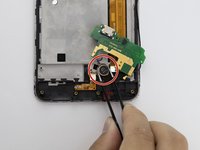
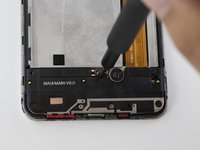
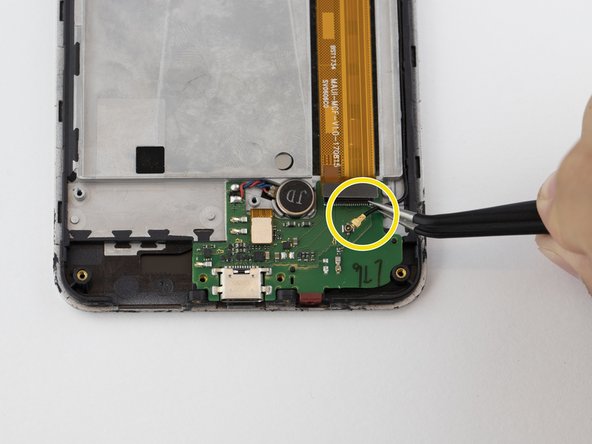
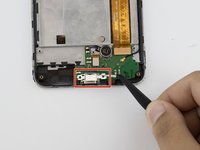
      • Using a pair of angled tweezers, disconnect the attachment to the microphone labeled "JD," and completely remove the circuit board.

      Ask FixBot
      Add Comment

Conclusion

To reassemble your device, follow these instructions in reverse order.

Cancel: I did not complete this guide.
2 other people completed this guide.

Author

with

Grant Adler
Member since: 09/17/19

859 Reputation

5 Guides authored

0 Guide Comments

Add Comment

View Statistics:

Past 24 Hours: 1

Past 7 Days: 11

Past 30 Days: 63

All Time: 2,119