
Opening the Sirius SP-B1 Sportster Boombox

sonori and
Last updated on Oct 1, 2013
Views: 1.9K
View statistics:
- Past 24 Hours:
- 3
- Past 7 Days:
- 29
- Past 30 Days:
- 92
- All Time:
- 1,904
Comments: 1
1 comment on steps.
Completed: 2 3
2 people have marked this guide "completed." Will you be next?
3 people have marked this guide "completed." Including you — great job!
Favorites: 3 4
3 people have favorited (and subscribed to) this guide. Will you be next?
4 people have favorited (and subscribed to) this guide — including you!
Community-Contributed Guide
An awesome member of our community made this guide. It was not created by iFixit staff.
What you need
Tools


-
-
-
Begin by unscrewing the four recessed screws in the rear of the boombox. They don't seem to be magnetic, and they may not pop out immediately.
 Ask FixBot
-
-
-
Next, you will need to remove the mesh that covers the speakers. Using the flathead screwdriver, start prying near the top or bottom of the mesh, near the center. The 'corners' come up more easily. Once you have part of the mesh pulled out, go around the outside and use indents in the mesh to pry it out. Try not to bend the mesh very much.
-
-
-
-
There are screws now accessible near the bottom of each side under the mesh, near the center of the boombox. Once you remove these, the faceplate will come right off.
-
-
-
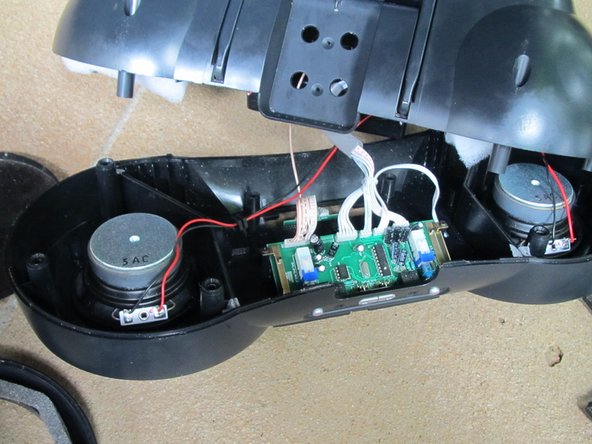
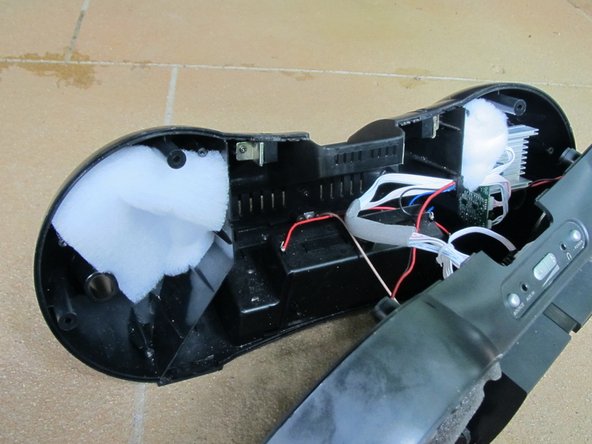
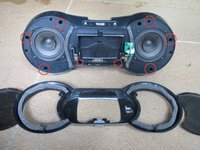
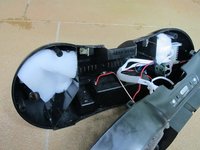
Now you can get to some of the electronic components. Only eight screws separate you from the inside of the boombox. Undo the screws and fix up the inside to your heart's content.
-
-


To reassemble your device, follow these instructions in reverse order.
Cancel: I did not complete this guide.
2 other people completed this guide.

