Shop the Holiday Gift Guide
Free Shipping on Domestic Orders $75+

Motorola Moto G 1st Generation Headphone Jack Replacement

Views: 3K

View statistics:

Past 24 Hours:
3
Past 7 Days:
17
Past 30 Days:
80
All Time:
2,958
Comments: 0

No one has left comments on this guide. Will you be first?

Go to guide comments
Completed: 0

No one has marked this guide "completed." Will you be the first?

Favorites: 5

5 people have favorited (and subscribed to) this guide. Will you be next?

Time Required: 15 - 20 minutes
Difficulty: Moderate
Better Introduction

Improve this guide by completing or revising its introduction.

Motorola Moto G 1st Generation Headphone Jack Replacement

What you need

Tools

    1. Motorola Moto G 1st Generation Headphone Jack Replacement, Rear Panel: step 1, image 1 of 3 Motorola Moto G 1st Generation Headphone Jack Replacement, Rear Panel: step 1, image 2 of 3 Motorola Moto G 1st Generation Headphone Jack Replacement, Rear Panel: step 1, image 3 of 3
      • Before you start following any of the steps of this guide, completely turn the device off.

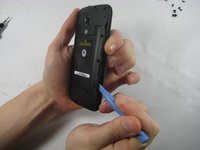
      • Take the plastic back cover off by either using a plastic Pry tool or simply using your hands. Start from the bottom by the charging port

      Ask FixBot

      Add Comment

    2. Motorola Moto G 1st Generation Headphone Jack Replacement, Removing the Screws: step 2, image 1 of 1
      • Unscrew the 3.5mm screws, total of 14, located on the back protective cover by using a T5 Torx screwdriver.

      Ask FixBot

      Add Comment

    3. Motorola Moto G 1st Generation Headphone Jack Replacement, Removing the Battery Cover: step 3, image 1 of 2 Motorola Moto G 1st Generation Headphone Jack Replacement, Removing the Battery Cover: step 3, image 2 of 2
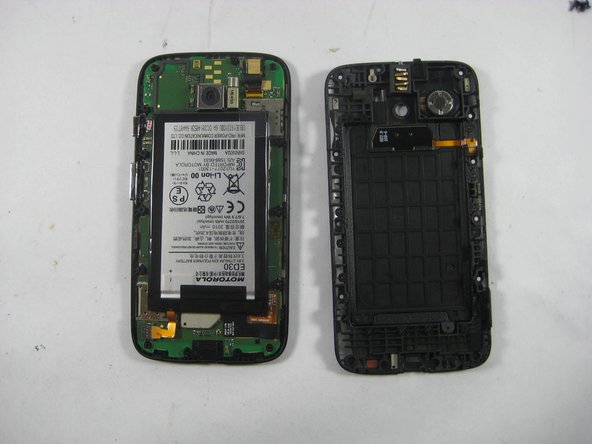
      • Use a plastic opening tool to remove the protective cover.

      • Carefully work the plastic tool around all the edges of the phone.

      • The protective cover holds the Volume and the Home buttons which might fall off the assembly when the cover is removed.

      Ask FixBot

      Add Comment

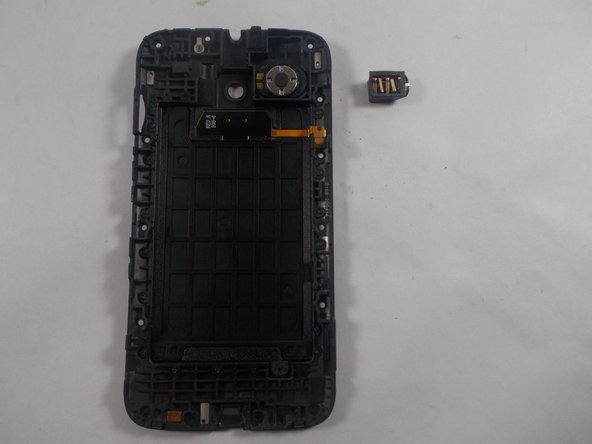
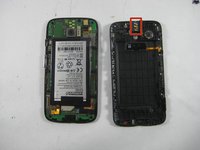
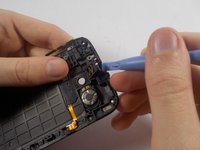
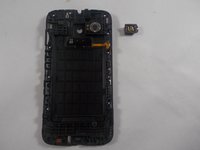
    1. Motorola Moto G 1st Generation Headphone Jack Replacement, Removing the Headphone Jack: step 4, image 1 of 3 Motorola Moto G 1st Generation Headphone Jack Replacement, Removing the Headphone Jack: step 4, image 2 of 3 Motorola Moto G 1st Generation Headphone Jack Replacement, Removing the Headphone Jack: step 4, image 3 of 3
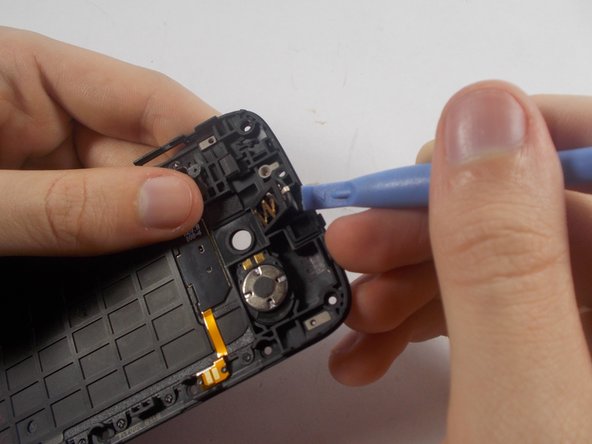
      • Use the plastic opening tool to remove the Headphone Jack from the protective cover and replace it.

      Ask FixBot

      Add Comment

Conclusion

To reassemble your device, follow these instructions in reverse order.

Cancel: I did not complete this guide.

Author

with

Radostin Lobodov

Member since: 10/16/14

2,946 Reputation

6 Guides authored

Team

0 Guide Comments

Add Comment

View Statistics:

Past 24 Hours: 3

Past 7 Days: 17

Past 30 Days: 80

All Time: 2,958