
Lenovo Yoga C930-13IKB Wi-Fi Card Replacement

Jessie Boucher and
Last updated on Mar 19, 2024
Views: 2.5K
View statistics:
- Past 24 Hours:
- 3
- Past 7 Days:
- 23
- Past 30 Days:
- 71
- All Time:
- 2,539
Comments: 11
9 comments on steps, 2 guide comments.
Go to guide commentsCompleted: 5 6
5 people have marked this guide "completed." Will you be next?
6 people have marked this guide "completed." Including you — great job!
Favorites: 0 1
No one has favorited (and subscribed to) this guide. Will you be the first?
1 person has favorited (and subscribed to) this guide — and that's you!
Introduction
Go to step 1 ↓If you are having Wi-Fi problems and none of the solutions found on this troubleshooting page work, you may need to replace the physical Wi-Fi card in your Lenovo Yoga C930-13IKB. The only Wi-Fi card that is compatible with the Lenovo Yoga C930-13IKB is the Intel 9260 Wi-Fi card. Do not install a different Wi-Fi card.
Before buying a new card, check if all the wires are connected to the Wi-Fi card currently in your laptop. Poor physical connection to the motherboard or antenna will cause Wi-Fi problems.
What you need
Parts

Tools


-
-
-
Flip the device over so that the underside is facing up.
-
Remove the six 3.5 mm T5 Torx screws.
 Ask FixBot
-
-
-
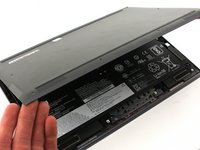
Pry off the back cover using the plastic opening tool.
-
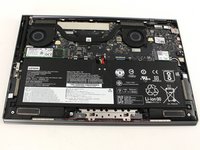
Loosen the back cover in multiple spots using the opening tool, then remove the whole back.
-
-
-
-
-
-
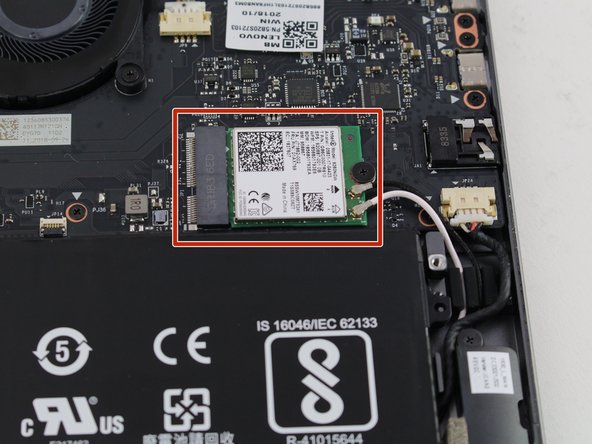
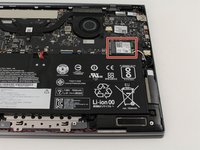
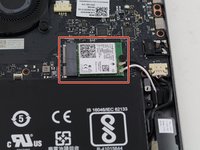
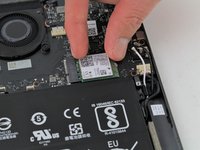
Find the Wi-Fi card located on the right just above the battery. It is a green chip with a white label that says "Intel 9260" somewhere on it.
-
-
-
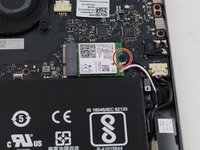
Use a Phillips #00 screwdriver to remove the single 2 mm screw that attaches the card to the motherboard.
-
-
Tool used on this step:iFixit Opening Tool$1.99
-
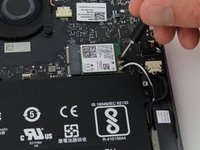
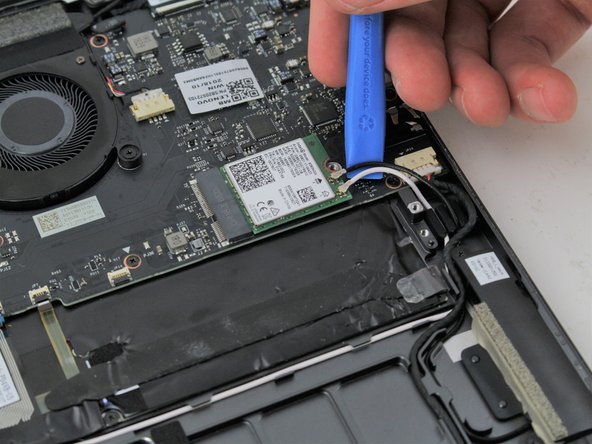
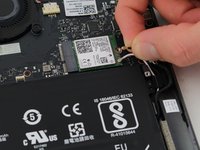
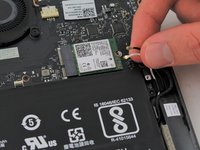
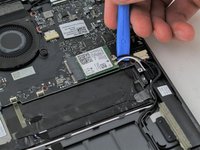
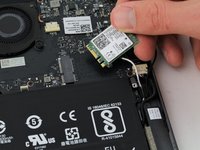
Gently pull or use the iFixit opening tool to detach the black and white wires from the card.
-
-
-
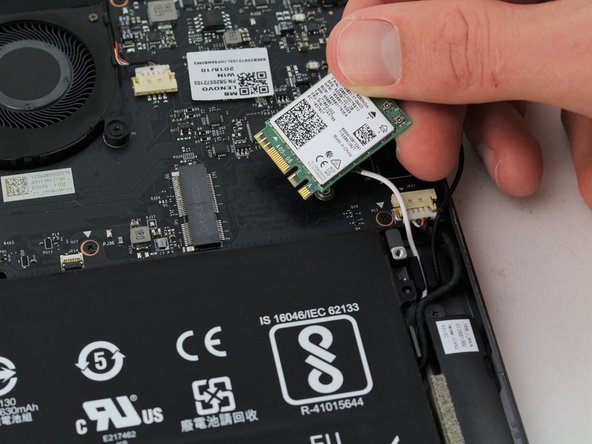
Pinch the card on either side and pull to the right to unplug it from the motherboard.
-
-








To reassemble your device, follow these instructions in reverse order.
Cancel: I did not complete this guide.
5 other people completed this guide.

Team

Cal Poly, Team S19-G5, White Winter 2020 Member of Cal Poly, Team S19-G5, White Winter 2020
CPSU-WHITE-W20S19G5
4 Members
72 Guides authored
2 Guide Comments
Brilliant! very clear instructions and it fixed my fault. I wonder if this is a relatively common fault. Windows unable to find WiFi adapter.
Thank you for your efforts
Does anyone know if i need a Lenovo specific 9260 or does any Intel 9260 card work?
the ones sold as a "lenovo" version is 3x the price where i am, so i would like to avoid that if possible.
