Introduction
If your battery on the Lenovo ThinkPad L590 cannot hold a charge or the computer is not powering on and you have tried troubleshooting or talking to customer service, then use this guide to replace the battery.
The battery is an essential key in your laptops longevity and if you are recharging often the battery will start to last less and less over time. If the charge is lasting less time than usual try calibrating your battery to have an accurate charging capacity. If your charge lasts way less time than usual, it's time for a replacement.
First make sure you're battery hasn't exploded or expanded witch can make a dangerous fire. For this repair you will need a Jimmy , a screw driver, a set of angled tweezer, and, a anti-static wriststrap. Make sure device is powered off and not in hibernation mode or sleep mode.
What you need
-
-
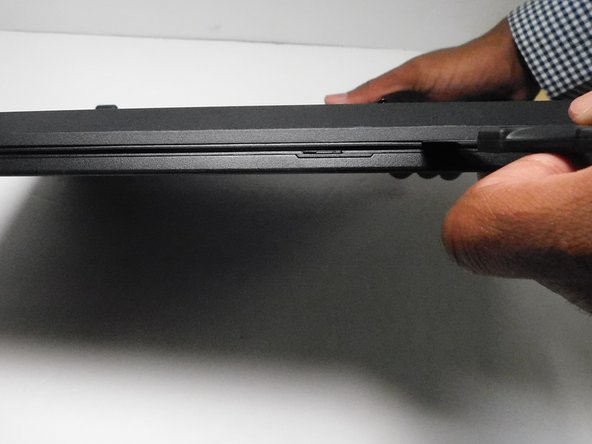
Set the computer down with the lower case facing up.
-
Use a Phillips screwdriver to remove the following screws securing the lower case:
-
Six 10 mm screws
-
Three 5.5 mm screws
-
-
-
-
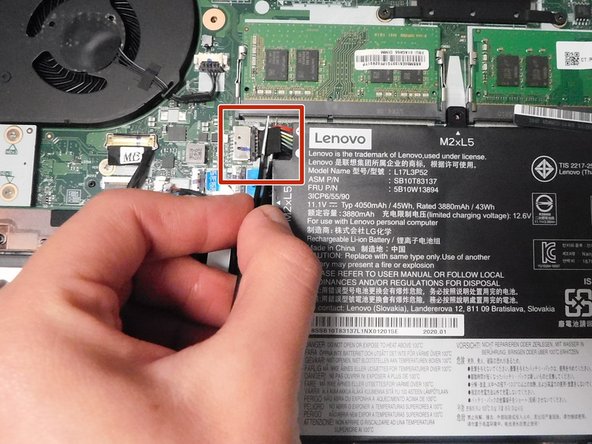
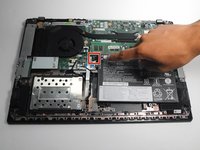
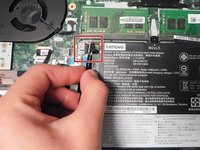
Grip the battery connector with tweezers and pull it directly out of its motherboard socket.
-






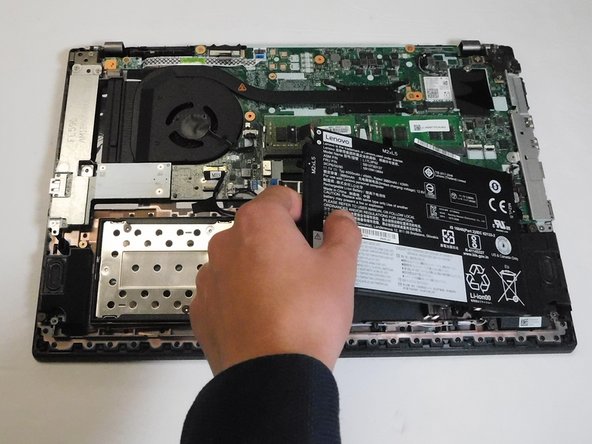
To reassemble your device, follow the above steps in reverse order.
For optimal performance, after completing this guide, calibrate your newly installed battery.
Take your e-waste to an R2 or e-Stewards certified recycler.
Cancel: I did not complete this guide.
One other person completed this guide.


Team

Gateway, Team 8-66, Gonzalez Fall 2024 Member of Gateway, Team 8-66, Gonzalez Fall 2024
GCC-GONZALEZ-F24S8G66
4 Members
4 Guides authored
