Introduction
If your ThinkPad A285 is having issues with Wi-Fi connections, it may be an issue with your WAN card. Before following this guide, refer to our troubleshooting page for any other possible solutions to your problems/
Before you begin this repair, make sure that the device is powered off and is disconnected from any external power sources.
What you need
-
-
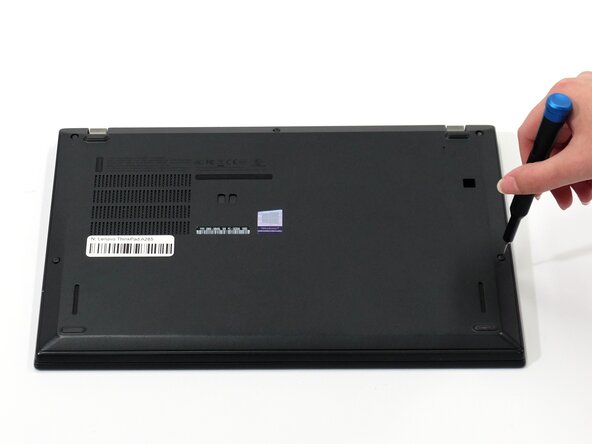
Flip your laptop over so the bottom panel is facing up.
-
Use a Phillips #0 to loosen the 5 screws holding the back panel to the laptop.
-
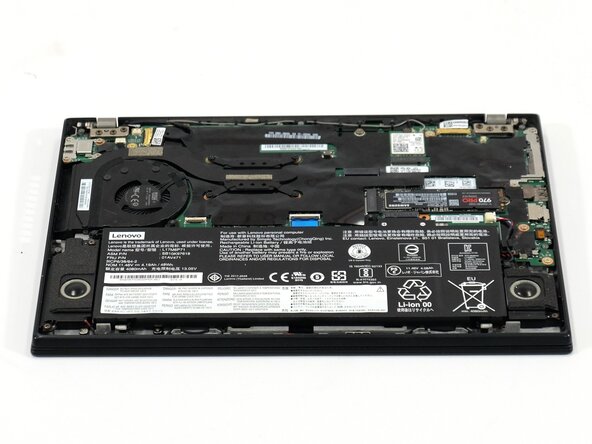
Lift the bottom of the panel to separate the back panel away from the device.
-
Remove the back panel.
-
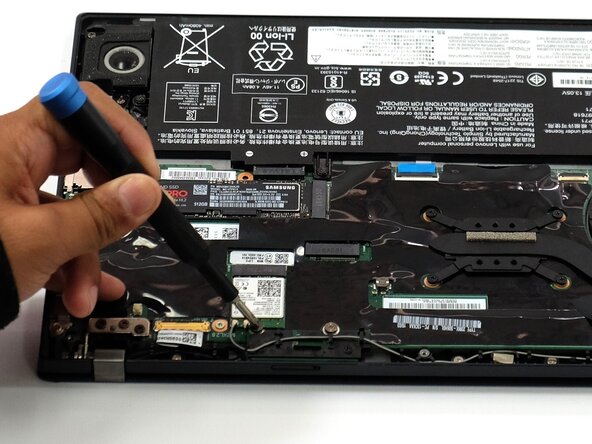
-
-
-
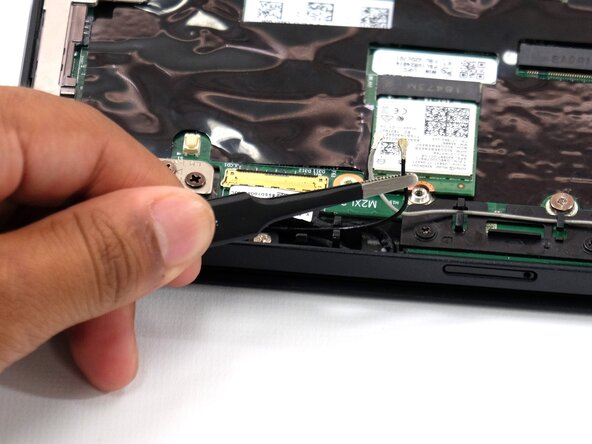
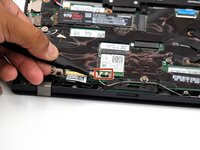
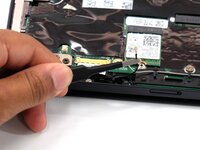
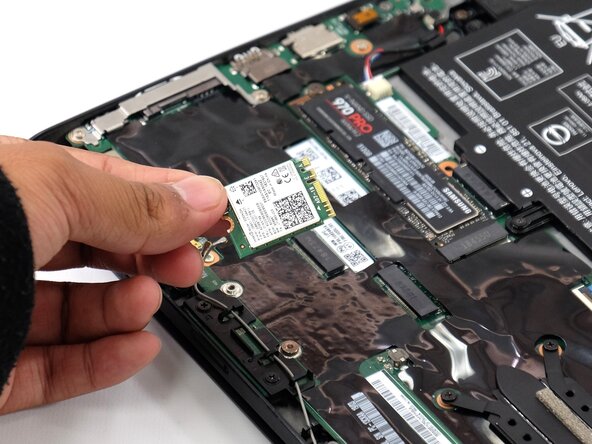
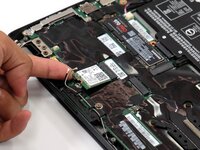
Slide a thin, ESD-safe pry tool or angled tweezers under the metal neck of the coaxial Wi-Fi connector (as close to the head as possible) and lift straight up from the board.
-






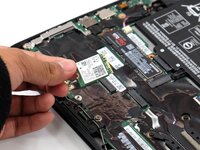
To reassemble your device, follow these instructions in reverse order. Take your e-waste to an R2 or e-Stewards certified recycler.



Team

Linn Benton Community College, Team 1-4, Karnes Spring 2025 Member of Linn Benton Community College, Team 1-4, Karnes Spring 2025
LBCC-KARNES-S25S1G4
4 Members
6 Guides authored
