
Lenovo Ideapad 320-17IKB Hard Drive Replacement

Rei Lopez and
Last updated on Jun 24, 2024
Views: 864
View statistics:
- Past 24 Hours:
- 2
- Past 7 Days:
- 16
- Past 30 Days:
- 79
- All Time:
- 864
Comments: 1
1 comment on steps.
Completed: 2 3
2 people have marked this guide "completed." Will you be next?
3 people have marked this guide "completed." Including you — great job!
Favorites: 0 1
No one has favorited (and subscribed to) this guide. Will you be the first?
1 person has favorited (and subscribed to) this guide — and that's you!
Introduction
Go to step 1 ↓This guide will show the steps for replacing the hard drive for your Lenovo Ideapad 320-17IKB laptop. The hard drive is the memory storage system for the laptop, and contains all the laptop's applications, files, and operating system. The hard drive may need to be replaced if the laptop has difficulty starting up, is running slow due to lack of storage space, or frequently crashes when accessing applications. The hard drive may also be replaced with a solid state drive for improved performance.
Before you begin this repair, turn off your laptop and unplug it from the charger.
What you need
Fix Kit
This kit contains all the parts and tools needed to complete this guide.

Parts


Tools


-
-
-
Carefully remove the optical drive by pulling the bezel away from the laptop.
-
-
-
-
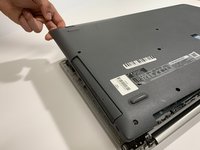
Use your fingers or an opening tool to gently remove the back panel from the bottom of the laptop.
-
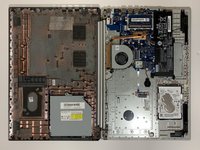
Lay both sides of the laptop next to each other.
-
-
-
-
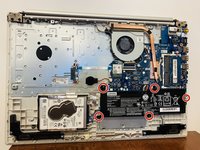
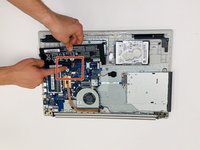
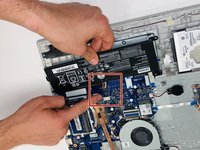
Pinch the connecting cord with one hand and pry the battery connector with the other hand, while gently pulling the connector straight out and towards the bottom edge of the base.
-
-
-
-
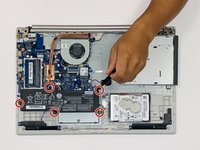
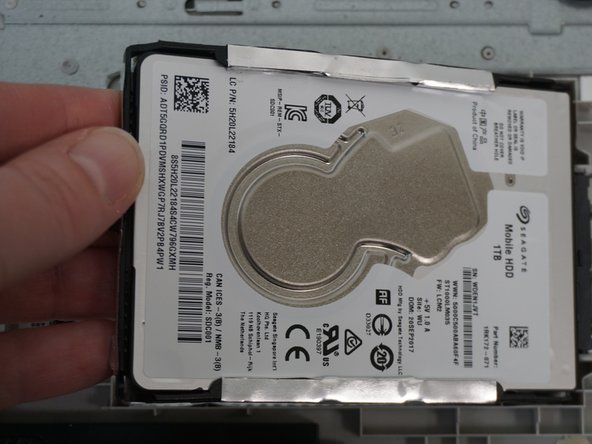
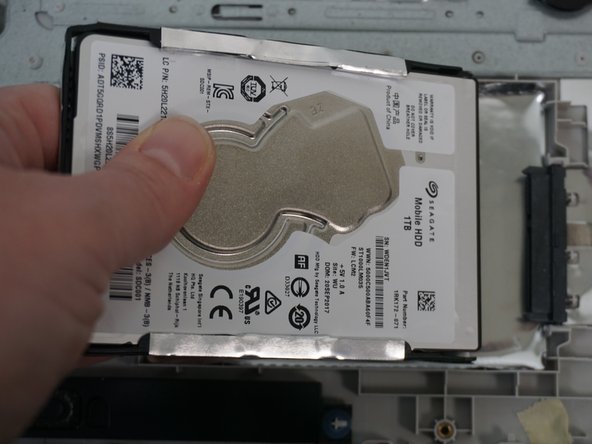
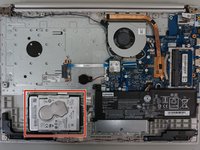
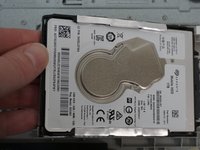
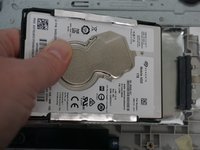
Disconnect the hard drive from the SATA slot by gently pulling the hard drive to the left.
-
-
-
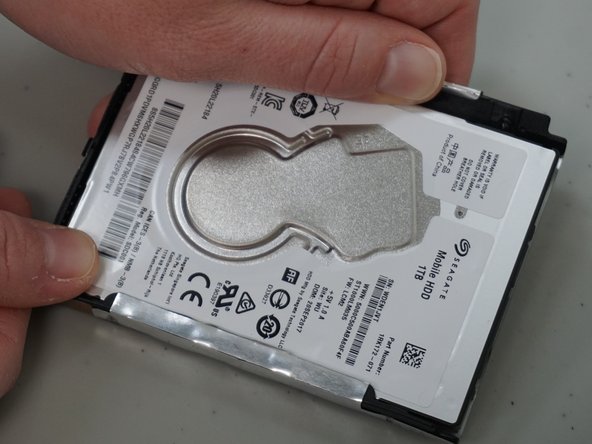
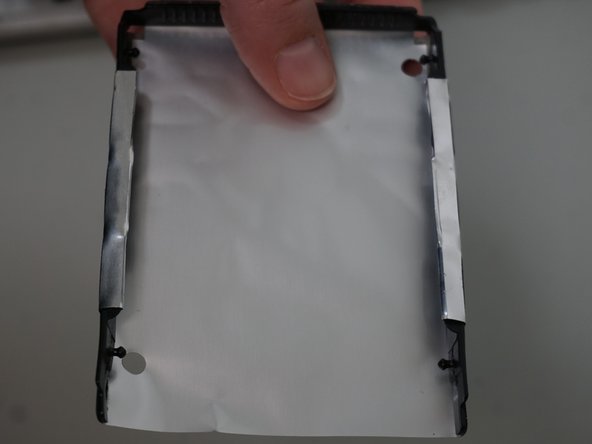
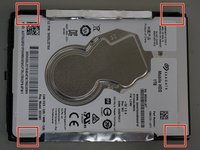
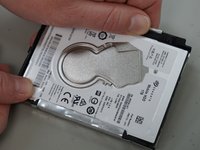
Use your hands to gently pull the edges at each corner away from the hard drive to remove the hard drive adapter.
-
-

 Ask FixBot








To reassemble your device, follow these instructions in reverse order. Take your e-waste to an R2 or e-Stewards certified recycler.
Cancel: I did not complete this guide.
2 other people completed this guide.

Team

University of North Texas, Team 1-3, Coppersmith Spring 2024 Member of University of North Texas, Team 1-3, Coppersmith Spring 2024
UNT-COPPERSMITH-S24S1G3
4 Members
48 Guides authored
