
LOOKAH Unicorn Erig Battery Replacement Replacement

James Mash and
Last updated on Dec 11, 2024
Views: 654
View statistics:
- Past 24 Hours:
- 1
- Past 7 Days:
- 18
- Past 30 Days:
- 70
- All Time:
- 654
Comments: 0
No one has left comments on this guide. Will you be first?
Go to guide commentsCompleted: 0 1
No one has marked this guide "completed." Will you be the first?
1 person has marked this guide "completed." It's you — great job!
Favorites: 0 1
No one has favorited (and subscribed to) this guide. Will you be the first?
1 person has favorited (and subscribed to) this guide — and that's you!
Community-Contributed Guide
An awesome member of our community made this guide. It was not created by iFixit staff.
Introduction
Go to step 1 ↓How do you replace the battery on the Lookah Unicorn Erig?
The LOOKHA Unicorn is an electric dab rig.
It is sold at many head shops and vape shops. The batteries on the device will eventually wear out and need replacing. With a few tools such as a screwdriver and soldering iron, as well as replacement battery parts, you can replace the batteries in the base of the device fairly easily.
Here are the steps to open the device and replace the batteries. Please take care to source the correct size replacement batteries to ensure the device will work correctly after replacement.
What you need
Parts
Tools


-
-
-
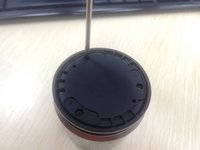
Lift off the glass bubbler and magnetic ring and place them to one side.
 Ask FixBot
-
-
-
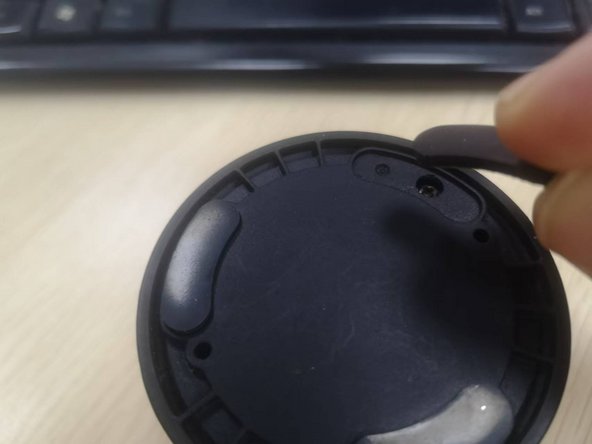
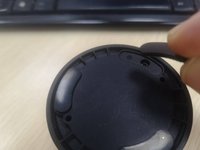
Remove the three nonslip pads from the base of the unit.
-
This will expose three small crosshead (phillips) screws
-
-
-
Use a small screwdriver to remove the screws
-
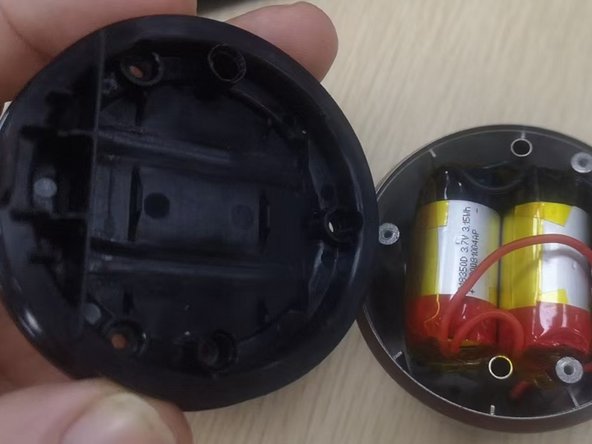
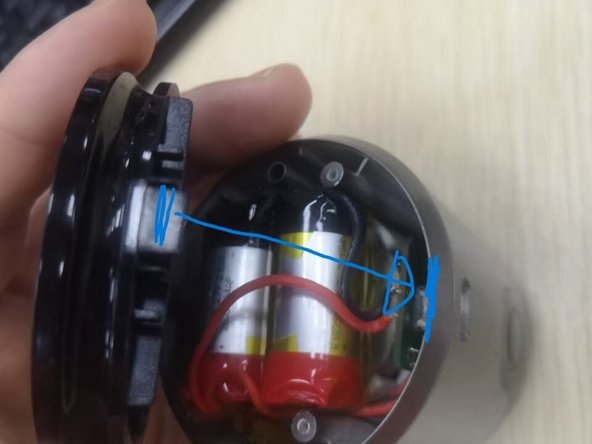
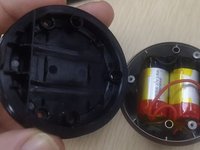
Lift off the plastic base to show the battery and components
-
-
-
-
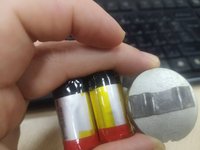
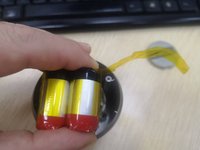
Carefully lift out the batteries.
-
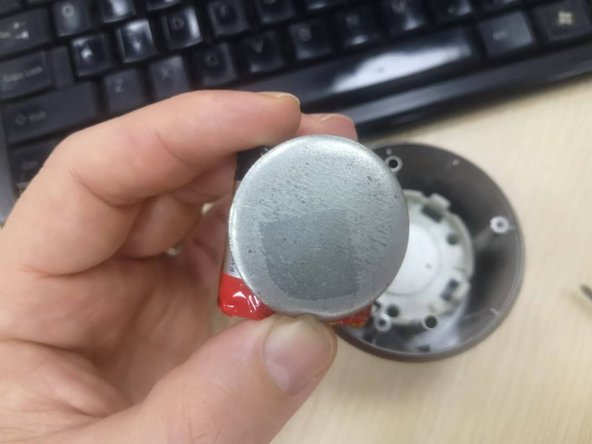
Remove the metal plate the batteries are stuck to
-
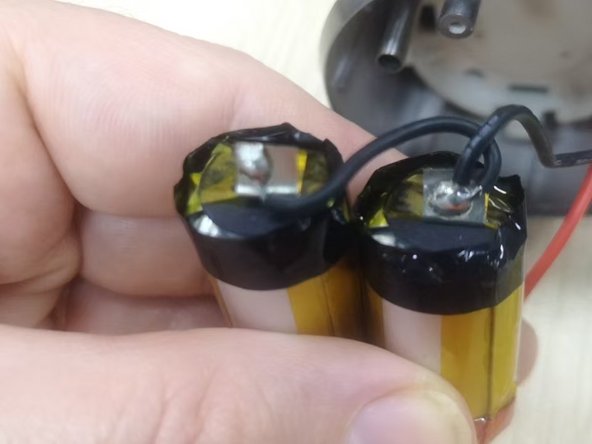
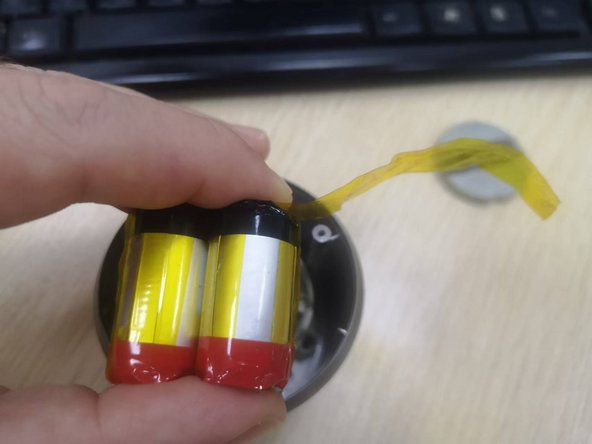
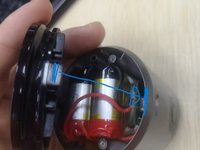
Remove the tape holding the batteries together
-
-
-
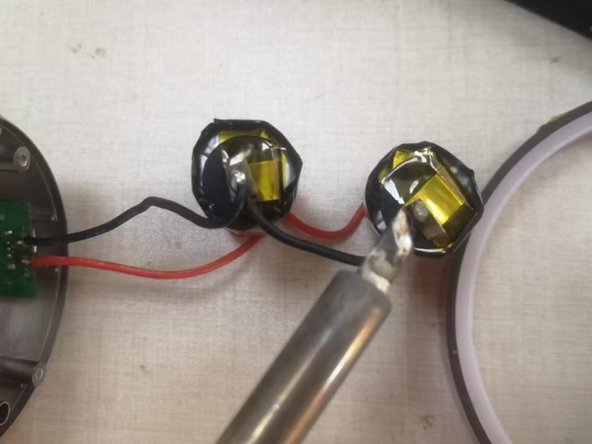
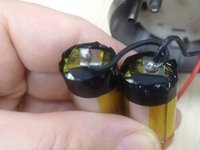
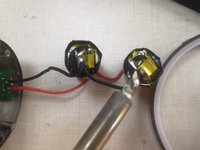
Use a Solder Iron on to heat the solder and remove the cable from the batteries
-
-
-
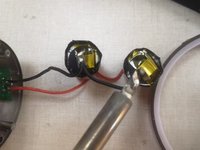
Use a soldering iron to connect new battery.
-
Tape the two new batteries back together
-
-
-
Click the power button five times to see if the device turns on
-
-
-
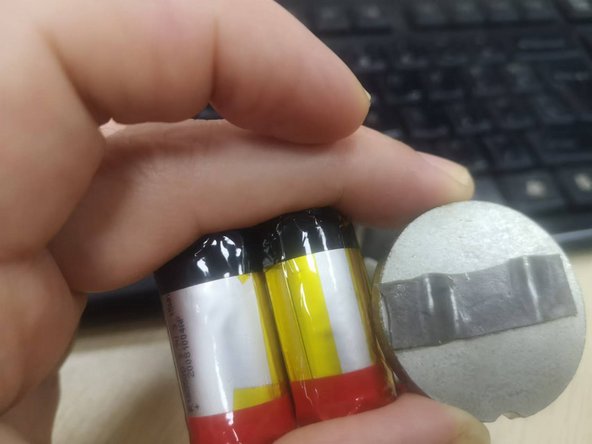
Replace the double-sided tape on the metal plate and connect it to batteries.
-
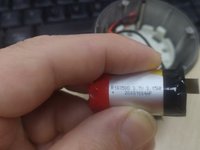
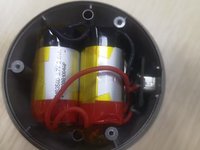
Reseat batteries and metal disc, with the metal disc side down into the unit's base. Note the orientation of the batteries. The base cover will not fit on if they are not the correct way around.
-
Line up the base cover and put it in place, with the plastic tab towards the USB port and the screws holes lined up
-
-
-
screw the base cover in place, taking care not to overtighten it.
-
Replace the non-slip pads.
-
-






To reassemble your device, follow these instructions in reverse order.
