Introduction
Fixing the speakers for your Kindle can be a pain - especially if you don't know where to start. But with a little direction and some elbow grease, you should be able to remove the speakers and replace them in no time.
What you need
-
-
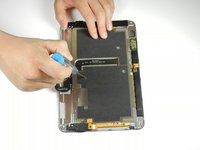
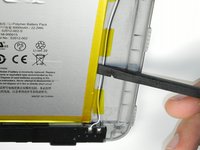
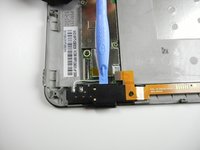
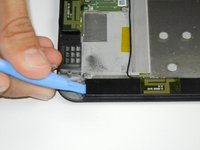
Insert a large plastic opening tool next to the Kindle's headphone jack.
-
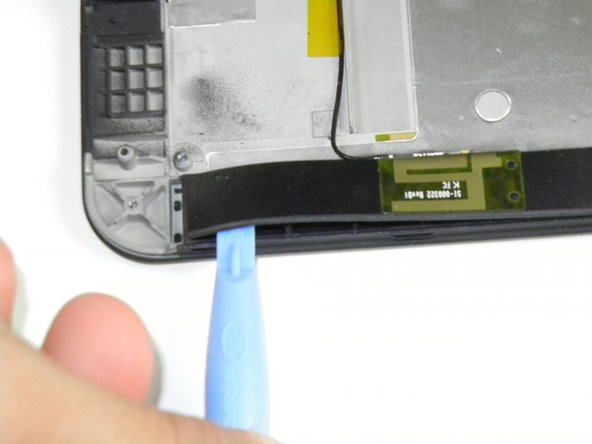
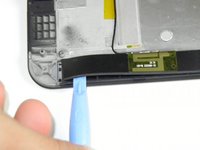
Move the plastic opening tool evenly around the Kindle, separating the two halves.
-
-
-
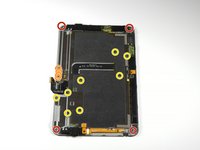
Remove the following sixteen screws from the metal midframe on the rear of the device:
-
Four 3 mm Phillips screw (located in each corner of the device - noted in red in the diagram)
-
Four 3 mm Phillips screws (surrounding the ports - noted in orange in the diagram)
-
Eight 3 mm Phillips screws (located around the body of the midframe - noted in yellow in the diagram)
-
-
-
-
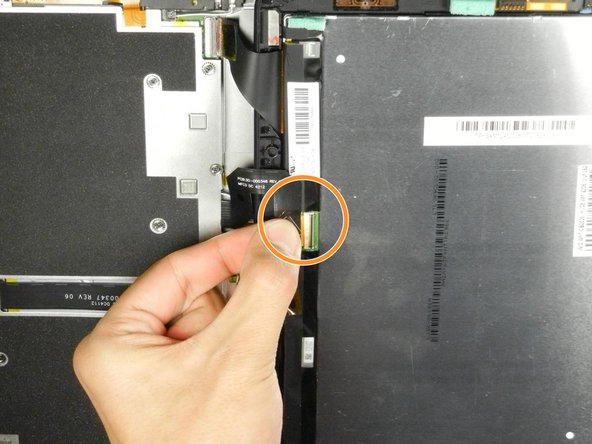
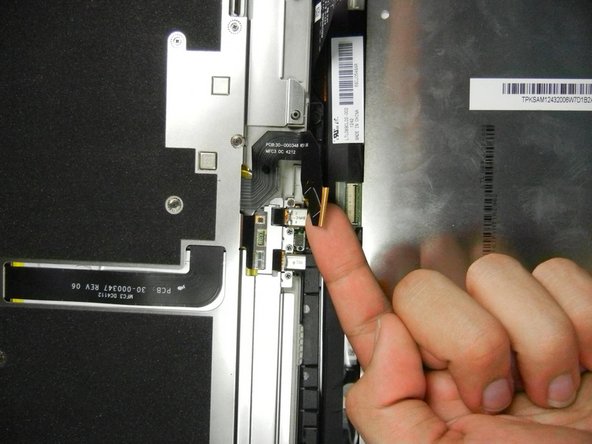
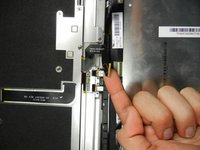
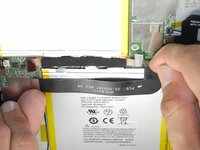
Lift up on the silver ends of the black flex cable that lays across the battery.
-
Gently pull the black flex cable from the battery.
-
-
-
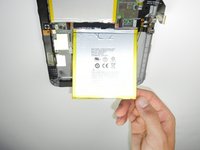
Starting at the outside edge of the battery, use the flat edge of a spudger to separate the battery from the rear of the device.
-
Move the spudger along each side of the battery, prying upwards with even pressure.
-
As the adhesive releases, push the spudger further underneath the battery.
-
Once half of the battery is detached, pry the other half in the same manner.
-
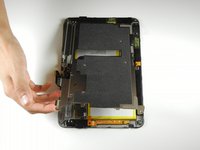
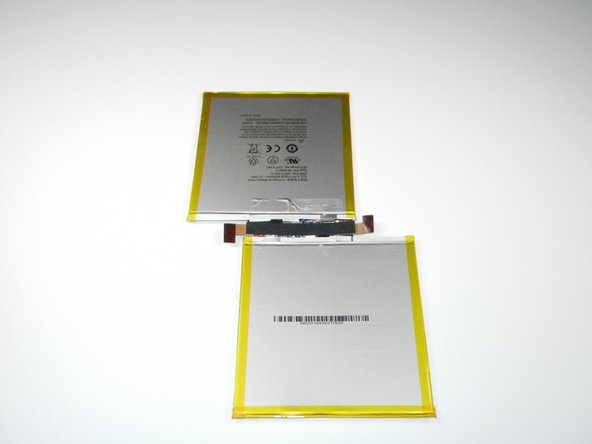
Remove the battery assembly from the Kindle.
-
-
-
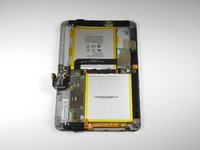
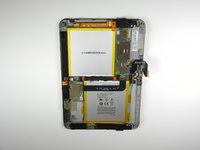
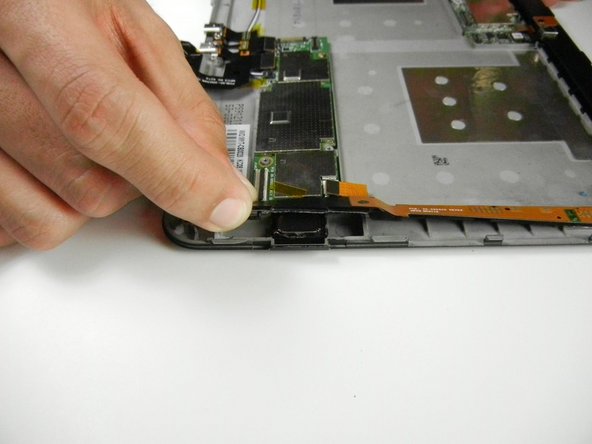
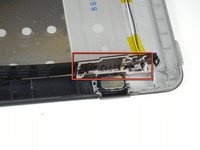
Looking back at the Kindle before the battery was removed, locate the the two speakers on the top and bottom.
-
-
Tool used on this step:Tweezers$4.99
-
Continue to move the opening tool along the edge until the entire casing is open.
-
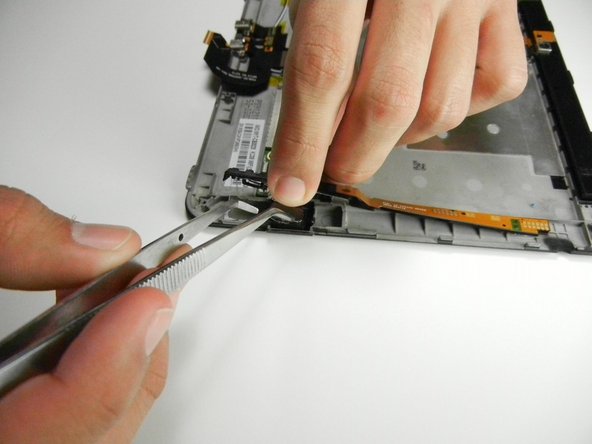
Around the speaker is an extensive amount of adhesive (the white ribbons) and will require more force to separate.
-
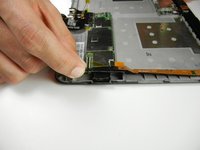
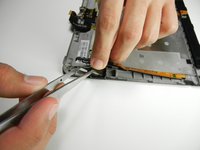
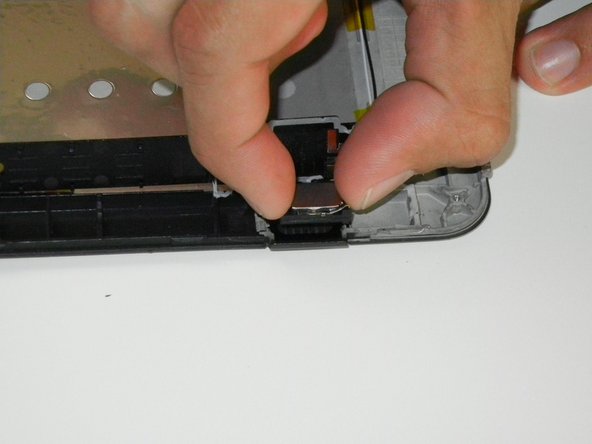
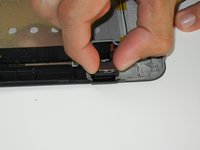
Once the left speaker is accessible, use your fingers or some tweezers to pull the speaker upward and out.
-
















To reassemble your device, follow these instructions in reverse order. Be sure to replace the speakers in the correct orientation.
Cancel: I did not complete this guide.
One other person completed this guide.



Team

Cal Poly, Team 5-16, Forte Winter 2013 Member of Cal Poly, Team 5-16, Forte Winter 2013
CPSU-FORTE-W13S5G16
5 Members
14 Guides authored
