
Keurig K-Duo Water Pump Replacement

Jacob Archer and
Last updated on Dec 30, 2024
Views: 3.6K
View statistics:
- Past 24 Hours:
- 8
- Past 7 Days:
- 60
- Past 30 Days:
- 187
- All Time:
- 3,635
Comments: 0
No one has left comments on this guide. Will you be first?
Go to guide commentsCompleted: 1 2
1 person has marked this guide "completed." Will you be next?
2 people have marked this guide "completed." Including you — great job!
Favorites: 0 1
No one has favorited (and subscribed to) this guide. Will you be the first?
1 person has favorited (and subscribed to) this guide — and that's you!
Introduction
Go to step 1 ↓This guide will show you how to replace the water pump in a Keurig K-Duo. Replacing the water pump may be necessary in the event that there is no water coming out.
The water pump is a crucial component that moves water through the system for brewing coffee. Over time, these pumps can fail for several reasons, ranging from wear and tear to improper maintenance or environmental factors.
What you need
Tools

-
-
-
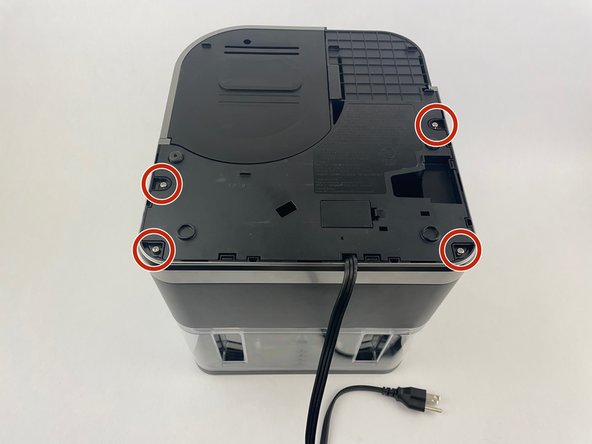
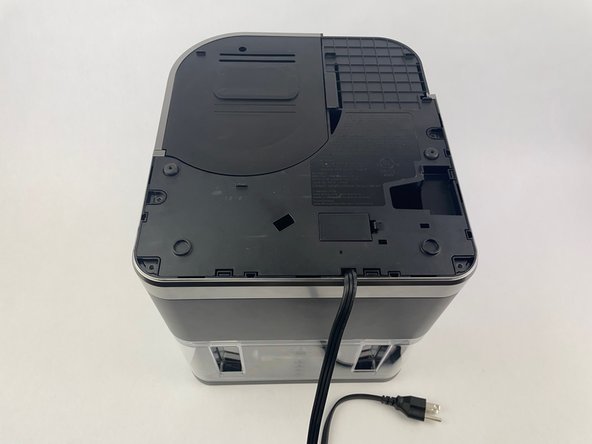
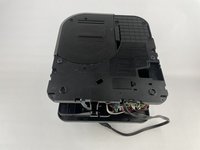
Turn the Keurig K-Duo upside down so the power cord is visible and facing you.
 Ask FixBot
-
-
-
Use a Phillips screwdriver to remove all four screws that secure the plastic panel.
-
-
-
-
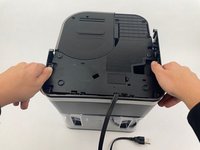
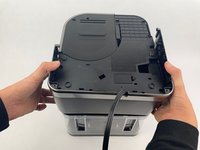
To remove the back panels, grip each side firmly.
-
Gently pull the panel outward toward yourself to release and fully detach the plastic hooks.
-
-
-
-
-
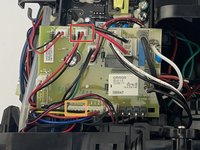
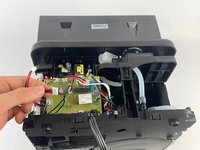
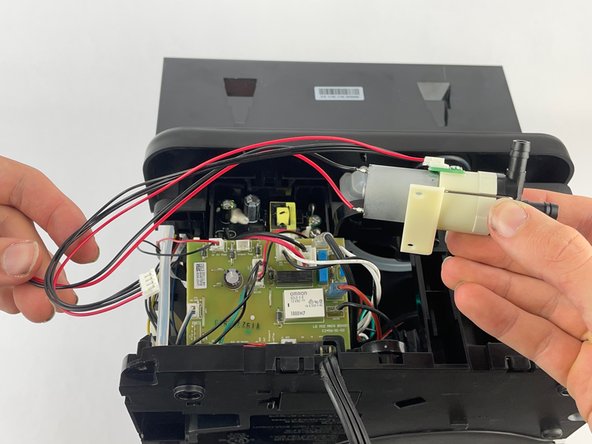
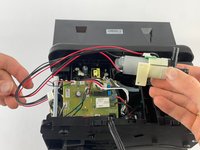
Gently disconnect the 2-pin terminal block that has the label "Water Pump" on the motherboard.
-
Gently disconnect the 4-pin terminal block that has the label "IR Sensor."
-
-
-
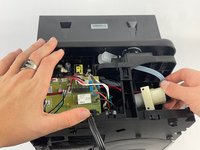
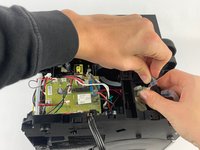
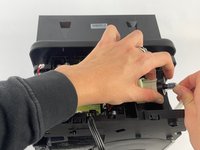
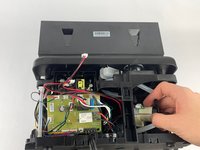
Pull out the water pump from its socket by twisting it so that the bottom is facing you.
-
Remove the plastic tubes from water pump.
-
-









To reassemble your device, follow the above steps in reverse order.
Take your e-waste to an R2 or e-Stewards certified recycler.
Repair didn’t go as planned? Try some basic troubleshooting or ask our Answers community for help.
Cancel: I did not complete this guide.
One other person completed this guide.

Team

Cuesta, Team 10-3, Krynen Fall 2024 Member of Cuesta, Team 10-3, Krynen Fall 2024
CUESTA-KRYNEN-F24S10G3
4 Members
60 Guides authored
