HTC Vive Pro Lens and OLED Assembly Replacement

What you need

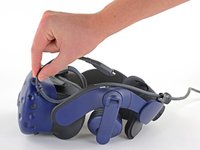
  1. HTC Vive Pro Lens and OLED Assembly Replacement, Reposition the head strap: step 1, image 1 of 2 HTC Vive Pro Lens and OLED Assembly Replacement, Reposition the head strap: step 1, image 2 of 2
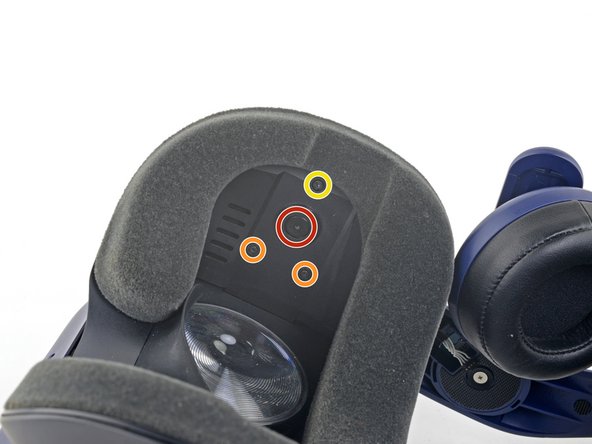
    • Rotate the head strap forward as far as it will go.

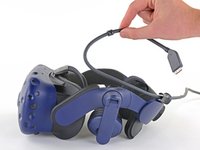
  2. HTC Vive Pro Lens and OLED Assembly Replacement, Unplug the All-In-One Cable: step 2, image 1 of 2 HTC Vive Pro Lens and OLED Assembly Replacement, Unplug the All-In-One Cable: step 2, image 2 of 2
    • Unplug the All-In-One Cable from your headset.

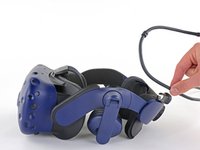
  3. HTC Vive Pro Lens and OLED Assembly Replacement, Remove the All-In-One Cable: step 3, image 1 of 3 HTC Vive Pro Lens and OLED Assembly Replacement, Remove the All-In-One Cable: step 3, image 2 of 3 HTC Vive Pro Lens and OLED Assembly Replacement, Remove the All-In-One Cable: step 3, image 3 of 3
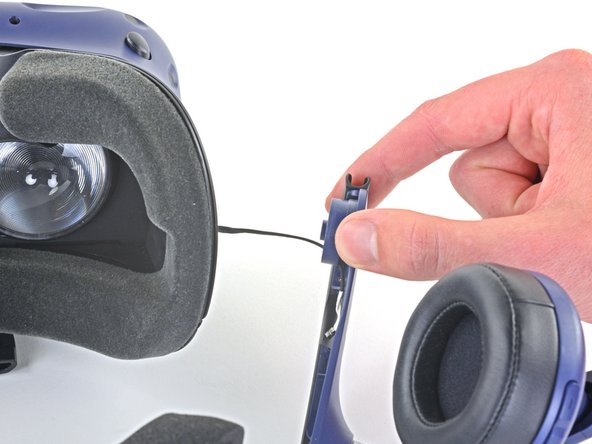
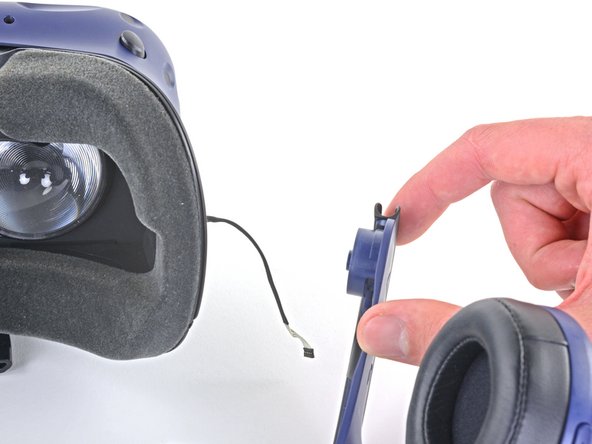
    • Remove the All-In-One Cable from the cable guides along the left side of the head strap.

    • During reassembly, connect the All-In-One Cable to the headset before routing it through the cable guides. This will ensure it has the right amount of slack.

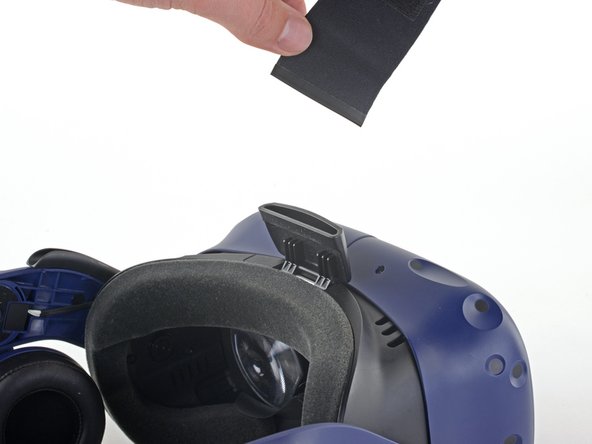
  4. HTC Vive Pro Lens and OLED Assembly Replacement, Remove the top strap: step 4, image 1 of 2 HTC Vive Pro Lens and OLED Assembly Replacement, Remove the top strap: step 4, image 2 of 2
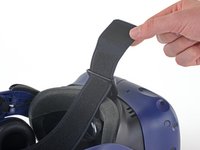
    • Separate the top strap from itself where the Velcro secures it.

  5. HTC Vive Pro Lens and OLED Assembly Replacement: step 5, image 1 of 3 HTC Vive Pro Lens and OLED Assembly Replacement: step 5, image 2 of 3 HTC Vive Pro Lens and OLED Assembly Replacement: step 5, image 3 of 3
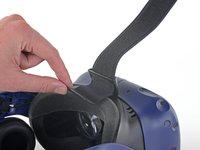
    • Peel back the Velcro securing the rear of the top strap.

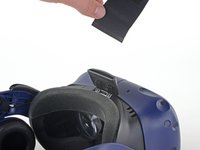
    • Feed the top strap out through the head strap to partially remove it.

  6. HTC Vive Pro Lens and OLED Assembly Replacement: step 6, image 1 of 3 HTC Vive Pro Lens and OLED Assembly Replacement: step 6, image 2 of 3 HTC Vive Pro Lens and OLED Assembly Replacement: step 6, image 3 of 3
    • Feed the top strap through the clip near the front of headset to fully remove it.

  7. HTC Vive Pro Lens and OLED Assembly Replacement, Remove the front side foam pads: step 7, image 1 of 3 HTC Vive Pro Lens and OLED Assembly Replacement, Remove the front side foam pads: step 7, image 2 of 3 HTC Vive Pro Lens and OLED Assembly Replacement, Remove the front side foam pads: step 7, image 3 of 3
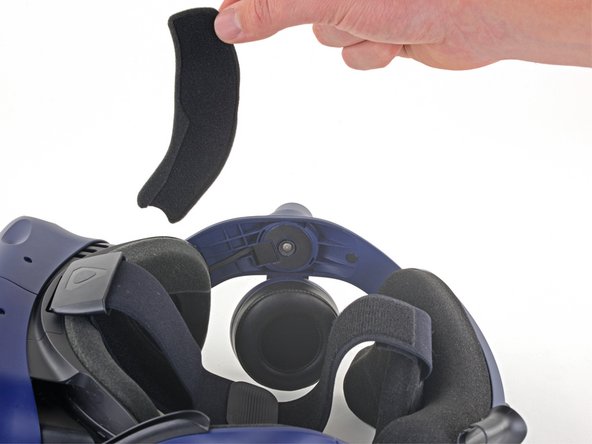
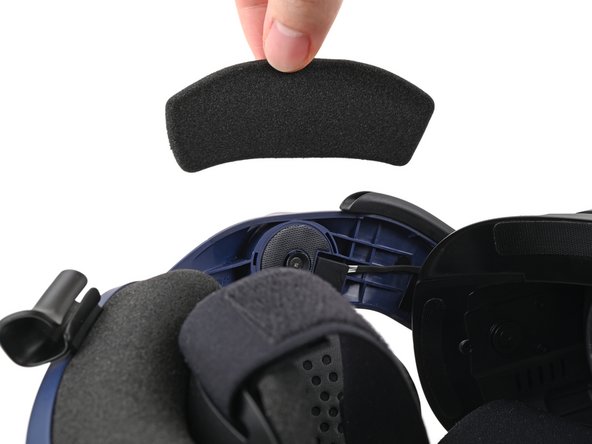
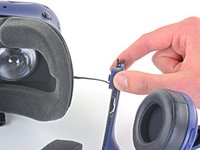
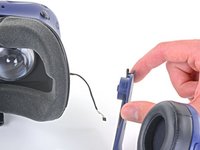
    • Peel off both front side foam pads to uncover the speaker wires.

  8. HTC Vive Pro Lens and OLED Assembly Replacement, Remove the two rubber spacers: step 8, image 1 of 3 HTC Vive Pro Lens and OLED Assembly Replacement, Remove the two rubber spacers: step 8, image 2 of 3 HTC Vive Pro Lens and OLED Assembly Replacement, Remove the two rubber spacers: step 8, image 3 of 3
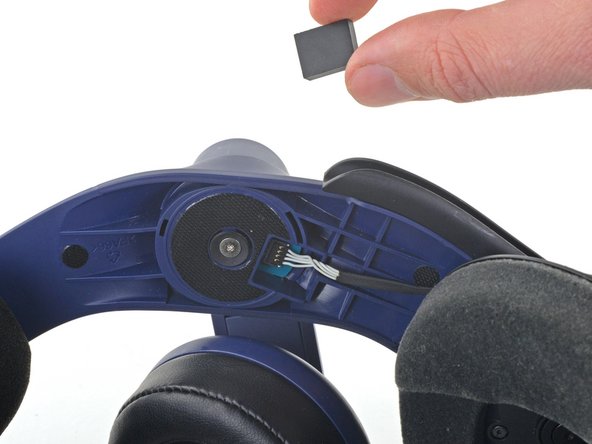
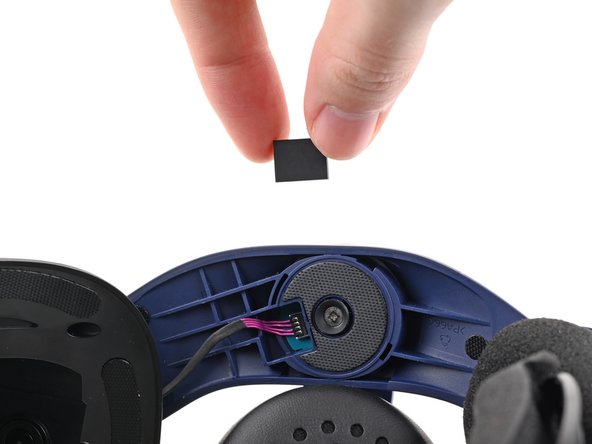
    • Use the point of your spudger to pry out the two rubber spacers next to the headphone screws.

    • Be careful not to accidentally pry any of the speaker wires under the rubber spacer.

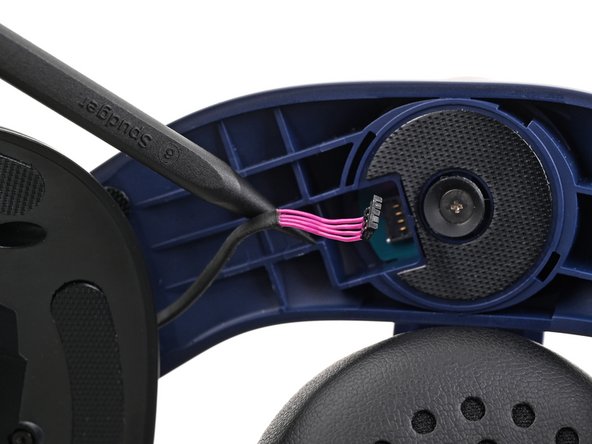
  9. HTC Vive Pro Lens and OLED Assembly Replacement, Disconnect the speaker wires: step 9, image 1 of 3 HTC Vive Pro Lens and OLED Assembly Replacement, Disconnect the speaker wires: step 9, image 2 of 3 HTC Vive Pro Lens and OLED Assembly Replacement, Disconnect the speaker wires: step 9, image 3 of 3
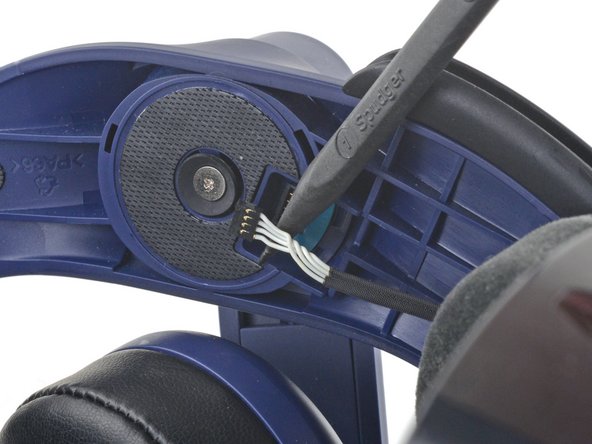
    • Use the point of your spudger to pry up and disconnect both the left and right headphone speaker wires.

  10. HTC Vive Pro Lens and OLED Assembly Replacement, Remove the head strap: step 10, image 1 of 2 HTC Vive Pro Lens and OLED Assembly Replacement, Remove the head strap: step 10, image 2 of 2
    • Use a T6 Torx screwdriver to remove the two 12.1 mm screws (one on each side) securing the head strap to the headset.

    • Use a T5 Torx screwdriver to remove the following screws securing the head strap to the headset:

    • Four 3.9 mm screws (two on each side)

    • Two 4.1 mm screws (one on each side)

  11. HTC Vive Pro Lens and OLED Assembly Replacement: step 11, image 1 of 1
    • Remove the two plastic spacers underneath the previously removed Torx T6 screw.

  12. HTC Vive Pro Lens and OLED Assembly Replacement: step 12, image 1 of 3 HTC Vive Pro Lens and OLED Assembly Replacement: step 12, image 2 of 3 HTC Vive Pro Lens and OLED Assembly Replacement: step 12, image 3 of 3
    • Thread the headphone speaker wires out through both ends of the head strap.

  13. HTC Vive Pro Lens and OLED Assembly Replacement, Remove the outer shell: step 13, image 1 of 3 HTC Vive Pro Lens and OLED Assembly Replacement, Remove the outer shell: step 13, image 2 of 3 HTC Vive Pro Lens and OLED Assembly Replacement, Remove the outer shell: step 13, image 3 of 3
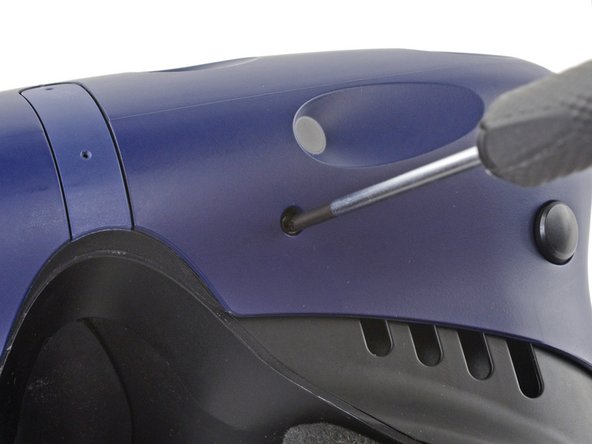
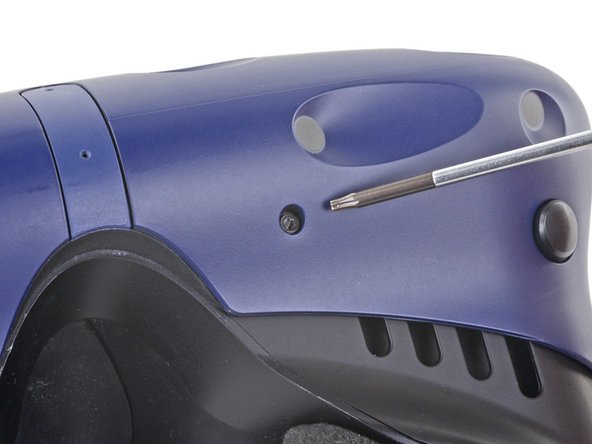
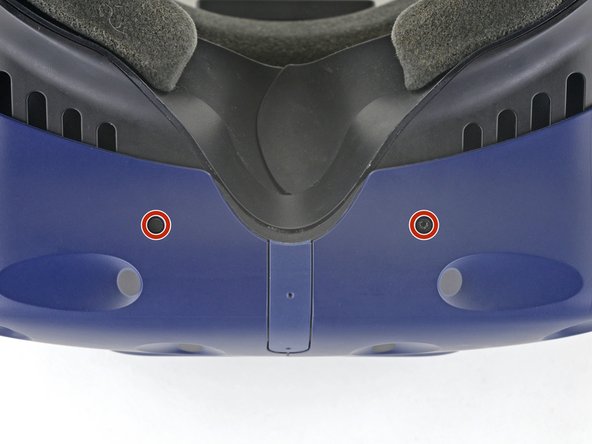
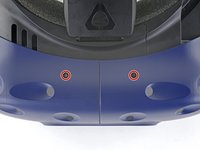
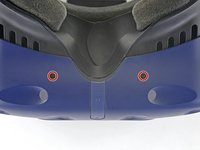
    • The four screws securing the outer shell are covered with black stickers. If the stickers are difficult to remove, simply press your T6 Torx driver through them.

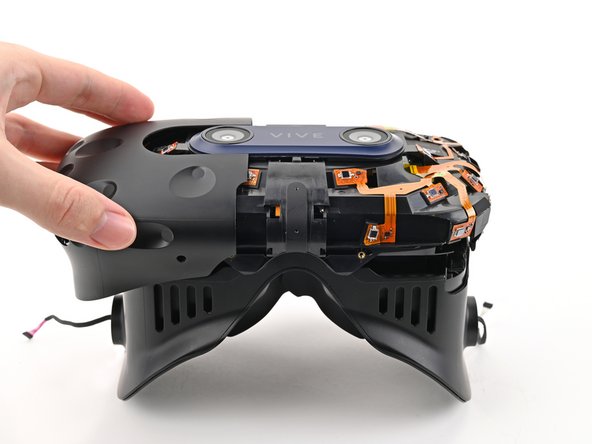
  14. HTC Vive Pro Lens and OLED Assembly Replacement: step 14, image 1 of 2 HTC Vive Pro Lens and OLED Assembly Replacement: step 14, image 2 of 2
    • Use a T6 Torx screwdriver to remove the four 3.9 mm screws (two on top, two on bottom) securing the outer shell to the headset.

  15. HTC Vive Pro Lens and OLED Assembly Replacement: step 15, image 1 of 3 HTC Vive Pro Lens and OLED Assembly Replacement: step 15, image 2 of 3 HTC Vive Pro Lens and OLED Assembly Replacement: step 15, image 3 of 3
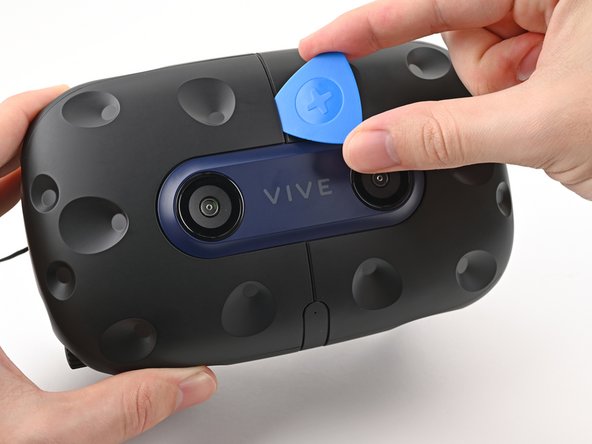
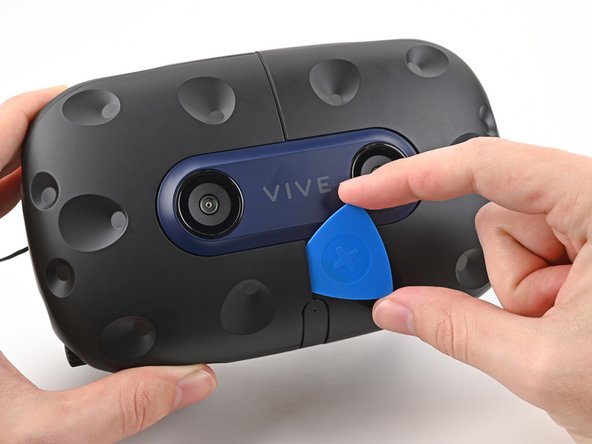
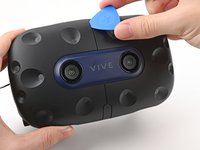
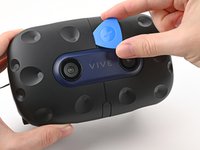
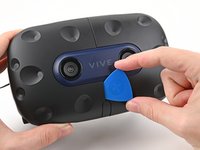
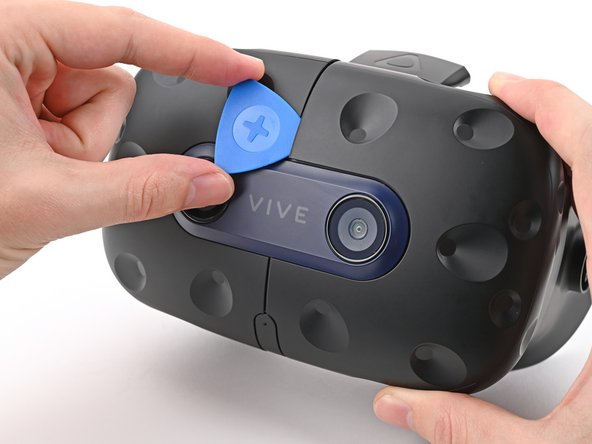
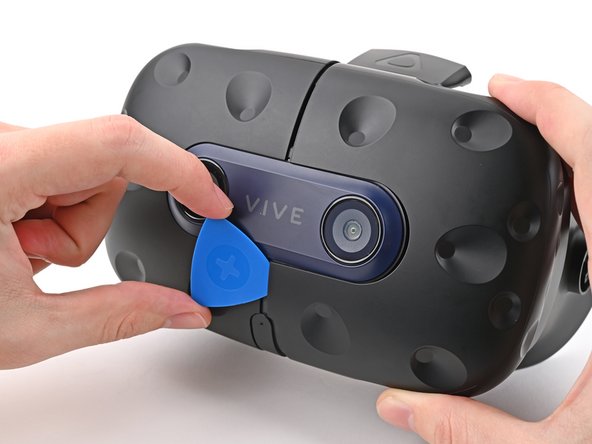
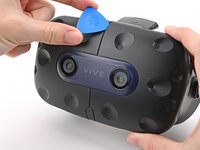
    • Insert an opening pick into the seam between the two halves of the outer shell.

    • Slide the opening pick through the seam to dislodge the clips securing it to the headset.

    • Only insert the opening pick as far as necessary. There are ribbon cables underneath the outer shell.

  16. HTC Vive Pro Lens and OLED Assembly Replacement: step 16, image 1 of 3 HTC Vive Pro Lens and OLED Assembly Replacement: step 16, image 2 of 3 HTC Vive Pro Lens and OLED Assembly Replacement: step 16, image 3 of 3
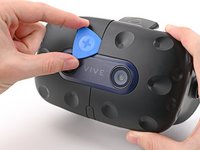
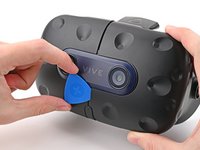
    • Continue sliding the opening pick through each seam until all clips have been dislodged.

  17. HTC Vive Pro Lens and OLED Assembly Replacement: step 17, image 1 of 3 HTC Vive Pro Lens and OLED Assembly Replacement: step 17, image 2 of 3 HTC Vive Pro Lens and OLED Assembly Replacement: step 17, image 3 of 3
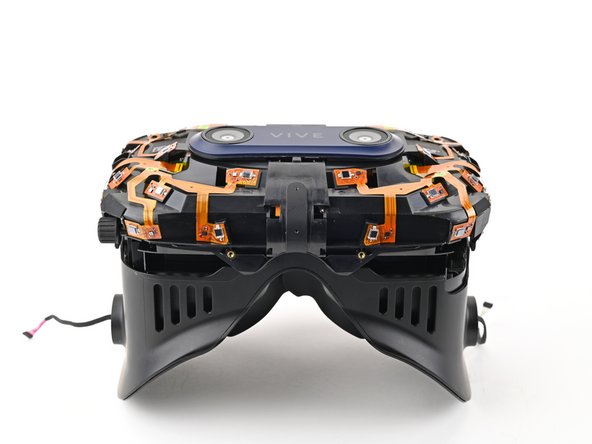
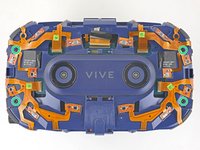
    • Carefully slide each half of the outer shell off of the sensor array.

    • Be careful not to snag any of the ribbon cables underneath.

  18. HTC Vive Pro Lens and OLED Assembly Replacement, Remove the face rest cushion: step 18, image 1 of 3 HTC Vive Pro Lens and OLED Assembly Replacement, Remove the face rest cushion: step 18, image 2 of 3 HTC Vive Pro Lens and OLED Assembly Replacement, Remove the face rest cushion: step 18, image 3 of 3
    • Use your fingers to gently peel the face rest cushion off of the headset.

  19. HTC Vive Pro Lens and OLED Assembly Replacement, Remove the facerest: step 19, image 1 of 2 HTC Vive Pro Lens and OLED Assembly Replacement, Remove the facerest: step 19, image 2 of 2
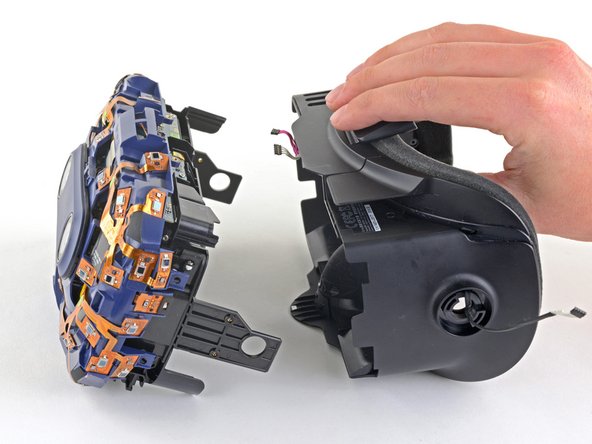
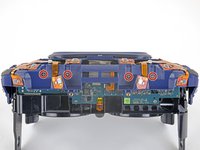
    • Partially separate the facerest and the sensor array to access the daughterboard.

  20. HTC Vive Pro Lens and OLED Assembly Replacement: step 20, image 1 of 2 HTC Vive Pro Lens and OLED Assembly Replacement: step 20, image 2 of 2
    Tool used on this step:
    Tweezers
    $4.99
    Buy
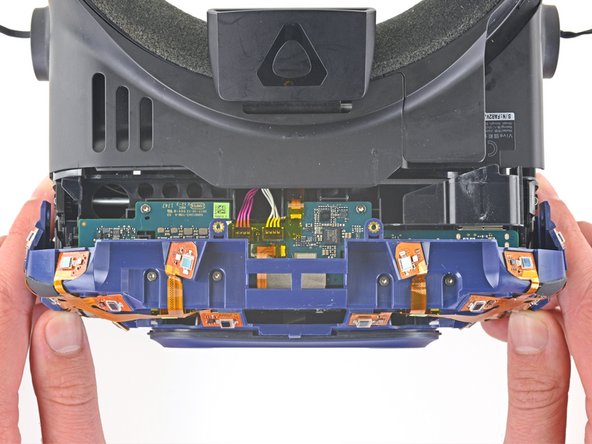
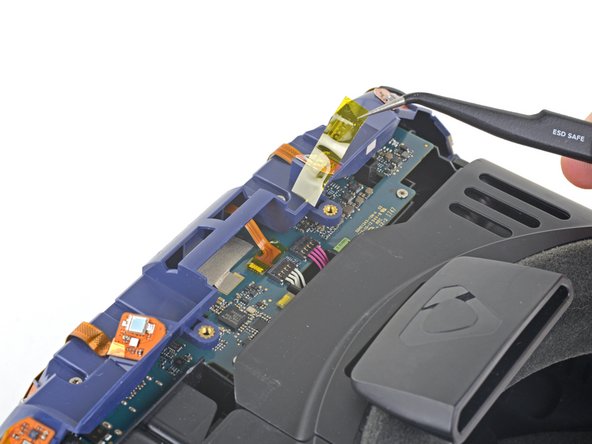
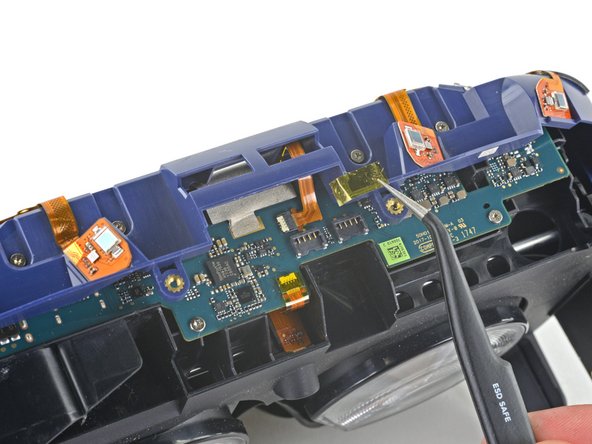
    • Use a pair of tweezers to remove the Kapton tape covering the white and purple wires on the daughterboard.

  21. HTC Vive Pro Lens and OLED Assembly Replacement: step 21, image 1 of 3 HTC Vive Pro Lens and OLED Assembly Replacement: step 21, image 2 of 3 HTC Vive Pro Lens and OLED Assembly Replacement: step 21, image 3 of 3
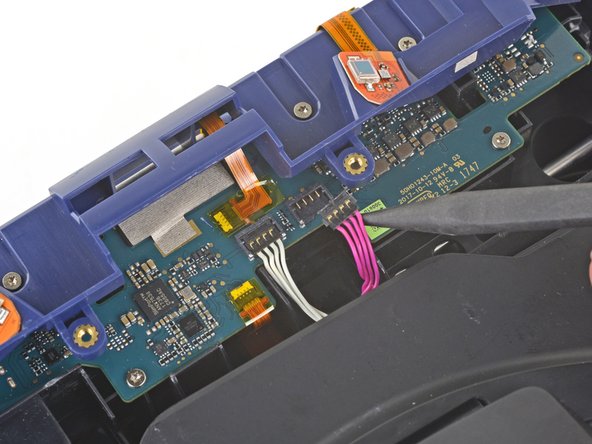
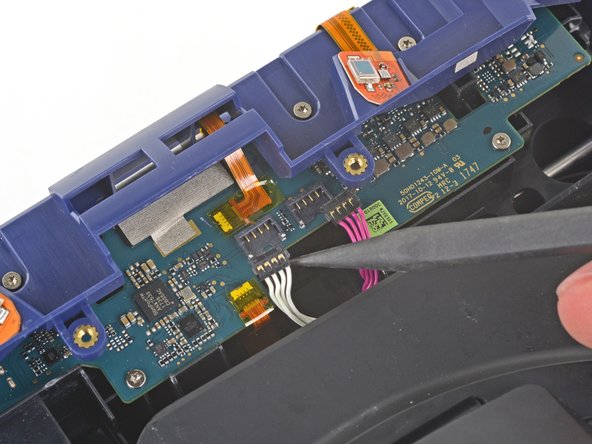
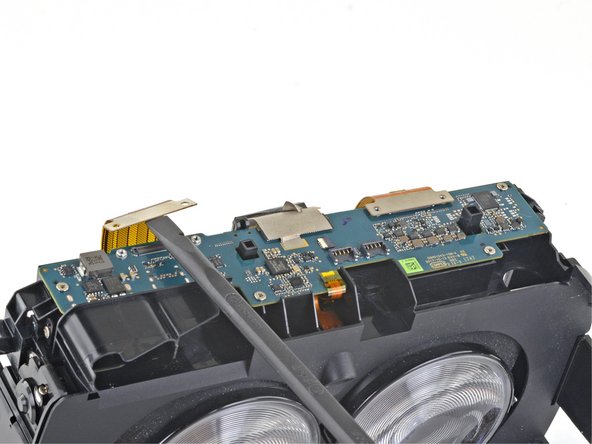
    • Use the pointed end of a spudger to pry up and disconnect the purple and white wires from the daughterboard.

    • Use caution when disconnecting these wires. If you pry up too hard, they may pull out of the connector.

  22. HTC Vive Pro Lens and OLED Assembly Replacement: step 22, image 1 of 2 HTC Vive Pro Lens and OLED Assembly Replacement: step 22, image 2 of 2
    • Slide the facerest out of the front assembly.

  23. HTC Vive Pro Lens and OLED Assembly Replacement, Remove the sensor array: step 23, image 1 of 2 HTC Vive Pro Lens and OLED Assembly Replacement, Remove the sensor array: step 23, image 2 of 2
    Tool used on this step:
    Tweezers
    $4.99
    Buy
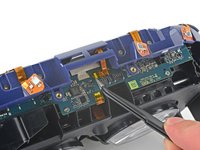
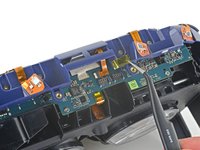
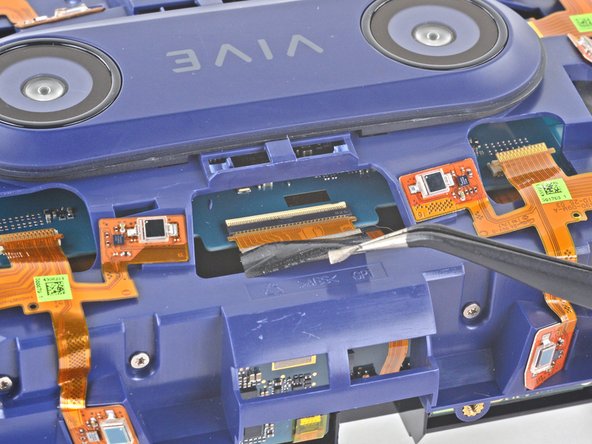
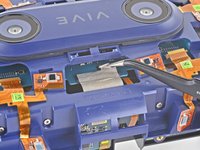
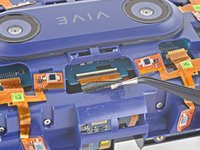
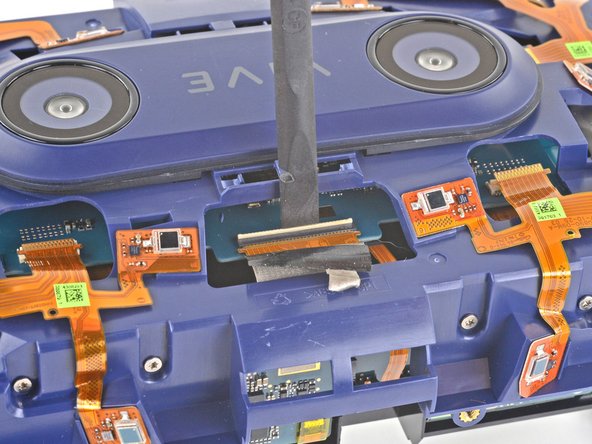
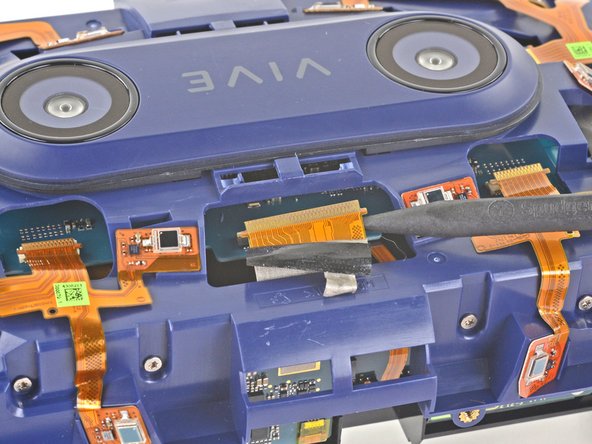
    • Use a pair of tweezers to remove the Kapton tape covering the ZIF connector on the daughterboard.

  24. HTC Vive Pro Lens and OLED Assembly Replacement: step 24, image 1 of 3 HTC Vive Pro Lens and OLED Assembly Replacement: step 24, image 2 of 3 HTC Vive Pro Lens and OLED Assembly Replacement: step 24, image 3 of 3
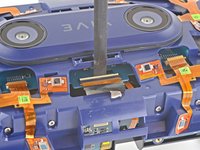
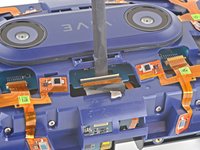
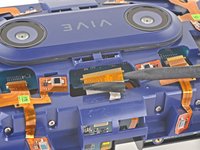
    • Use the pointed end of a spudger to flip up the locking flap on the daughterboard ZIF connector.

    • Use a pair of tweezers to slide the ribbon cable out of its socket.

  25. HTC Vive Pro Lens and OLED Assembly Replacement: step 25, image 1 of 2 HTC Vive Pro Lens and OLED Assembly Replacement: step 25, image 2 of 2
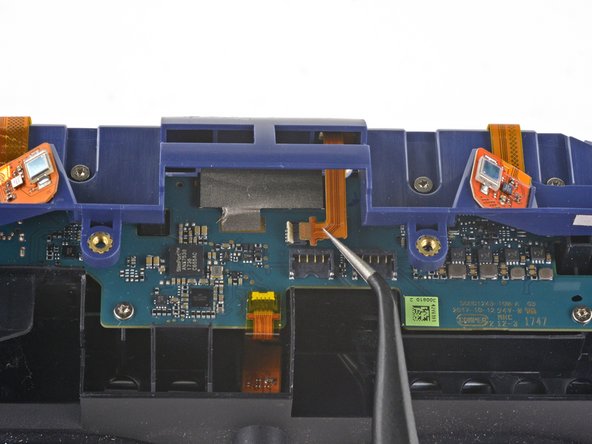
    • Use a pair of tweezers to peel back the grey tape covering the ZIF connector on the motherboard underneath the sensor array.

  26. HTC Vive Pro Lens and OLED Assembly Replacement: step 26, image 1 of 3 HTC Vive Pro Lens and OLED Assembly Replacement: step 26, image 2 of 3 HTC Vive Pro Lens and OLED Assembly Replacement: step 26, image 3 of 3
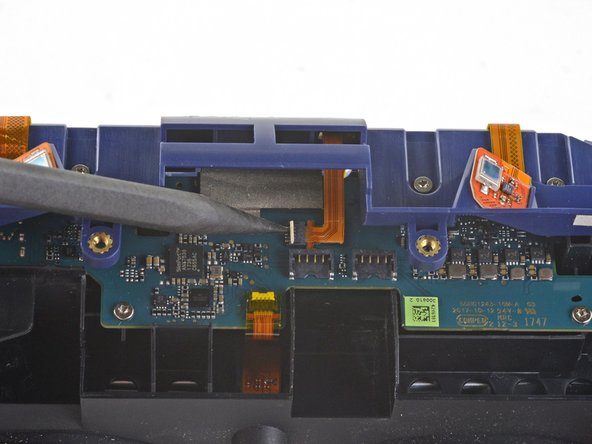
    • Use the flat end of your spudger to flip up the locking flap for the ZIF connector on the motherboard.

    • Use the pointed end of your spudger to disconnect the ribbon cable from the motherboard.

  27. HTC Vive Pro Lens and OLED Assembly Replacement: step 27, image 1 of 2 HTC Vive Pro Lens and OLED Assembly Replacement: step 27, image 2 of 2
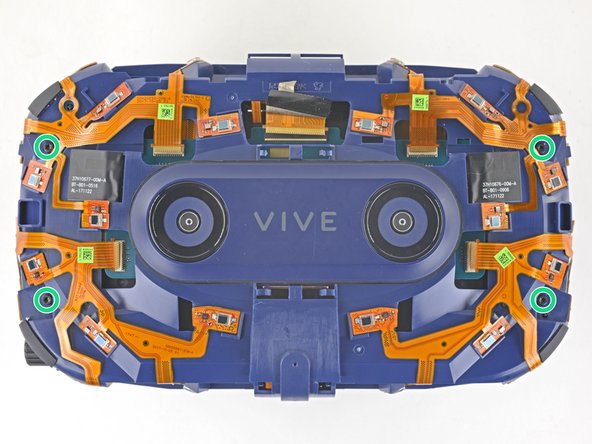
    • Use a T5 Torx screwdriver to remove the four 3.0 mm silver screws securing the sensor array to the lens and OLED assembly.

    • Use a T6 Torx screwdriver to remove the four black 3.8 mm screws securing the sensor array.

  28. HTC Vive Pro Lens and OLED Assembly Replacement: step 28, image 1 of 2 HTC Vive Pro Lens and OLED Assembly Replacement: step 28, image 2 of 2
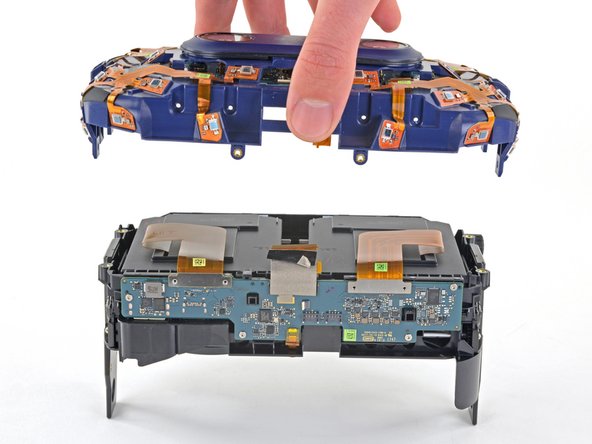
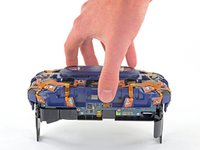
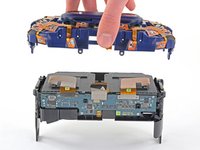
    • Lift the sensor array straight up off of the lens and OLED assembly.

  29. HTC Vive Pro Lens and OLED Assembly Replacement, Remove the daughterboard: step 29, image 1 of 3 HTC Vive Pro Lens and OLED Assembly Replacement, Remove the daughterboard: step 29, image 2 of 3 HTC Vive Pro Lens and OLED Assembly Replacement, Remove the daughterboard: step 29, image 3 of 3
    • Use the flat end of your spudger to disconnect the two press connectors from the daughterboard.

  30. HTC Vive Pro Lens and OLED Assembly Replacement: step 30, image 1 of 2 HTC Vive Pro Lens and OLED Assembly Replacement: step 30, image 2 of 2
    Tool used on this step:
    Tweezers
    $4.99
    Buy
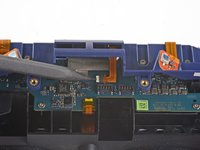
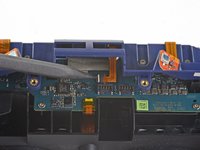
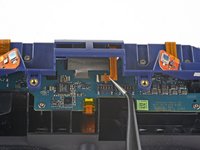
    • Use a pair of tweezers to remove the Kapton tape covering the last remaining ZIF connector.

  31. HTC Vive Pro Lens and OLED Assembly Replacement: step 31, image 1 of 3 HTC Vive Pro Lens and OLED Assembly Replacement: step 31, image 2 of 3 HTC Vive Pro Lens and OLED Assembly Replacement: step 31, image 3 of 3
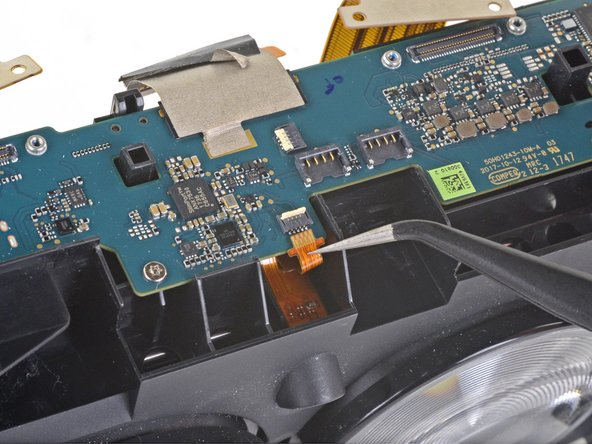
    • Use the pointed end of your spudger to flip up the locking flap on the ZIF connector.

    • Use a pair of tweezers to disconnect the ribbon cable from the ZIF connector.

  32. HTC Vive Pro Lens and OLED Assembly Replacement: step 32, image 1 of 1
    • Use a T5 Torx screwdriver to remove the four 3.0 mm screws securing the daughterboard.

  33. HTC Vive Pro Lens and OLED Assembly Replacement: step 33, image 1 of 1
    • Remove the daughterboard.

    • During reassembly, don't forget to reinstall any Kapton tape that was removed during disassembly. This will prevent malfunction of the sensors.

  34. HTC Vive Pro Lens and OLED Assembly Replacement, Only the assembly remains: step 34, image 1 of 1
    • Only the lens and OLED assembly remain.

Conclusion

Compare your new replacement part to the original part—you may need to transfer remaining components or remove adhesive backings from the new part before installing.

To reassemble your device, follow the above steps in reverse order.

Take your e-waste to an R2 or e-Stewards certified recycler.

Repair didn’t go as planned? Try some basic troubleshooting, or ask our Answers community for help.

Sam Omiotek

Member since: 02/25/19

92,248 Reputation

290 Guides authored

0 Guide Comments

Add Comment

View Statistics:

Past 24 Hours: 0

Past 7 Days: 9

Past 30 Days: 43

All Time: 2,620