
Dell Latitude 5580 Battery Replacement

Jack G Johnson and
Last updated on Mar 26, 2026
Views: 1.4K
View statistics:
- Past 24 Hours:
- 6
- Past 7 Days:
- 30
- Past 30 Days:
- 161
- All Time:
- 1,382
Comments: 0
No one has left comments on this guide. Will you be first?
Go to guide commentsCompleted: 1 2
1 person has marked this guide "completed." Will you be next?
2 people have marked this guide "completed." Including you — great job!
Favorites: 0 1
No one has favorited (and subscribed to) this guide. Will you be the first?
1 person has favorited (and subscribed to) this guide — and that's you!
Introduction
Go to step 1 ↓If your Dell Latitude 5580 is showing signs of a decreased battery life, follow this guide to replace your battery. Your device may experience overheating, physical damage, or slow charging.
Lithium-ion batteries can often bloat or become faulty with prolonged usage, causing issues with the laptop and requiring replacement. If you have a swollen battery, be very careful. Review this What to do with a swollen battery guide for how to deal with it.
Before you begin this repair, make sure your laptop is powered off and unplugged from the charger.
What you need
Fix Kit
This kit contains all the parts and tools needed to complete this guide.

Parts


Tools


-
-
-
Orient your laptop so that you have access to the bottom cover, with the fan vents facing upwards.
-
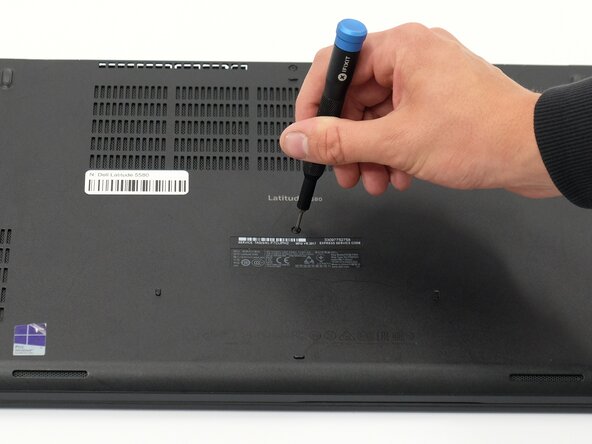
Use a Phillips #00 screwdriver to loosen the eight screws securing the bottom cover.
-
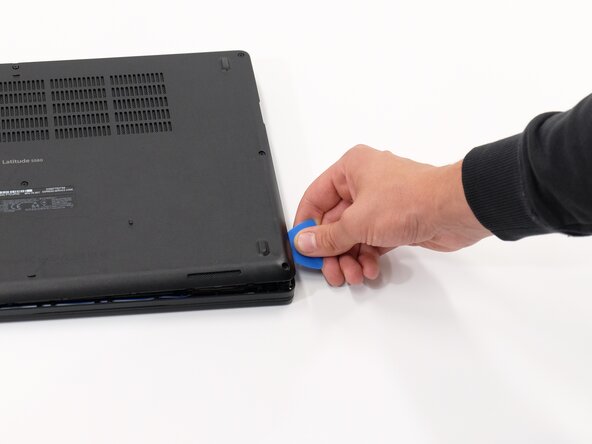
Insert the end of an iFixit opening tool or opening picks into the seam between the bottom and top case to release the clips holding them together.
-
Slide the opening tool or pick around the edge of the laptop until it is fully separated.
-
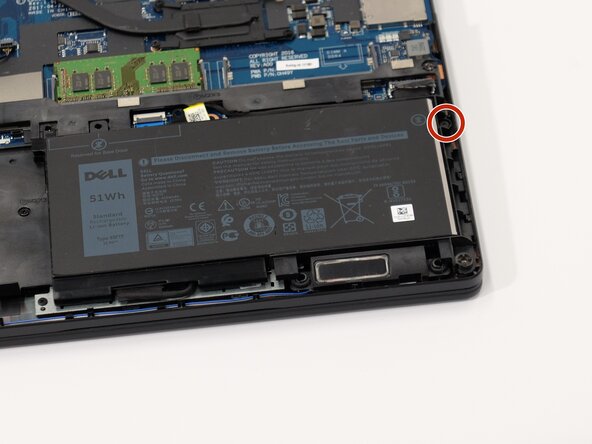
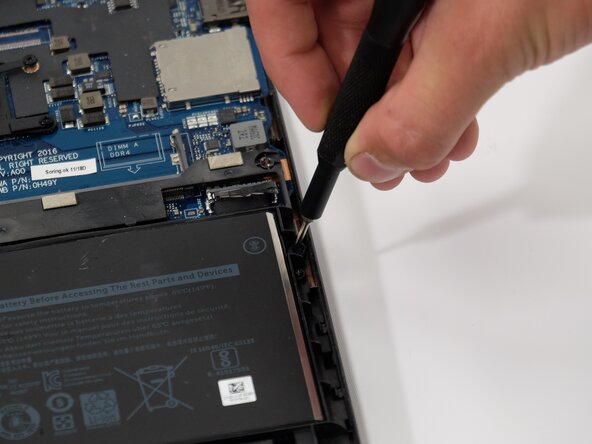
Remove the bottom cover.
 Ask FixBot
-
-
-





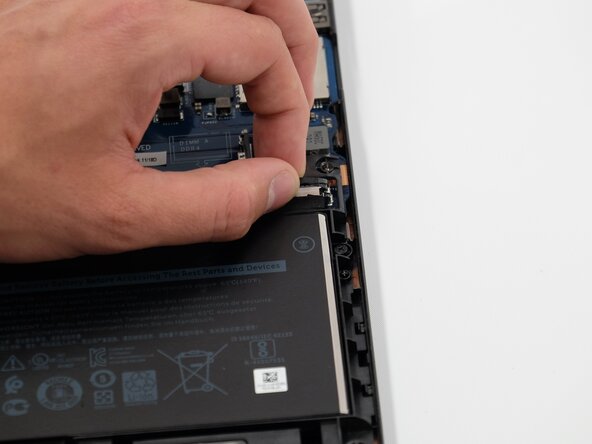
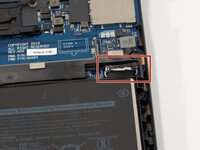

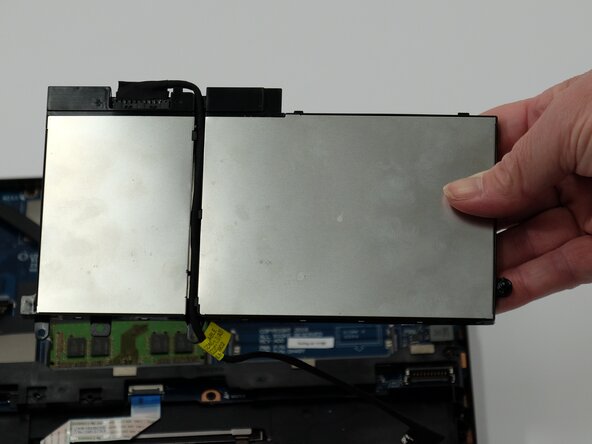
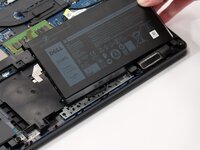
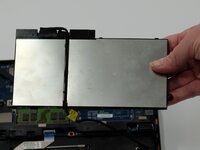
To reassemble your device, follow these instructions in reverse order. Take your e-waste to an R2 or e-Stewards certified recycler.
For optimal performance, calibrate your newly installed battery after completing this guide.
Cancel: I did not complete this guide.
One other person completed this guide.

Team

Linn Benton Community College, Team 1-5, Karnes Spring 2025 Member of Linn Benton Community College, Team 1-5, Karnes Spring 2025
LBCC-KARNES-S25S1G5
4 Members
60 Guides authored
