Shop the Holiday Gift Guide
Free Shipping on Domestic Orders $75+

Dell Inspiron 15R 5520 Hard Drive Replacement

Views: 3.2K

View statistics:

Past 24 Hours:
3
Past 7 Days:
22
Past 30 Days:
83
All Time:
3,190
Comments: 2

2 guide comments.

Go to guide comments
Completed: 3

3 people have marked this guide "completed." Will you be next?

Favorites: 1

1 person has favorited (and subscribed to) this guide. Will you be next?

Time Required: No estimate
Difficulty: Moderate
Dell Inspiron 15R 5520 Hard Drive Replacement

Introduction

Go to step 1 ↓

Replacing or upgrading your laptop’s hard drive is a great way to get some extra life out of your device.

What you need

Tools

    1. Dell Inspiron 15R 5520 Hard Drive Replacement, Battery: step 1, image 1 of 1
      • We are removing the battery to avoid the possibility of an electrical discharge when working with this system.

      • Flip device on its back displaying the battery.

      Ask FixBot

      Add Comment

    2. Dell Inspiron 15R 5520 Hard Drive Replacement: step 2, image 1 of 3 Dell Inspiron 15R 5520 Hard Drive Replacement: step 2, image 2 of 3 Dell Inspiron 15R 5520 Hard Drive Replacement: step 2, image 3 of 3
      • Place a finger on both latches and push outwards.

      • Grab by the lip and pull upwards to remove battery.

      Ask FixBot

      Add Comment

    1. Dell Inspiron 15R 5520 Hard Drive Replacement, Hard Drive: step 3, image 1 of 2 Dell Inspiron 15R 5520 Hard Drive Replacement, Hard Drive: step 3, image 2 of 2
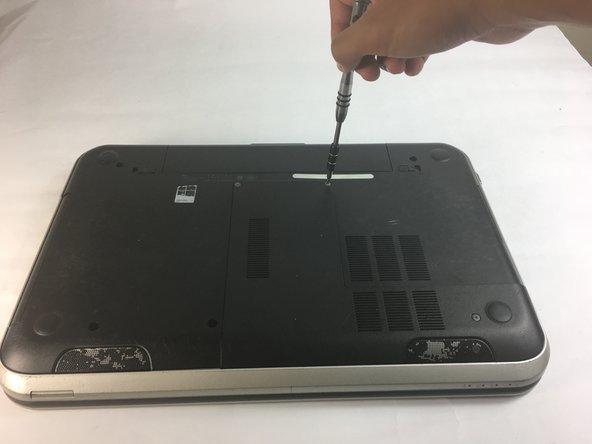
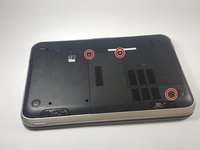
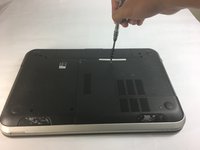
      • Locate and loosen the three 3 mm screws.

      • Remove the plastic casing with the screws attached.

      Ask FixBot

      Add Comment

    2. Dell Inspiron 15R 5520 Hard Drive Replacement: step 4, image 1 of 3 Dell Inspiron 15R 5520 Hard Drive Replacement: step 4, image 2 of 3 Dell Inspiron 15R 5520 Hard Drive Replacement: step 4, image 3 of 3
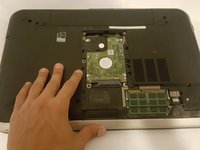
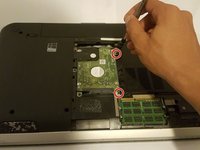
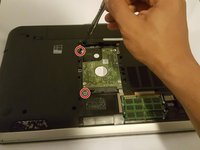
      • Locate and remove the four 4mm screws holding the hard drive in place.

      Ask FixBot

      Add Comment

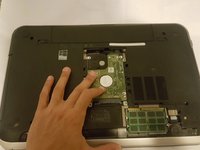
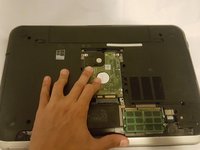
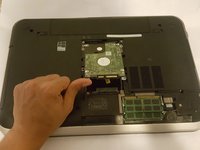
    3. Dell Inspiron 15R 5520 Hard Drive Replacement: step 5, image 1 of 3 Dell Inspiron 15R 5520 Hard Drive Replacement: step 5, image 2 of 3 Dell Inspiron 15R 5520 Hard Drive Replacement: step 5, image 3 of 3
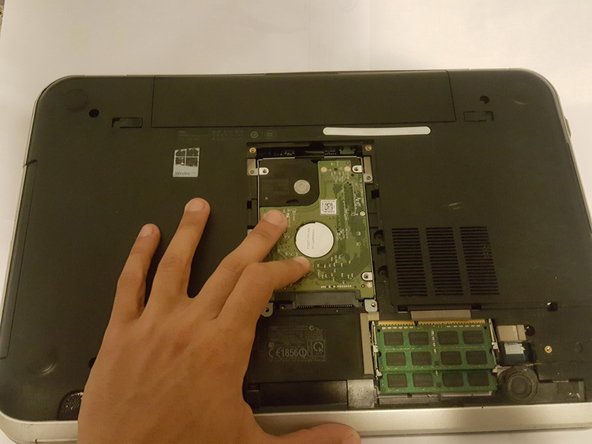
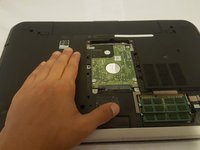
      • Push the hard drive horizontally and away from yourself.

      Ask FixBot

      Add Comment

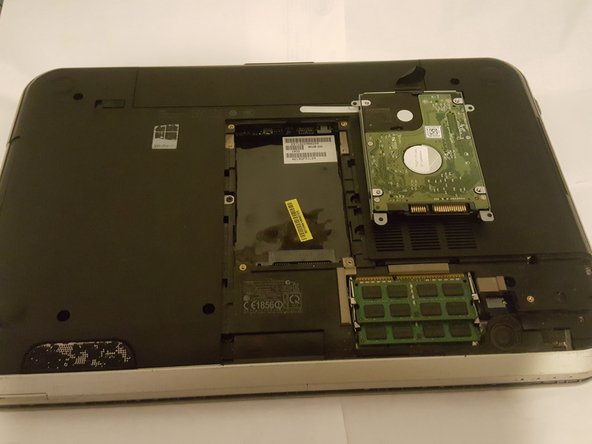
    4. Dell Inspiron 15R 5520 Hard Drive Replacement: step 6, image 1 of 2 Dell Inspiron 15R 5520 Hard Drive Replacement: step 6, image 2 of 2
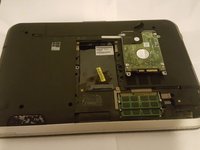
      • Lift the hard drive up and out of the bay.

      Ask FixBot

      Add Comment

Conclusion

To reassemble your device, follow these instructions in reverse order.

Cancel: I did not complete this guide.

3 other people completed this guide.

Author

with

zAj

Member since: 09/15/16

484 Reputation

2 Guides authored

Team

USF Tampa, Team 18-1, Blackwell Fall 2016 Member of USF Tampa, Team 18-1, Blackwell Fall 2016

USFT-BLACKWELL-F16S18G1

3 Members

60 Guides authored

2 Guide Comments

I have a Dell 15R 5537. The drive removal is about the same. There are only two screws holding the drive, though. They’re located at the back of the drive. Push the drive back to clear the connector and pull up aided by a clear plastic pull tab on the drive.

Adrian Kocurek - Reply Share

It worked and was well worth installing an SSD.

Adrian Kocurek - Reply Share

Add Comment

View Statistics:

Past 24 Hours: 3

Past 7 Days: 22

Past 30 Days: 83

All Time: 3,190