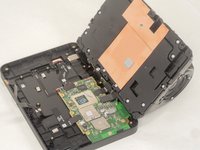
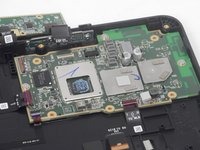
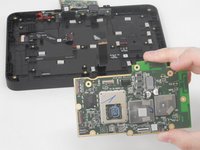
Amazon Echo Show 8 2nd Generation Motherboard Replacement

What you need

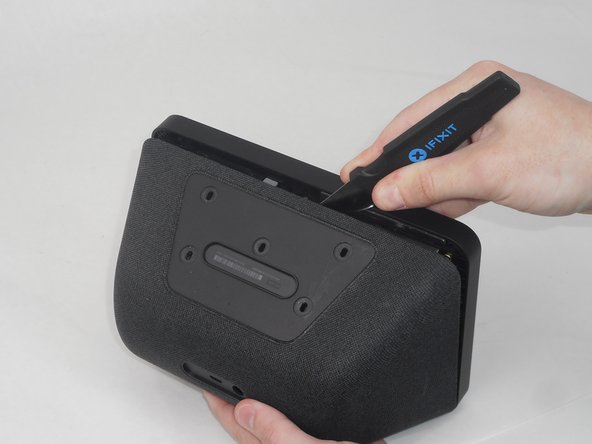
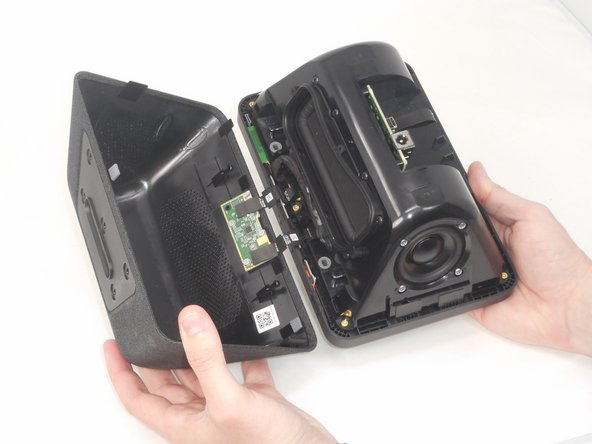
  1. Amazon Echo Show 8 2nd Generation Motherboard Replacement, Rear Case: step 1, image 1 of 3 Amazon Echo Show 8 2nd Generation Motherboard Replacement, Rear Case: step 1, image 2 of 3 Amazon Echo Show 8 2nd Generation Motherboard Replacement, Rear Case: step 1, image 3 of 3
    • Flip the device so that the rubber foot is facing up.

    • Insert a Jimmy between the rubber foot and chassis, then slide it around the perimeter until the rubber foot releases.

    • The adhesive that holds the rubber mat on may require some force to sever.

    • Remove the rubber foot.

  2. Amazon Echo Show 8 2nd Generation Motherboard Replacement: step 2, image 1 of 3 Amazon Echo Show 8 2nd Generation Motherboard Replacement: step 2, image 2 of 3 Amazon Echo Show 8 2nd Generation Motherboard Replacement: step 2, image 3 of 3
    • Use a T6 Torx screwdriver to remove the five 4.5 mm screws from the base of the device.

  3. Amazon Echo Show 8 2nd Generation Motherboard Replacement: step 3, image 1 of 3 Amazon Echo Show 8 2nd Generation Motherboard Replacement: step 3, image 2 of 3 Amazon Echo Show 8 2nd Generation Motherboard Replacement: step 3, image 3 of 3
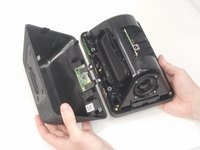
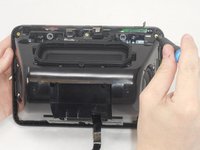
    • Insert a Jimmy in the gap between the front and rear case.

    • Work the Jimmy around the perimeter to gently detach the rear case from the front case.

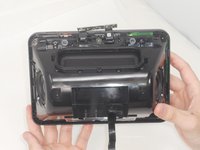
    • Separate the rear case from the front case.

    • There are 2 thin ribbon cables connecting the microphone board to the back cover. Take care not to tear or strain them as you separate the cases.

  4. Amazon Echo Show 8 2nd Generation Motherboard Replacement: step 4, image 1 of 3 Amazon Echo Show 8 2nd Generation Motherboard Replacement: step 4, image 2 of 3 Amazon Echo Show 8 2nd Generation Motherboard Replacement: step 4, image 3 of 3
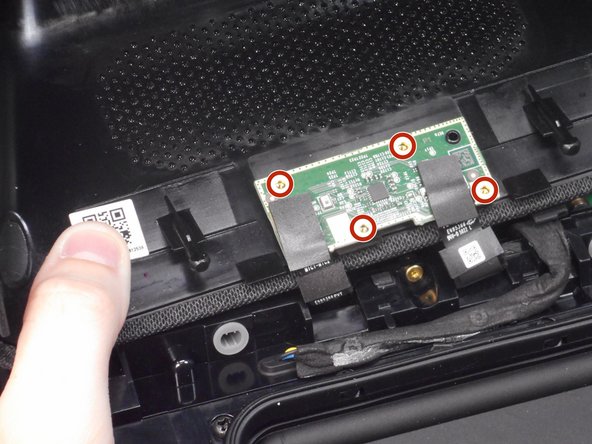
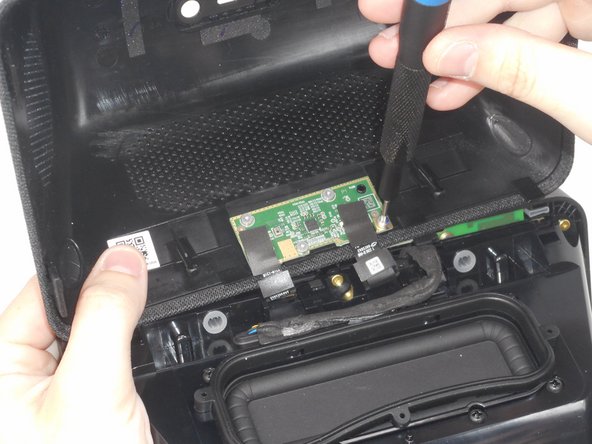
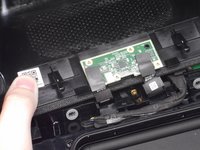
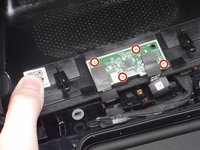
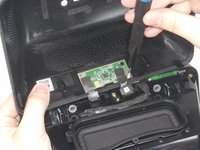
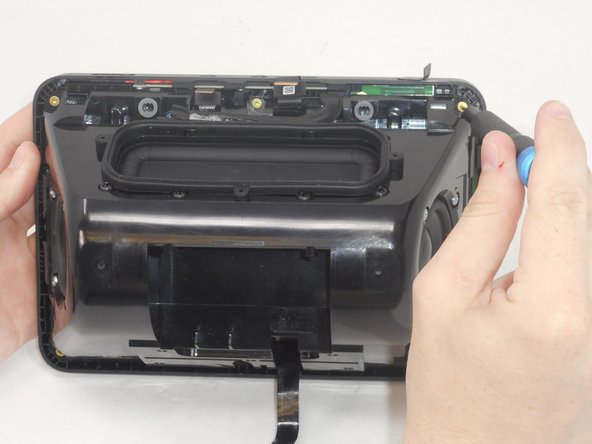
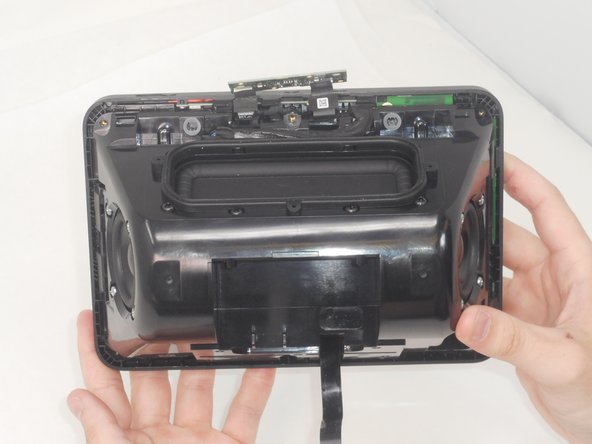
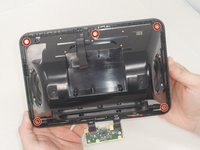
    • Use a T6 Torx screwdriver to remove the four 5.2 mm screws that secure the microphone board to the rear case.

  5. Amazon Echo Show 8 2nd Generation Motherboard Replacement, Motherboard: step 5, image 1 of 3 Amazon Echo Show 8 2nd Generation Motherboard Replacement, Motherboard: step 5, image 2 of 3 Amazon Echo Show 8 2nd Generation Motherboard Replacement, Motherboard: step 5, image 3 of 3
    • Use a T6 Torx screwdriver to remove the six 7.6 mm screws that secure the speaker housing to the display assembly.

    • There is a screw that is not pictured in the center of the bottom two screws.

  6. Amazon Echo Show 8 2nd Generation Motherboard Replacement: step 6, image 1 of 3 Amazon Echo Show 8 2nd Generation Motherboard Replacement: step 6, image 2 of 3 Amazon Echo Show 8 2nd Generation Motherboard Replacement: step 6, image 3 of 3
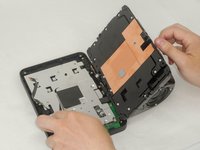
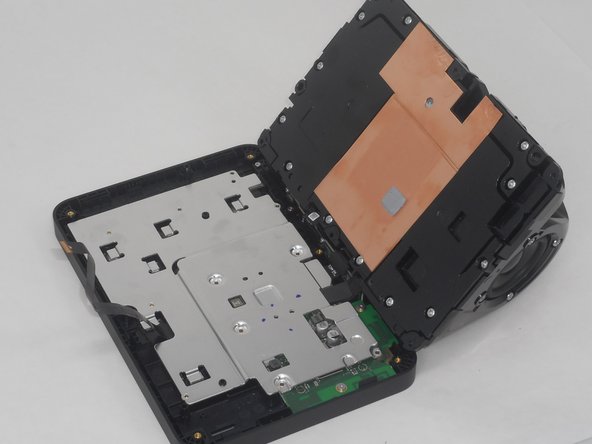
    • Open the device and place it on a flat surface.

    • There is a cable connecting the speaker housing to the display. Be careful when separating the two parts to prevent damaging the connector.

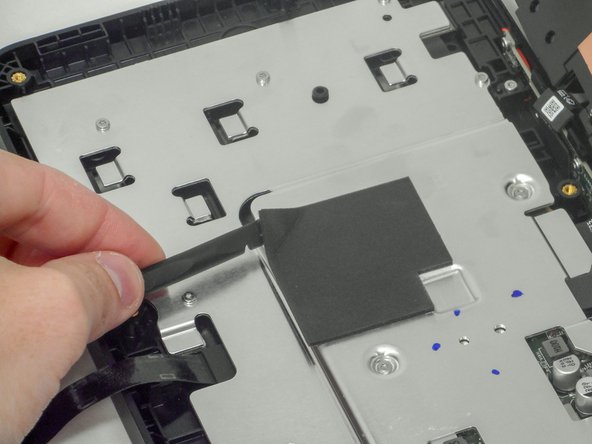
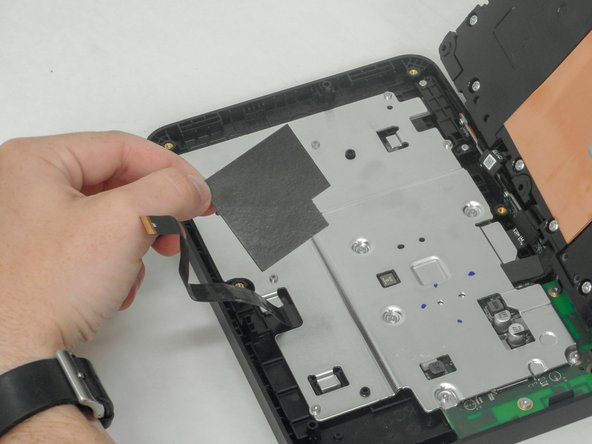
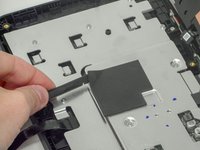
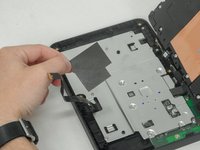
    • Use a rubber spudger to remove the foam mat at the center of the silver plate on the device and place it to the side.

  7. Amazon Echo Show 8 2nd Generation Motherboard Replacement: step 7, image 1 of 2 Amazon Echo Show 8 2nd Generation Motherboard Replacement: step 7, image 2 of 2
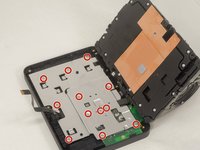
    • Use a T6 Torx screwdriver to remove the twelve 6 mm screws that secure the silver bracket.

  8. Amazon Echo Show 8 2nd Generation Motherboard Replacement: step 8, image 1 of 2 Amazon Echo Show 8 2nd Generation Motherboard Replacement: step 8, image 2 of 2
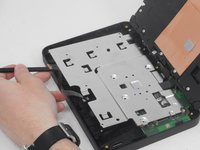
    • Use a plastic spudger to lift the silver bracket slightly.

    • Lift the silver bracket up and out of the chassis.

  9. Amazon Echo Show 8 2nd Generation Motherboard Replacement: step 9, image 1 of 3 Amazon Echo Show 8 2nd Generation Motherboard Replacement: step 9, image 2 of 3 Amazon Echo Show 8 2nd Generation Motherboard Replacement: step 9, image 3 of 3
    • Use a spudger to remove the four foam covers on the cables.

  10. Amazon Echo Show 8 2nd Generation Motherboard Replacement: step 10, image 1 of 2 Amazon Echo Show 8 2nd Generation Motherboard Replacement: step 10, image 2 of 2
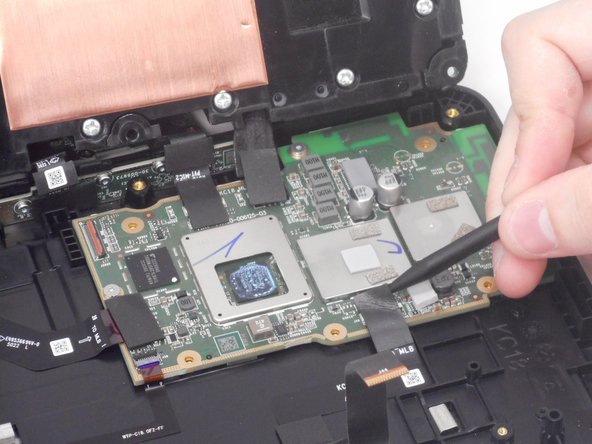
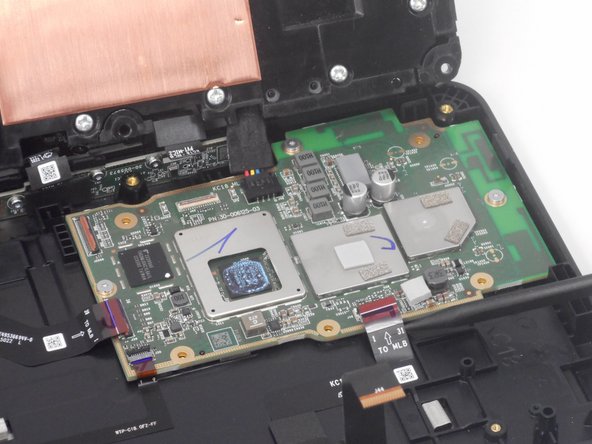
    • Use the pointed end of a spudger to flip up the both of the ZIF locking flaps. Gently pull both of the cables out of their respective ports.

    • Flip up the locking flap OPPOSITE of the cable, i.e., the other side from the previous cables.

    • Remove the speaker connector by pushing it away from the motherboard with the pointed end of a spudger.

  11. Amazon Echo Show 8 2nd Generation Motherboard Replacement: step 11, image 1 of 3 Amazon Echo Show 8 2nd Generation Motherboard Replacement: step 11, image 2 of 3 Amazon Echo Show 8 2nd Generation Motherboard Replacement: step 11, image 3 of 3
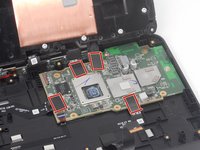
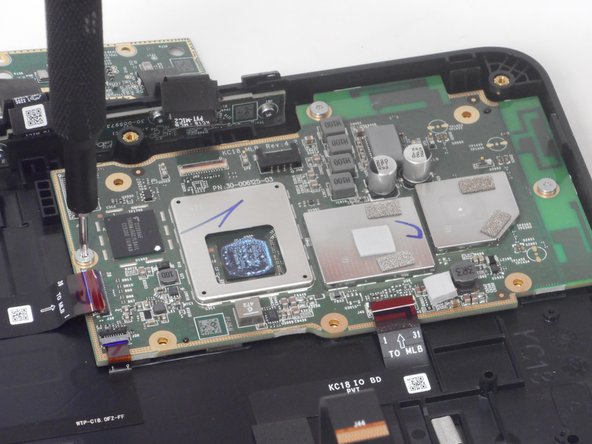
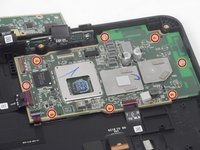
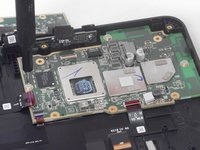
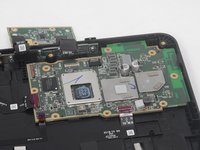
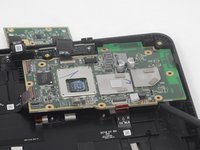
    • Use a T6 Torx screwdriver to remove the eight 5.2 mm screws that secure the motherboard.

  12. Amazon Echo Show 8 2nd Generation Motherboard Replacement: step 12, image 1 of 2 Amazon Echo Show 8 2nd Generation Motherboard Replacement: step 12, image 2 of 2
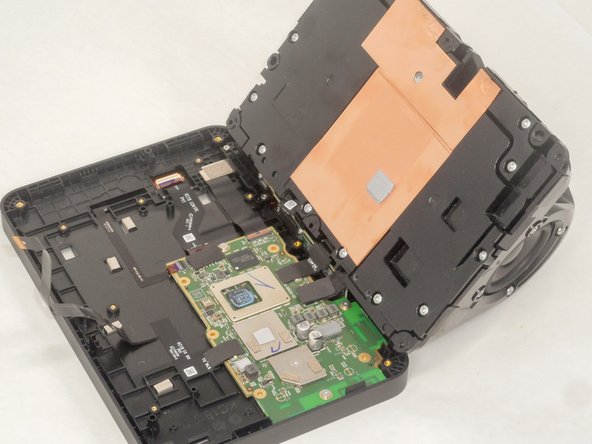
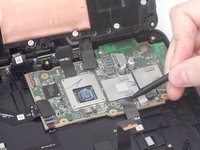
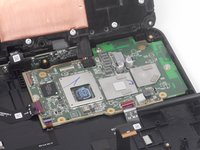
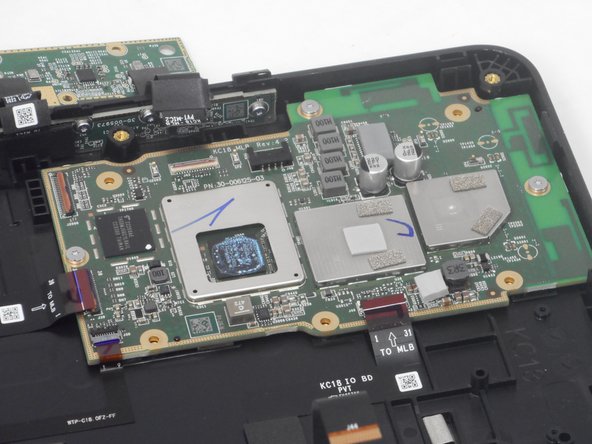
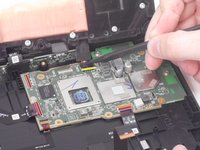
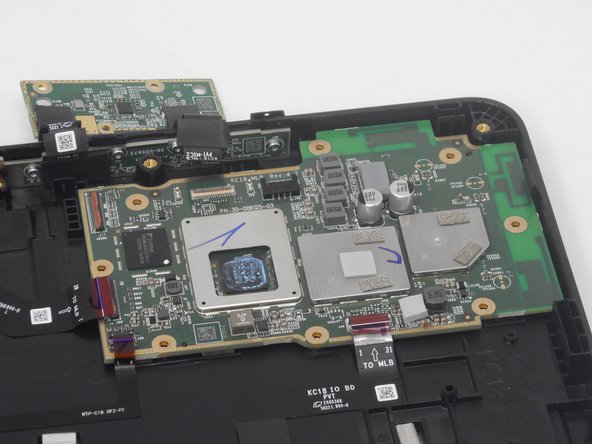
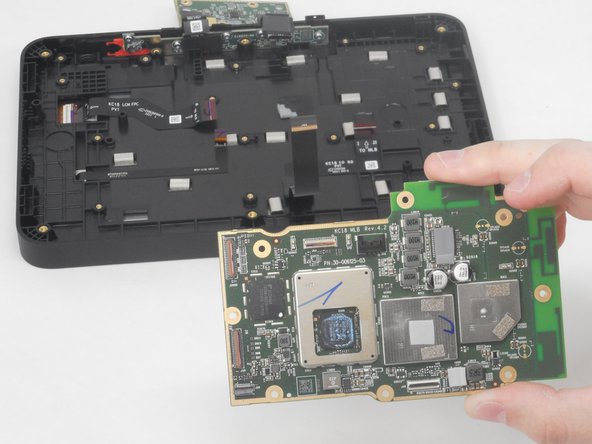
    • Gently lift the motherboard up and out of the chassis.

Conclusion

To reassemble your device, follow these instructions in reverse order.

Brian Le

Member since: 02/14/24

681 Reputation

4 Guides authored

1 Guide Comment

Donde puedo conseguir esa tarjeta madre?

Ema Mares - Reply
Add Comment

View Statistics:

Past 24 Hours: 0

Past 7 Days: 7

Past 30 Days: 60

All Time: 814