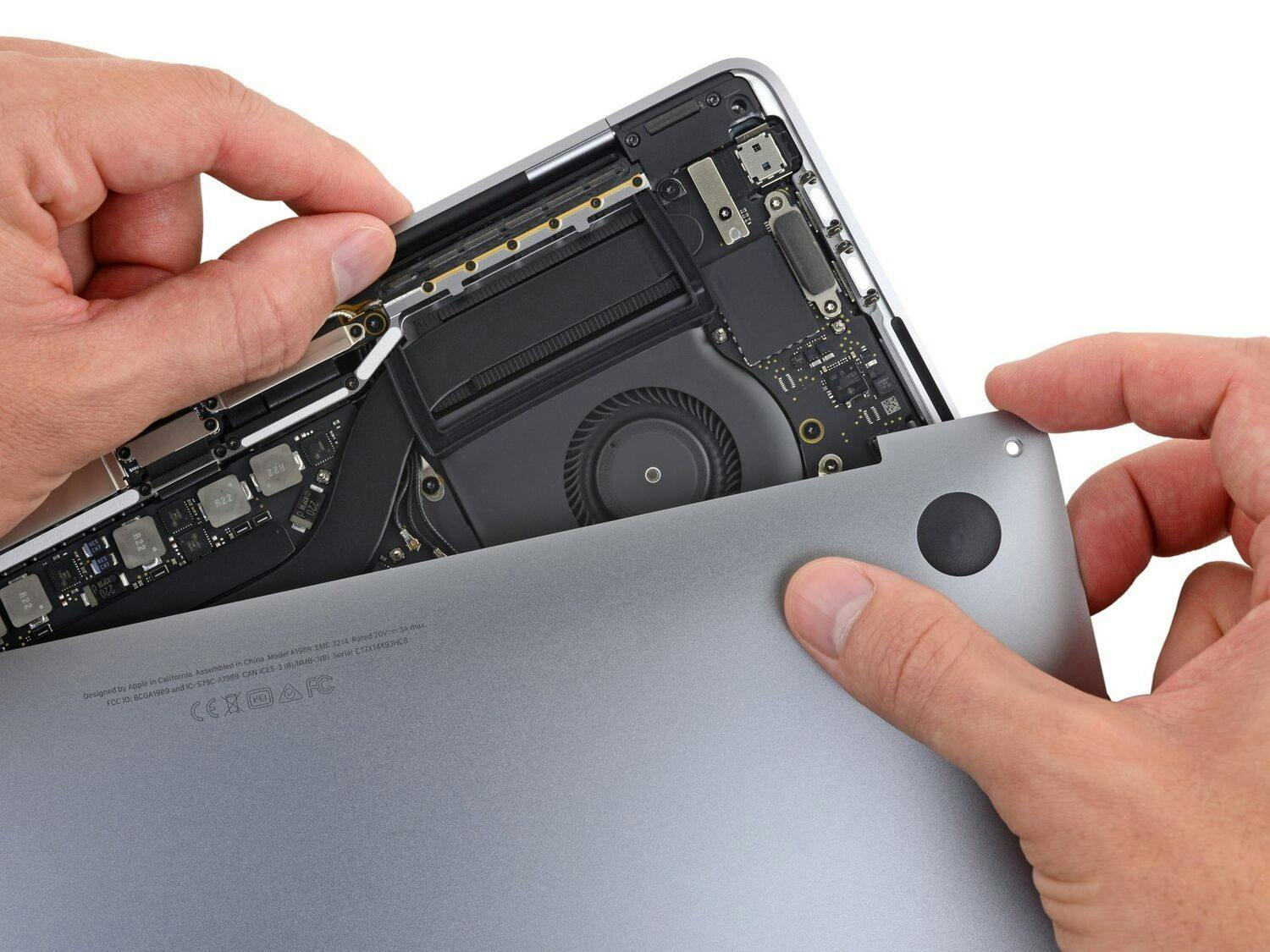
Click Image To Zoom
Installation Guide
iPhone 3GS
Difficulty: Very difficult
Required Tools
Add All Tools to Cart »Spudger
$2.95 ·Add to Cart »
Small suction cup
$2.95 ·Add to Cart »
Share this Product
Stories
My Problem
My iPhone had a broken rear case: a couple of cracks at the top and the bottom.
My Fix
It went pretty well. It requires a bit of patience but it's not that complicated.
My Advice
Remember that the screw that holds the mute switch on the top left is a bit longer than the others. I forgot about this and I could not put it back in place until I realized that. Also you need a magnetic screwdriver to hold the screw in place when remounting the device. The one I bought from iFixit isn't magnetic, so I used a little magnet to magnetize it before using it.
My Problem
My girlfriend has an HTC Inspire that she has a lot of problems with so I wanted to surprise her with a 3G S for Christmas. The back cover was a little scuffed and had a crack near the connection port so I ordered a replacement white back cover for it.
My Fix
The repair went great! It was actually a lot easier than I thought it would be. I definitely recommend the tool kit iFixit sells. It made everything so much easier.
My Advice
Overall the guide was great. One thing that should be added though is something about the screens for the speaker holes. If you don't get them off the old back cover than you will just have two holes where the speakers are and debris will get into your phone a lot easier.
My Problem
broken glass broken rear case and battery life...
My Fix
Perfect!
My Advice
actually it was pretty easy!
My Problem
Funny thing. The sensors acted weird - it even wrote messages by itself.
My Fix
Same procedure as always - just follow the tutorial.
My Advice
After changing the iPhone display, the phone might not start up with just the backlight on. Don't panic, just do a forced reboot (Home + Power button until you see the apple)
My Problem
The front glass was cracked and on the back cover I had a crack near the dock connector.
My Fix
The front glass was easy and fast done. For the back cover it was really hard and took more time. But did it without a Problem.
My Advice
Be sure you have good light an perhaps a magnifing glass to see all the tiny parts.
My Problem
the could not use the touch screen.
My Fix
The repair took some time but the step by step instructions are great on ifixit.com. The parts where exact and high quality.
My Advice
If you need to repair or replace your iPhone battery or front glass, some pointers. The front glass is relatively simply, but the battery is a little harder. But ifixit online step by step you can get thru it. Word of advice, do not buy iPhone parts from ebay or amazon, buy from here. At Ifixit you know your getting high quality items, my touch screen works like original. Also the parts are very small, so if the part being off by just a little will be hard to put back together.
My Problem
There were some small parts that are not described in the instructions where they hard to figure out how to place them back. Not 100% reliable instructions and the cover I got from ifixit.com had no screw hole for the sim injector holder!!!
My Fix
Read above
My Advice
Ask the ifixit.com to redo the instructions with more detail, is hard just to say: follow the steps in reverse order, IS NOT EXACTLY LIKE THAT!!
My Problem
I have had my iPhone 3G[s] sense it was release, that's 2 1/2 years now, My wife has the same model 6 months younger. Both batteries are pretty poor now and both our back cases have a vertical crack running up from dock connection. We have both dropped our phones many many times and not on nice soft carpet but on tile, hardwood and cement floors. These 3G[s] sure can take a beating, and no cracks or scratches on the glass. Both phones are off contract and I could just have gotten a new 3G[s] on contract for $0 or even spent the money for the new 4[s]. So why do the repair on mine? First We have moved to Florida from New Jersey and I want the flexibility to change carriers if I really need to and second I just wanted to give the repair a try. Money was never the issue, I bought the replacement battery and rear case for my phone. I also bought the Pro Tech Base Toolkit mostly because it was cool, it did however come in hand.
My Fix
The Prep... I have an Apple 30" Cinema Display, on the left half I had a movie going and on the right I had the ifixit guide for the rear case replacement up. I had a 6 or so small desert plate lined up behind my keyboard to hold the removed parts in stages so as to not mix them up and making the reassembly easier. I laid down a soft cloth to perform the work on and started in. These a very tiny screws so be careful to not loose them, Take it SLOW and DETAILED, the Mac zoom feature will come in handy to enlarge the photos so you can study them in better detail because you will need to do this. The ifixit guide does have all the information to get the fix done but you may want to take some photos along the way that are of better contrast so you can see exactly how things should be. I did not do this so I spent quite a bit of time studying the ifixit photos during the reassembly process. Pay very close attention to how the volume buttons, mute switch (which was a !@#$%), on/off button and GPS antenna are laid out. Bottom line... My repair took over three hours, I really took my time. The repair was very successful, and you would be very hard press to be able to tell the difference between a new 3G[s] and mine.
My Advice
Take some of your own HIGH contrast photos or video so you can see exactly how things should be situated during the reassembly. The 00 screwdriver that comes with the battery replacement will do just fine, the spudger did not, I broke both tips on mine. If you don't want to spring for the tool kit like I got then these are what I recommend. You will need the suction cup to remove the glass, The Heavy-Duty Spudger and the Metal Spudger Set will make things easier to remove i.e. the GPS antenna is glued down which is not mentioned in the guide and that is where the flat metal spudger comes in handy. Again TAKE YOUR TIME! Take breaks, eat and drink to fuel up (not in your work area) and keep everyone away, you are in for the long hall but you will be successful!
My Problem
I bought an used iPhone 3GS as gift for my wife. And got a device with ugly fissures on the white rear case and a geriatric battery. So I decided to change the back and - on the way - renew the battery.
My Fix
Following the guides step by step, everything worked well. Differing from the good and clean photos, I found a lot of dust & dirt and needed al lot of time to remove it.
My Advice
Not expensive, but very practical: the spudger which I ordered separate from the one added to the battery pack. With its sharp end it is quite easy to lift tiny parts or cables.
My Problem
I had a black 3GS I gave to my 13 y/o son when I got a 4S. The 3GS had cracks on the rear panel and the volume button came off. My son wanted it fixed or a new one. I had previously replaced the battery from iFixit 1 year ago and did not want to give up on it. If found a white back panel on iFixit. It was a little more expensive then other sites, but it was EXACT and required NO modifications.
My Fix
I took his phone after he fell asleep on Christmas Eve with the intention of having it ready Christmas morning. Overall, it took 3 hours. 2 cups of cocoa, patience, and the illustrated Step by Step guide were a MUST. I finished and all went well except for a no SIM status after install. Did some research and got it done and it looks brand new. On Christmas morning my son couldn't even tell if it was his own phone. He loves it and is happy that the white 3GS is somewhat unique. The 3GS is perfect for a 13 y/o and will hopefully last a long time.
My Advice
I have exchanged several batteries now. I recommend a piece of paper where the removed screws are set on and lightly held down by tape and labeled so none are lost or mixed up. Also, the mother board should be pushed slightly to the top of the device before tightening the motherboard screws to the case. This allows for the sim card to push against the SIM card detector. Lastly, the back case includes the silver trim and volume buttons. If the glass is in good shape, it will look brand new when done.
Related Questions
| 3 Answers 0 Score | Mute button isn't working. |
| 2 Answers 1 Score | Broke screw bracket on bottom of iPhone | |