Introduction
The Original Xbox was one of the best selling game consoles of all time, it had amazing graphics compared to the Playstation 2, the Nintendo Gamecube, and the Nintendo 64. Now, lets take a look inside...
What you need
-
-
-
Removing the heatsinks.
-
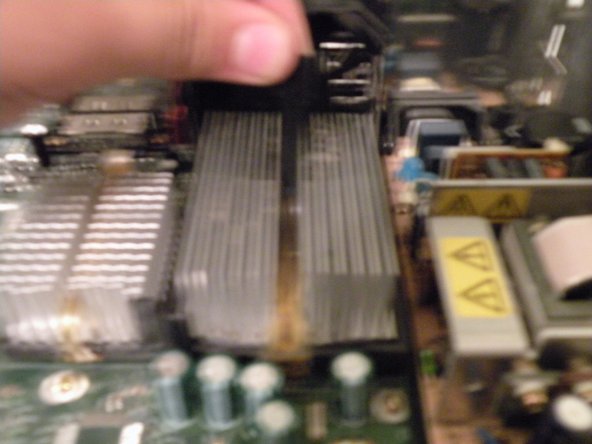
The big one to the right, is the CPU, the smaller one to the left is for the GPU.
-
Lift the black tab up on the cpu heatsink. This will release the tension on the chip.
-
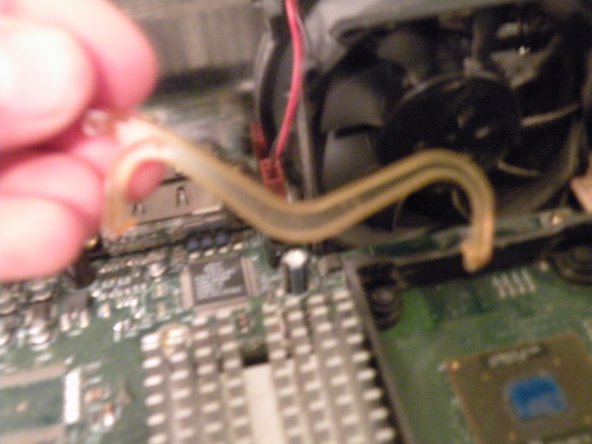
Next, use a flathead screwdriver to remove the clip. Then lift the CPU heatsink out (this may take some force).
-
-
-
The CPU
-
So What's Under Door Number One?
-
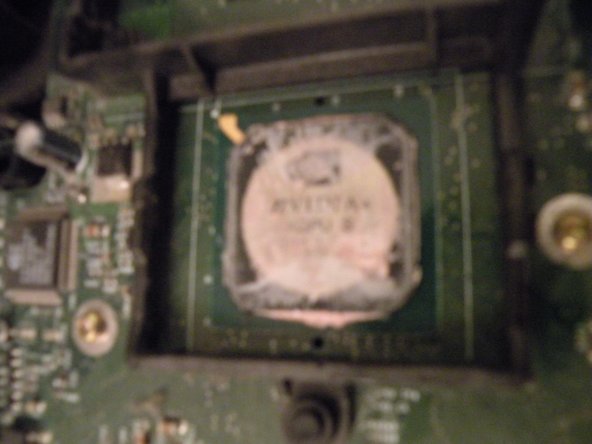
An Intel Pentium III CPU running at 733Mhz.
-
This is actualy a surprise, because almost every other console out there uses an IBM PowerPC CPU. This makes us wonder, could this console emulate Windows?
-
It also raises the question, why did Microsoft switch to PowerPC, around the same time Apple switched to Intel?
-
-
-
The Logic Board Overview:
-
The CPU: An Integrated Intel Pentium III CPU Clocked at 733Mhz with a 100Mhz Front Side Bus
-
The GPU: Nvidia NV2A running at 233Mhz
-
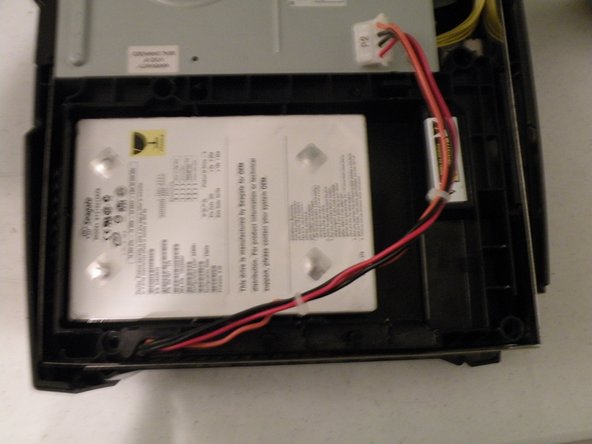
The Power Supply: Be Carefull When Working on this, you can get shocked by this if you touch it. The power connector is similar to that of an AT Power Supply found in 90's computers. It can supply 100 watts.
-
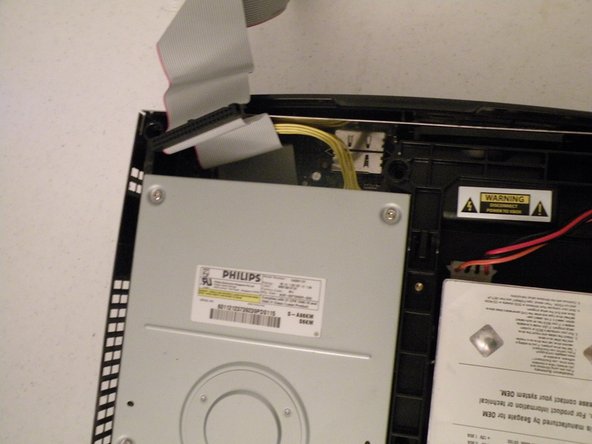
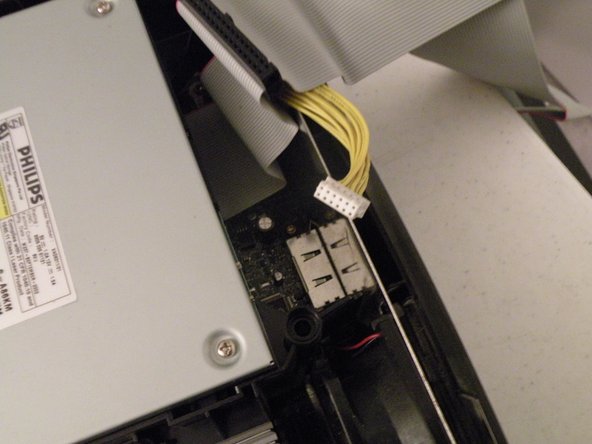
The ATA Header: This connects both drives to the Xbox Logic Board.
-
The A/V Ports
-
The Ethernet Port
-

















Team

11 Comments
Since the CPU has only 128kB L2 cache, it's actually the Celeron version of the Pentium III processor. Which was meant for office work, not gaming. :/
The original XBox was x86 largely because Microsoft had no clue what they were doing when they first designed the console. x86 is a dreadful architecture to work with outside of PCs, and even in the PC industry, x86 isn't really all that wonderful and is only in use because of how the PC market works. Apple knew if they stuck with PPC much longer on Macs they'd lose critical mass with software developers and they'd end up selling very expensive paperweights in a few years if they didn't do something.
As for game consoles: PPC has been demonstrated and proven time and time again to be technically superior to x86. To this day (April 2013) this is still holding true. Microsoft ditched x86 for PPC in the 360 when they realized basing the XBox on the x86 architecture was a horrible idea, both power and power-consumption-wise.
Alas, the next XBox and the PS4 are both going x86, whereas Nintendo is wisely staying PPC with the Wii U.
Lol.
I am from the future and here to tell you how stupid that statement was.
Sources:
Xbox One - AMD Bulldozer
PlayStation 4 - AMD Bulldozer
Oh, hello there Bob!
Still using AMD on upgraded tech, called Xbox Scorpio and PlayStation 4 Pro :P
Have fun,
Blinx
Blinx -
Oh hey and now Nintendo moved to Arm... Why leave PPC? Well, you know... Mobility and less power consumption...
