Sony CD Walkman D-NF430 Teardown

Add Note Introduction

Author: reuse2009

I am first of all doing this to enter to win a PS3 Slim or PSP Go. I am also doing this to find out what's inside this CD player.

View as slideshow

Tools used in this guide
Teardown Warning

Teardown

Teardowns provide a look inside a device and should not be used as disassembly instructions.

User-Contributed Guide

User-Contributed Guide

This guide is not managed by iFixit staff.

Paginated Single Page Steps

first image
thumb image 1
thumb image 2

Add Note Step 1 — Teardown

  • Start by looking at the fine detail of the exterior.

first image
thumb image 1
thumb image 2
thumb image 3

Add Note Step 2

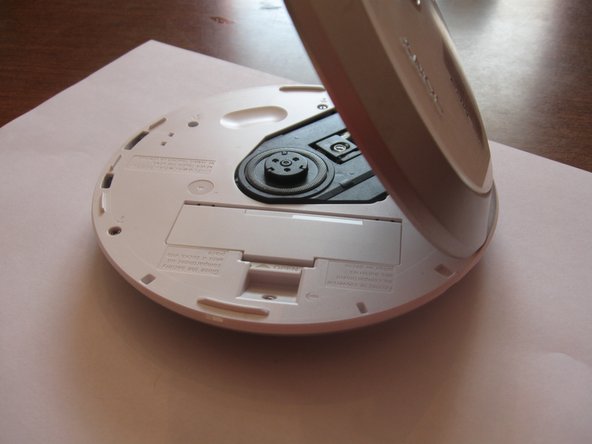
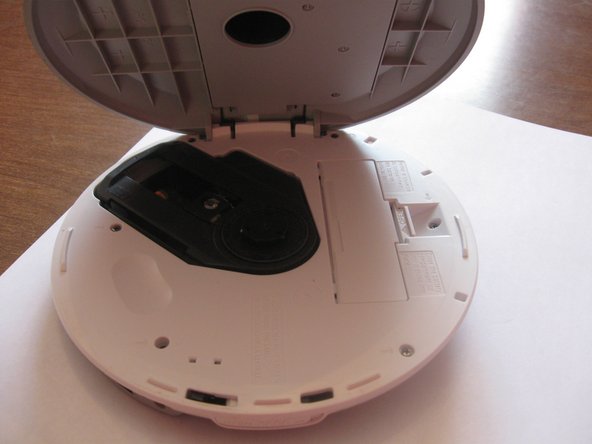
  • Open it, remove any CDs and put away. Open the battery cover and remove the battery.

first image
thumb image 1
thumb image 2
thumb image 3

Add Note Step 3

  • Close the battery cover and locate your screwdriver.

first image
thumb image 1
thumb image 2

Add Note Step 4

  • Unscrew the six screws and place them on the magnet so you'll be able to find them later. Sony was nice enough to put the screws next to the lid at an angle so you can fit a screwdriver in there.

first image
thumb image 1
thumb image 2

Add Note Step 5

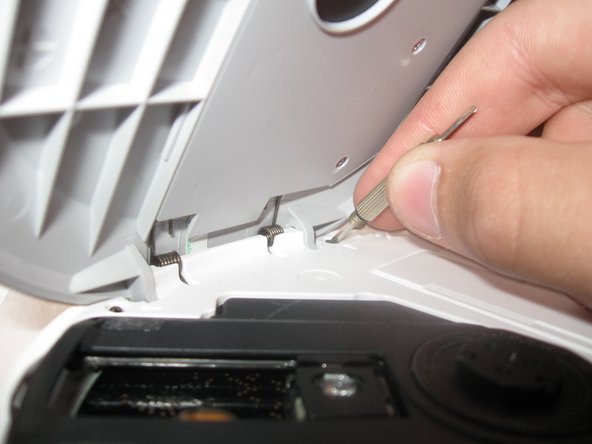
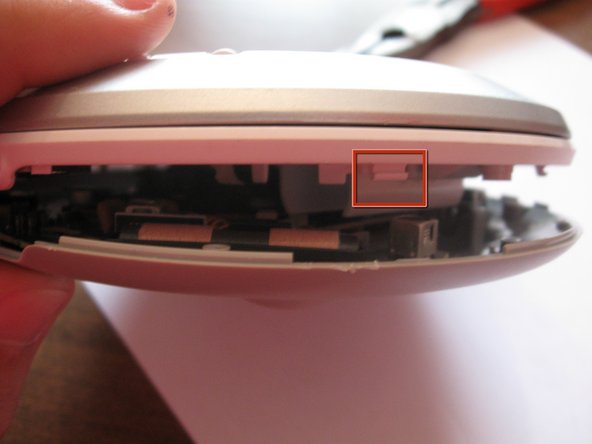
  • Insert the tip of a screwdriver between the white upper layer and the gray lower layer. Carefully pry apart. There are small clips that help hold the two layers together and you don't want to snap them.

first image
thumb image 1
thumb image 2

Add Note Step 6

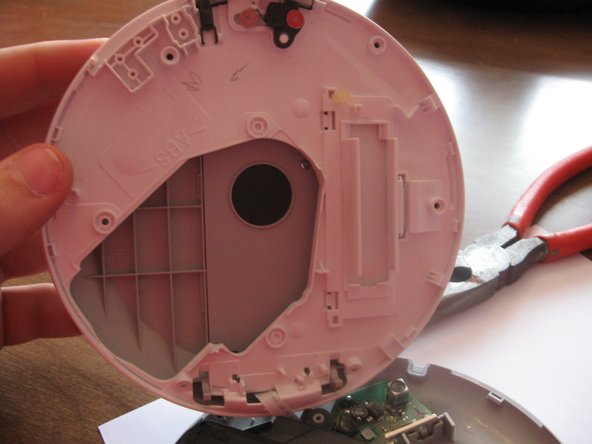
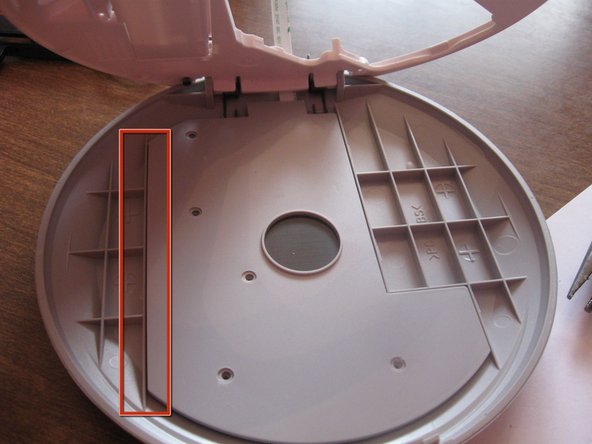
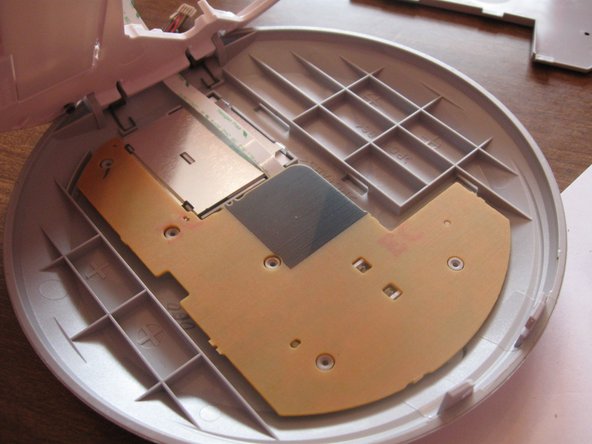
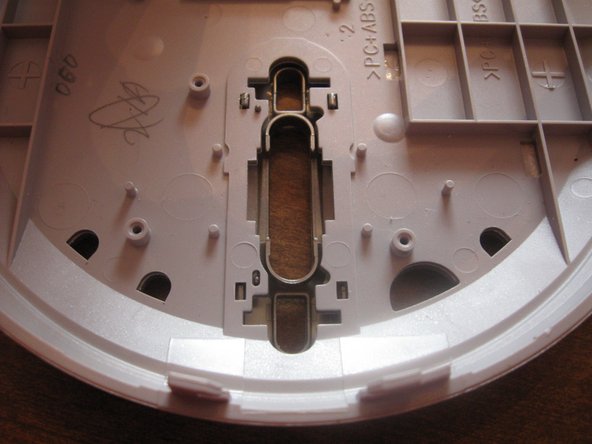
  • Here's the inside of the bottom layer.

first image
thumb image 1
thumb image 2
thumb image 3

Add Note Step 7

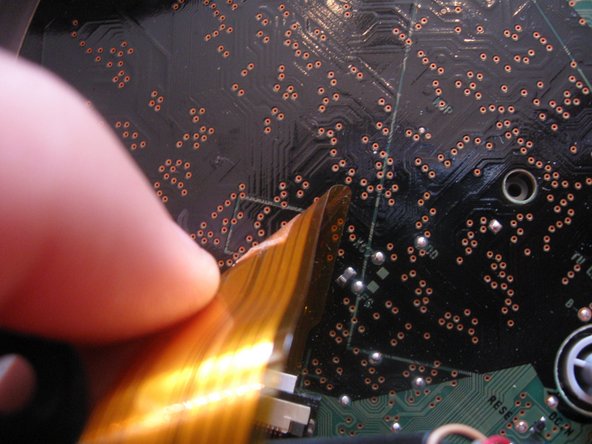
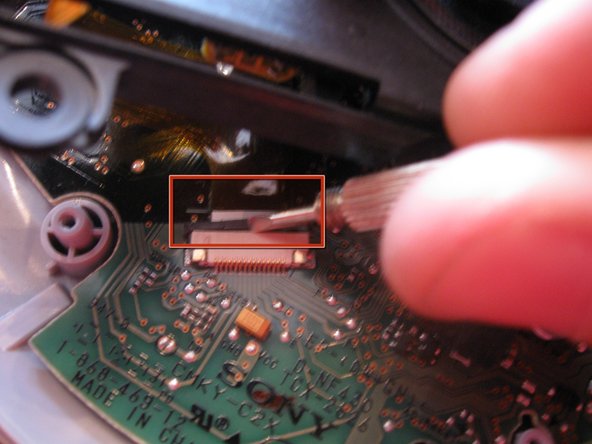
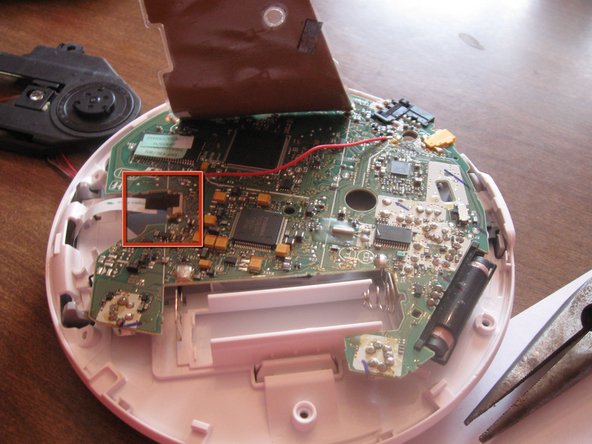
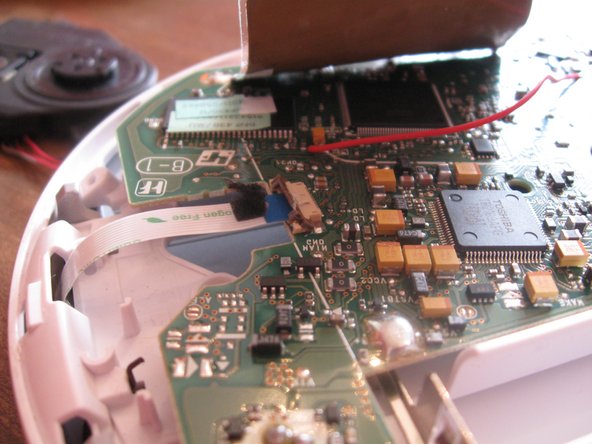
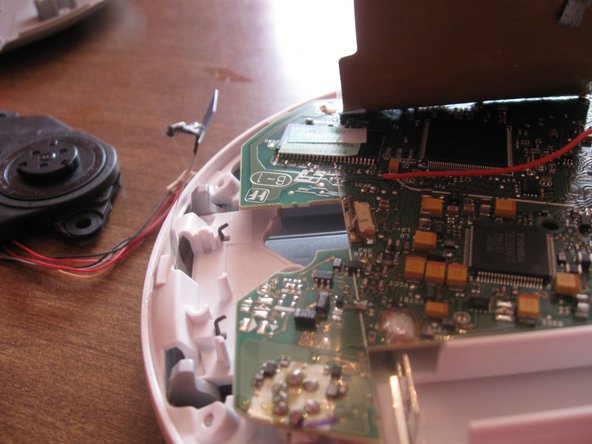
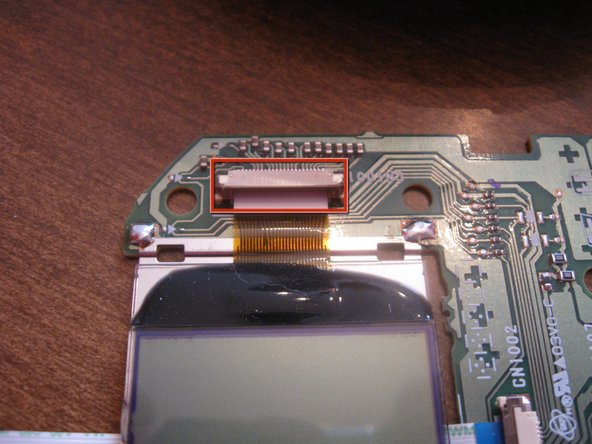
  • Now to remove the laser reading assembly. Carefully peel the orange data ribbon off the circuit board to the plug. Using the flat screwdriver, pry the black clip away from the tan part.

first image
thumb image 1
thumb image 2

Add Note Step 8

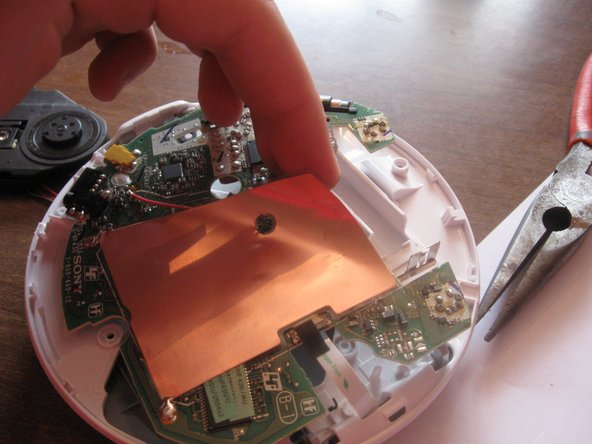
  • Now for the power wires. Pry up on the side opposite of the wires.

Add NoteNotes: Step 2

Flag Reply by Chris Green Nov 6 @ 8:55 AM

Ohh, Black Album.