Introduction
Here's a Blackberry Pearl 8130 for disassembly. It had software issues which I afterward fixed.
What you need
-
-
Frontal/Back View- Dimensions: (LxWxD) 107mm x 50mm x 14mm (4.02" x 1.97" x .55") <- For those in America :) Weight: 96g or 3.10oz
-
Speaker
-
Status LED
-
High-res 240x260 Color LCD display
-
Red Trackball
-
1.3MP Camera
-
Flash
-
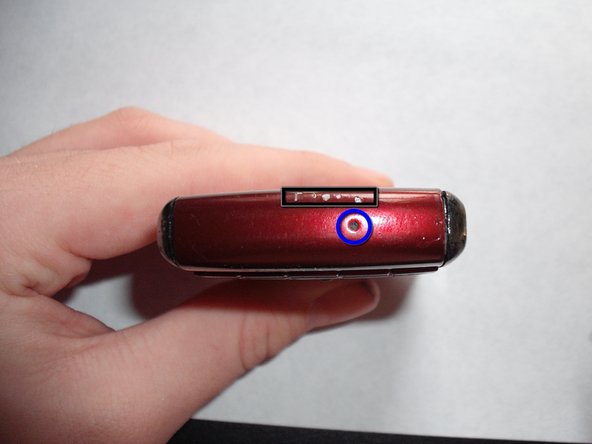
Back Cover Latch
-
-
-
-
Insert curved point metal spudger into gap between keyboard and bottom bezel cap.
-
Bottom Bezel Cap
-
Pull up and push away to lift bezel.
-
Hold this cap with your thumb and flip the phone around.
-
Insert spudger under bezel and lift on both sides.
-
Pry Here
-
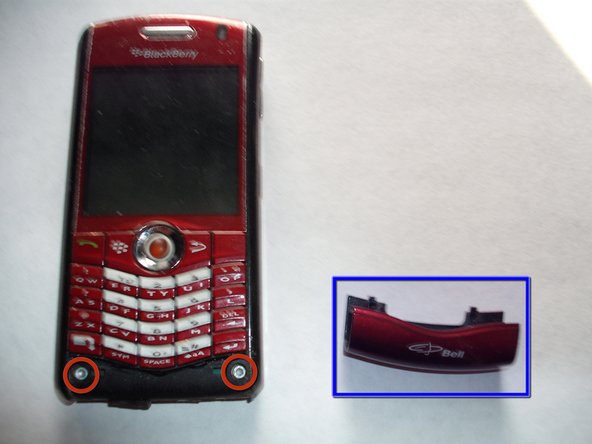
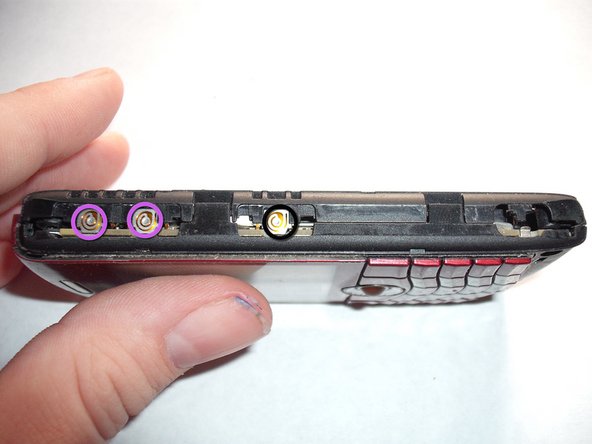
The Bezel Cap should pop off at this point revealing two more T5 screws!
-
Two T5 Screws
-
-
-
Remove the two T5 Screws and set them aside.
-
The two T5 screws and their respective holes
-
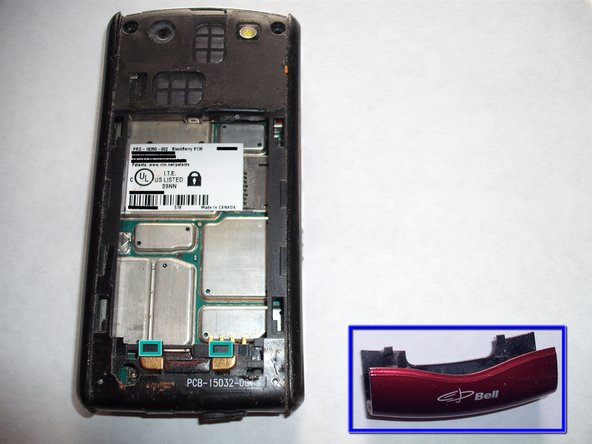
Start at the top of one of the sides of the phone and pry off the silver sides with a spudger or your fingers.
-
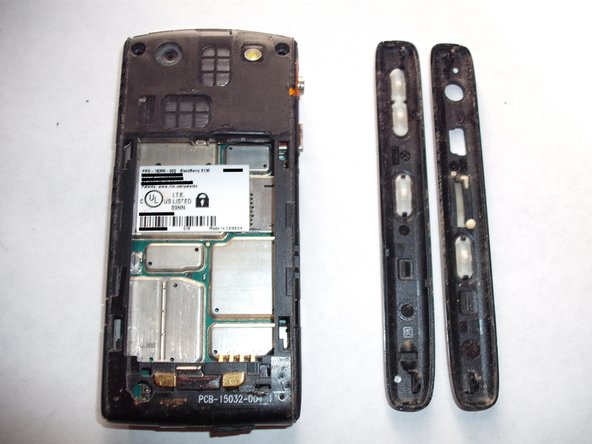
Once you have removed both sides set them aside
-
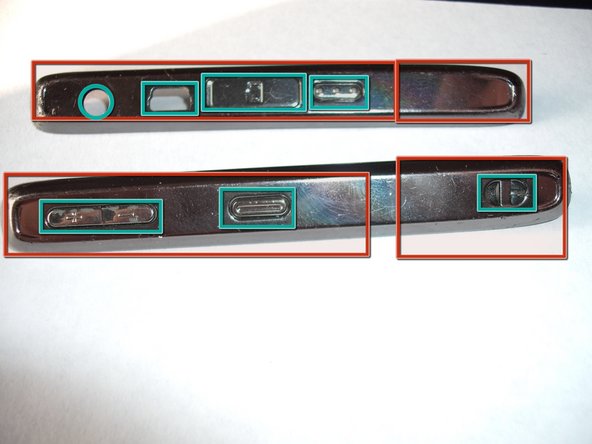
The silver sides
-
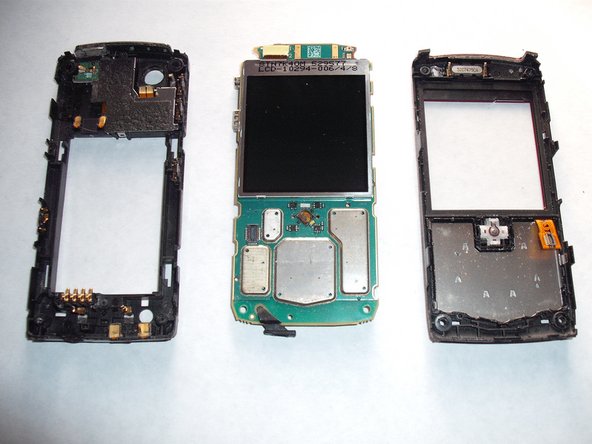
Various holes, buttons and slots
-
-
-
Trackball (Removable). Pop it out from the back.
-
Display Glass (Removable). Pry from the top to break glue seal, pry the rest of with your fingers.
-
Keypad
-
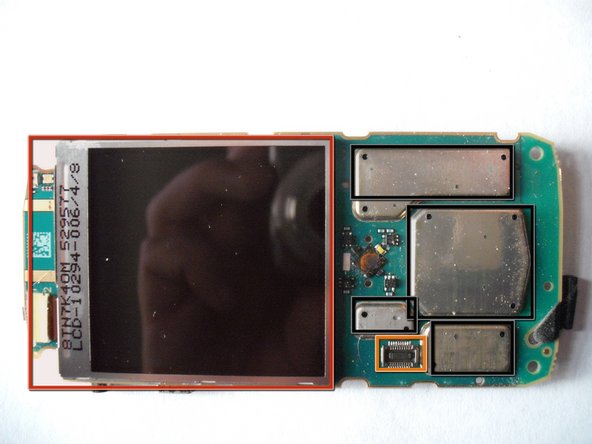
LCD and connector above it to the left (Removable). Remove connector with spudger and free LCD from clips.
-
Keypad connector (Keypad was removed). To remove pry connector up off of logic board.
-
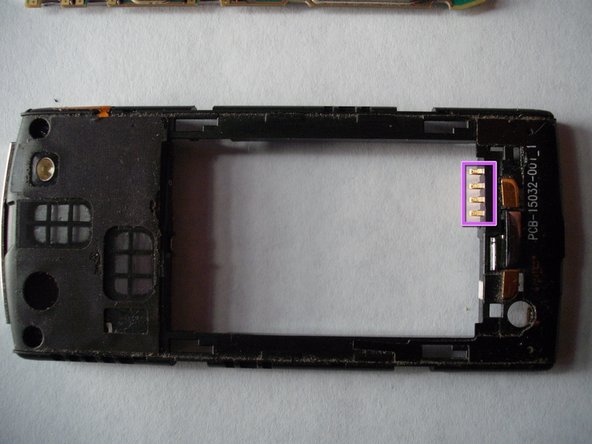
Battery Connector
-
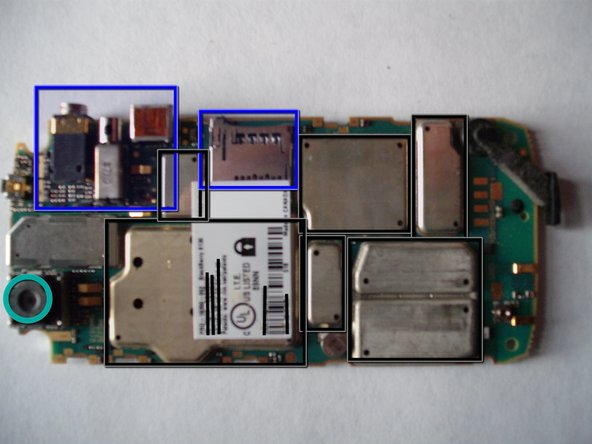
Various chips under metal heat sinks. Sorry I won't remove them the phone is still good and I don't want to risk damaging it :(
-
-
-
Speaker (Removable by Soldering)
-
Keyboard Connector
-
Trackball (Remove by poking out)
-
1.3MP Camera (Removable by Soldering)
-
From left to right: Headphone jack, Antenna?, USB Port, Micro SD Card Slot. All of the above are removable by soldering.
-
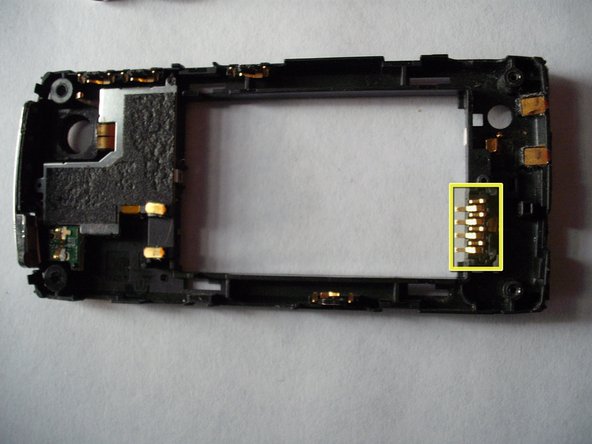
Battery Connector (Removable by pulling it straight out of it's slot)
-
Various chips covered by heatsinks
-