Introduction
Apple definitely snuck away some interesting tidbits inside -- things they didn't want people to know prior to release. Initially we thought the battery was going to be difficult to take out, but boy were we wrong!
What you need
-
-
This unit combines all the daily functions of a PDA (word processing, datebooks, contacts, to-do lists, etc.) with raw computing power placed directly underneath your fingertips.
-
-
-
Contents of the box:
-
Apple Newton MessagePad 2000.
-
User Reference Manuals
-
Ginormous stack of floppy disks containing the required software and drivers
-
Newton Keyboard with carrying case
-
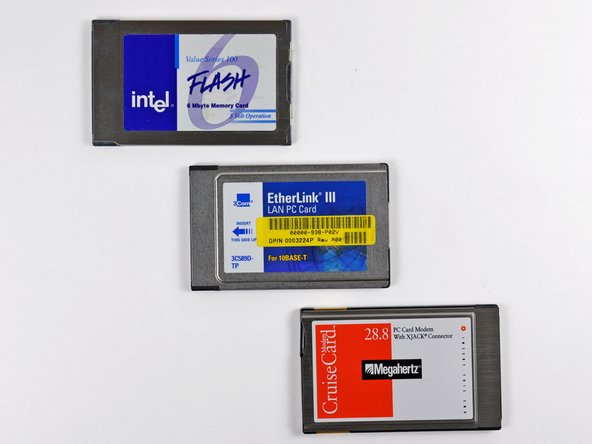
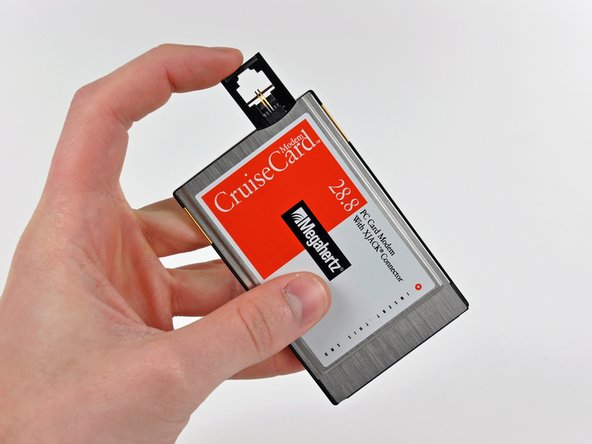
The Newton also interfaces with PC cards through its two internal slots. This allows the use of LAN and external memory cards concurrently.
-
-
-
The MessagePad 2000 measures in at 1.1 x 4.7 x 8.3 inches, and weighing a measly 1.4 lbs.
-
It features a monochrome, backlit LCD measuring 4.9 x 3.9 inches, capable of providing resolutions of 480 x 320 pixels.
-
The standard operating system on the MessagePad 2000 was the Newton OS 2.1. Other features include:
-
Built-in speaker and microphone.
-
Dual-mode infrared transceiver for wireless data transfer.
-
Two Type II PC Card slots.
-
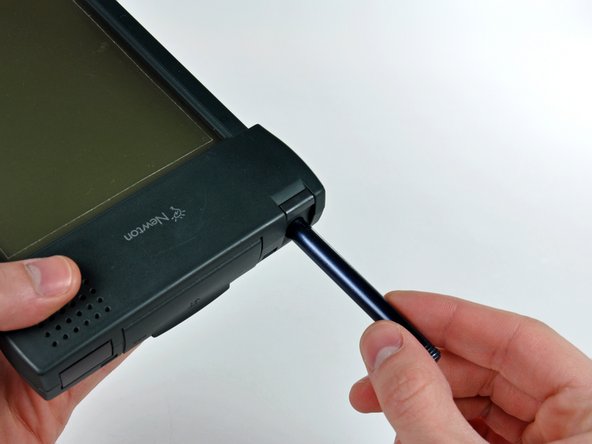
Nonglare resistive tablet and stylus pen.
-
-
-
The MessagePad 2000's preloaded planner and note-taking features are definitely geared toward the business professionals of its day.
-
Using the stylus has a bit of a learning curve, but is overall very intuitive.
-
This particular MessagePad has MorsePad, which converts strings of text into Morse code. Samuel Morse would be jealous.
-
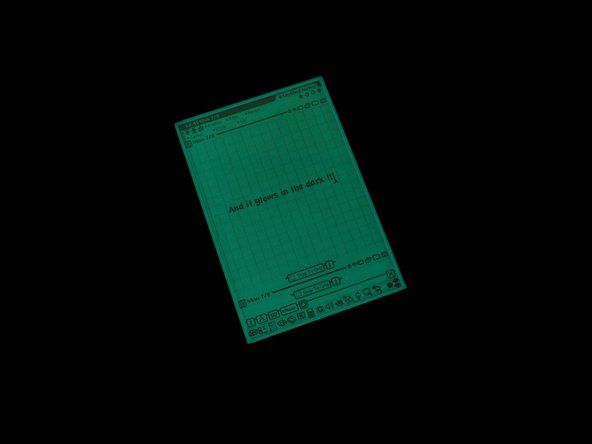
The awesomely '90s monochromatic backlight helps illuminate the Newton in low-light situations.
-
-
-
-
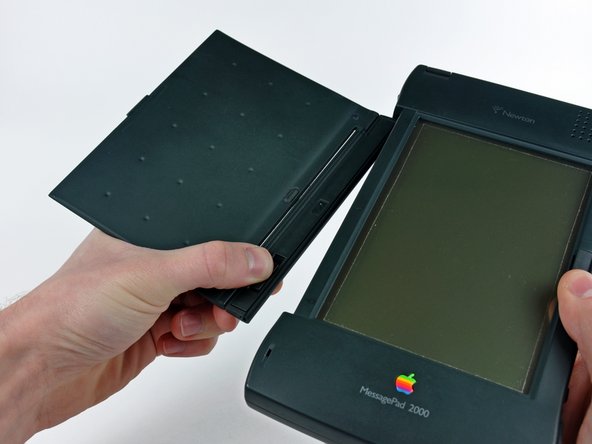
Remove the single 6.3 mm Phillips screw securing the upper half of the battery compartment to the Newton.
-
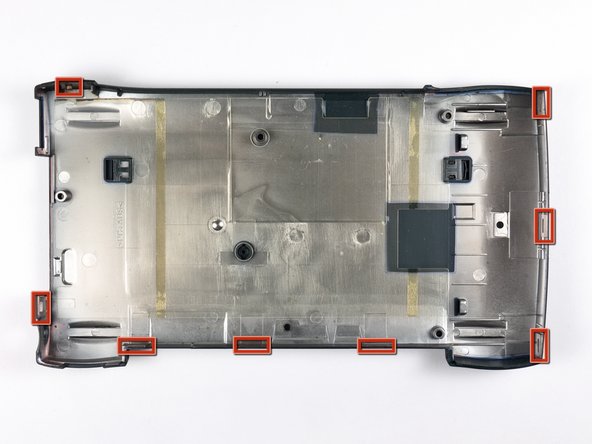
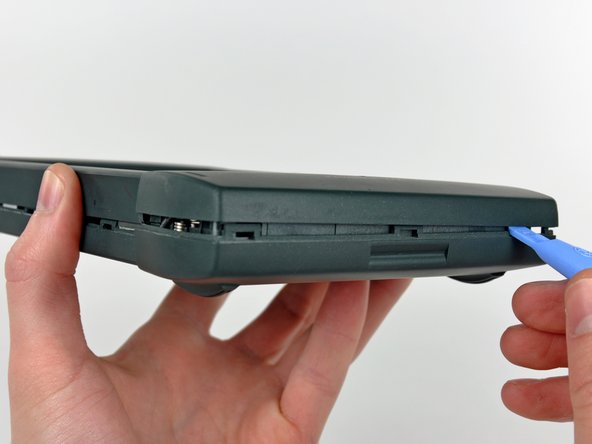
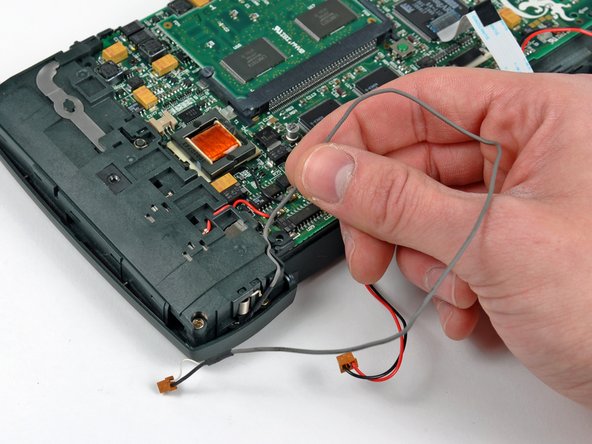
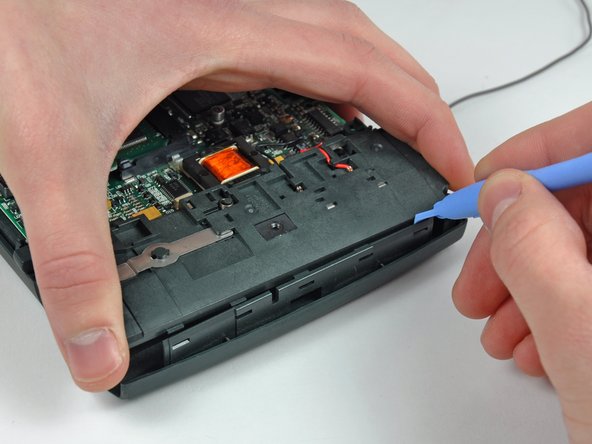
While lightly lifting the upper half of the battery compartment, use the edge of a plastic opening tool to release the five clips along its outer edge.
-
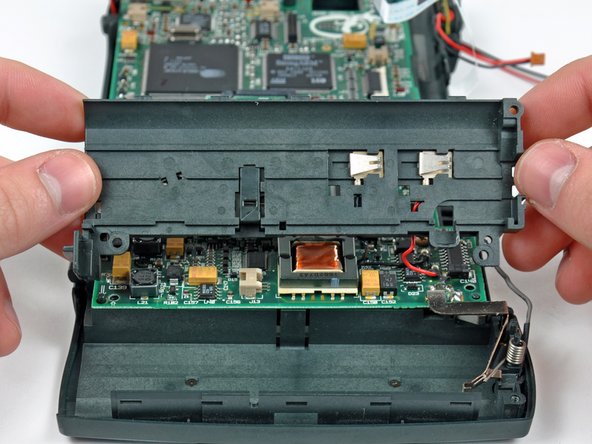
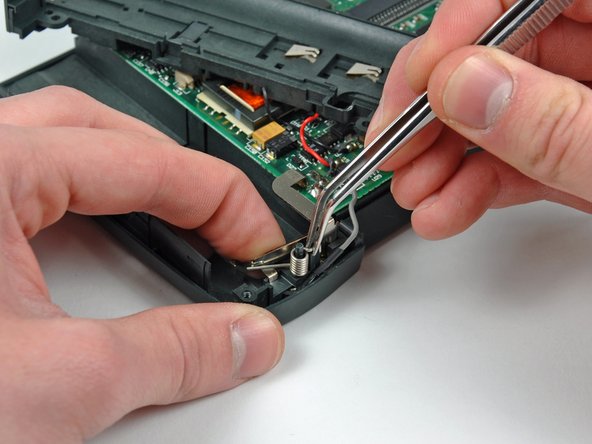
Lift the upper half of the battery compartment and gently lay it on the logic board.
-
-
-
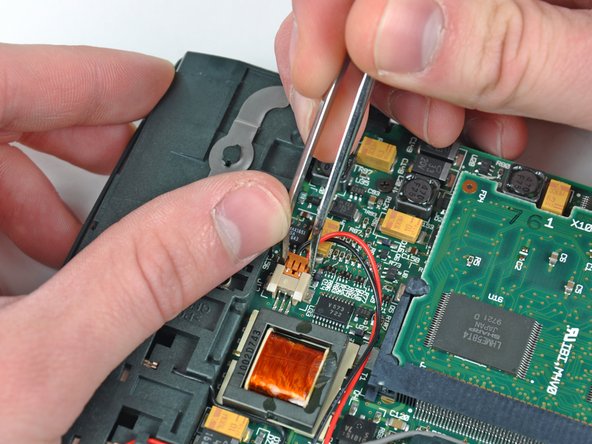
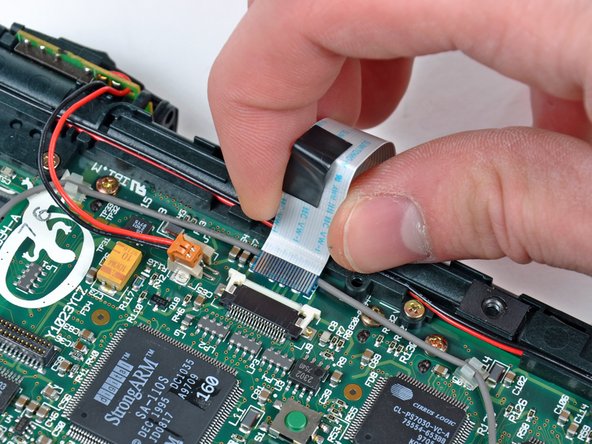
Use the edge of a plastic opening tool to carefully lift the digitizer ribbon cable off the two positioning pegs on the inner case.
-
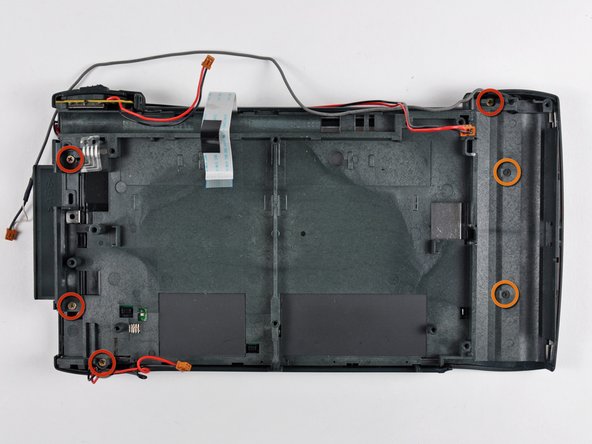
Remove the following screws securing the inner case to the front case:
-
Four 6.3 mm Phillips
-
Two 3 mm Phillips
-
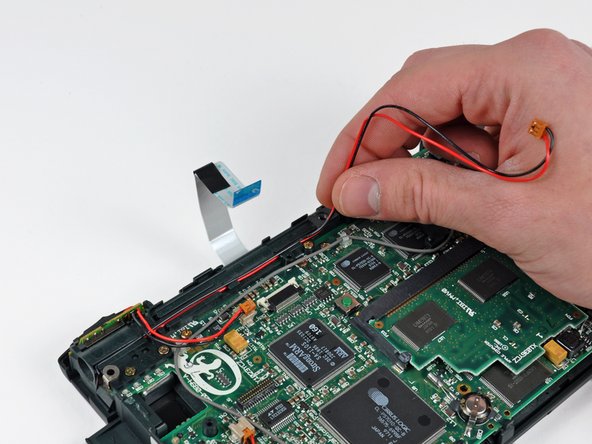
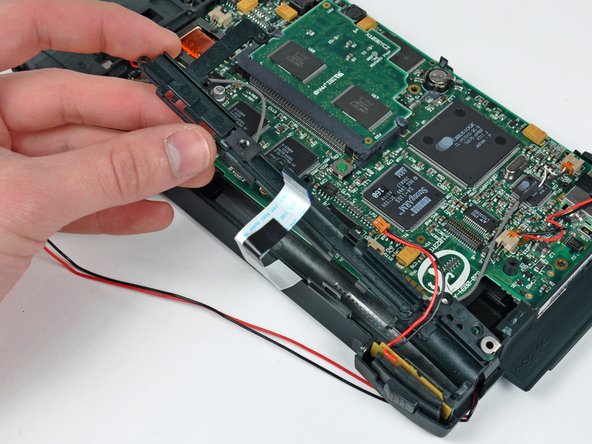
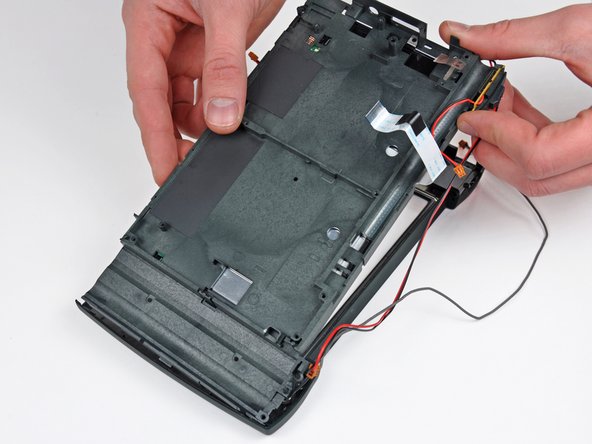
Pull the same retaining tab used to secure the logic board away from the center of the Newton to release the inner case, then pull it away from the bottom of the Newton and set it aside.
-
-
-
Remove the single 3 mm Phillips screw securing the front of the display to the inner case.
-
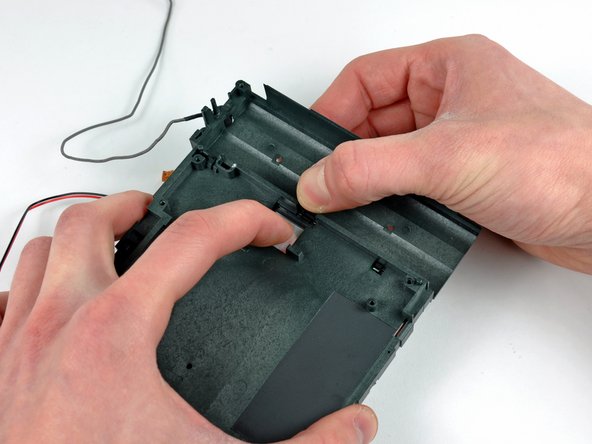
Flip the inner case over and use one hand to release the plastic retaining clip while pressing the display out of the inner case.
-
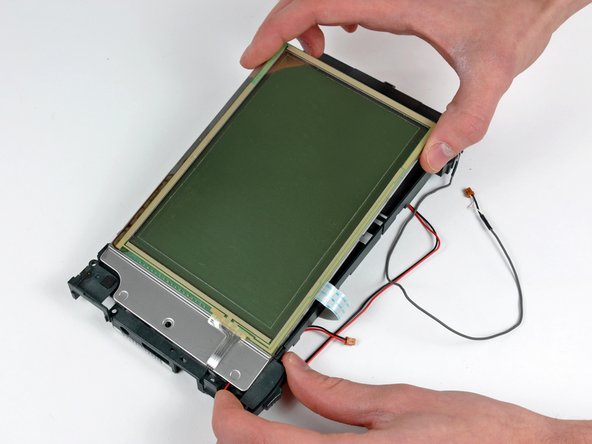
Lift the display out of the inner case, minding the fragile digitizer and display ribbon cables.
-
-
-
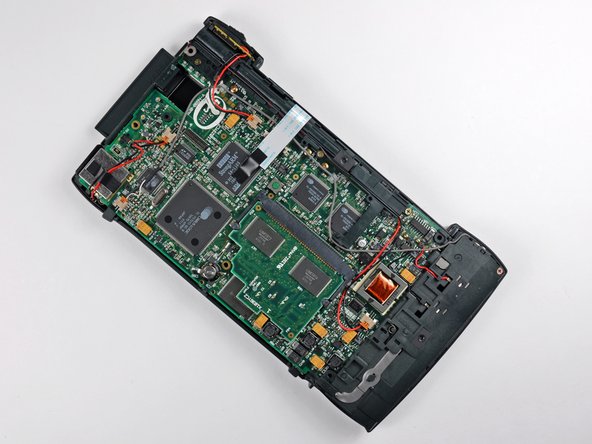
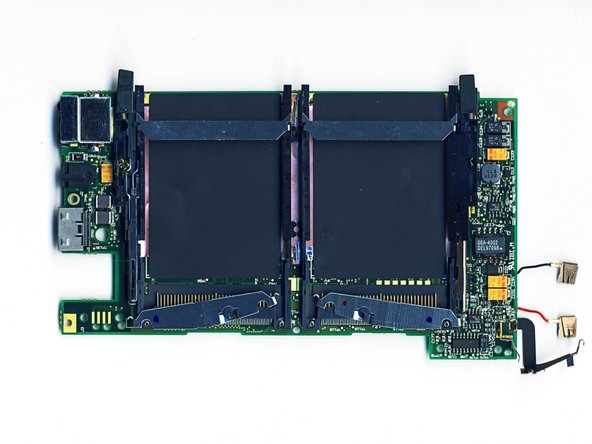
Major players on the board include:
-
Two Sharp LH28F016SUT 2MB Flash ROM
-
DEC's 162 MHz StrongARM SA-110S 32 bit ARM Processor
-
Cirrus Logic's PS 7010/20/30 CPU Subsystem, Analog, and PCMCIA controllers, respectively
-
Hitachi's HM51W426OCLTT7 DRAM
-
Linear Technology's LTC1323 AppleTalk Transceiver
-
-
-
As always, the final layout shot of our finished process.
-
Our hunger for an Apple tablet teardown has been satisfied for the moment. The countdown has begun for the ever elusive Apple iPad.
-
The time has come once again when we must part ways, but worry not, for we will be reunited again soon.
-
Adios!
-




























2 Comments
Hi Guys! I'm happy to send you one of the Apple Replacement Pens for this Newton, if you promise change photos in steps 5-7 ;-)
Wow. You have had a Newton Pen for almost 5 years and nobody noticed. Put in eBay, so anybody can buy them.
