Click Image To Zoom


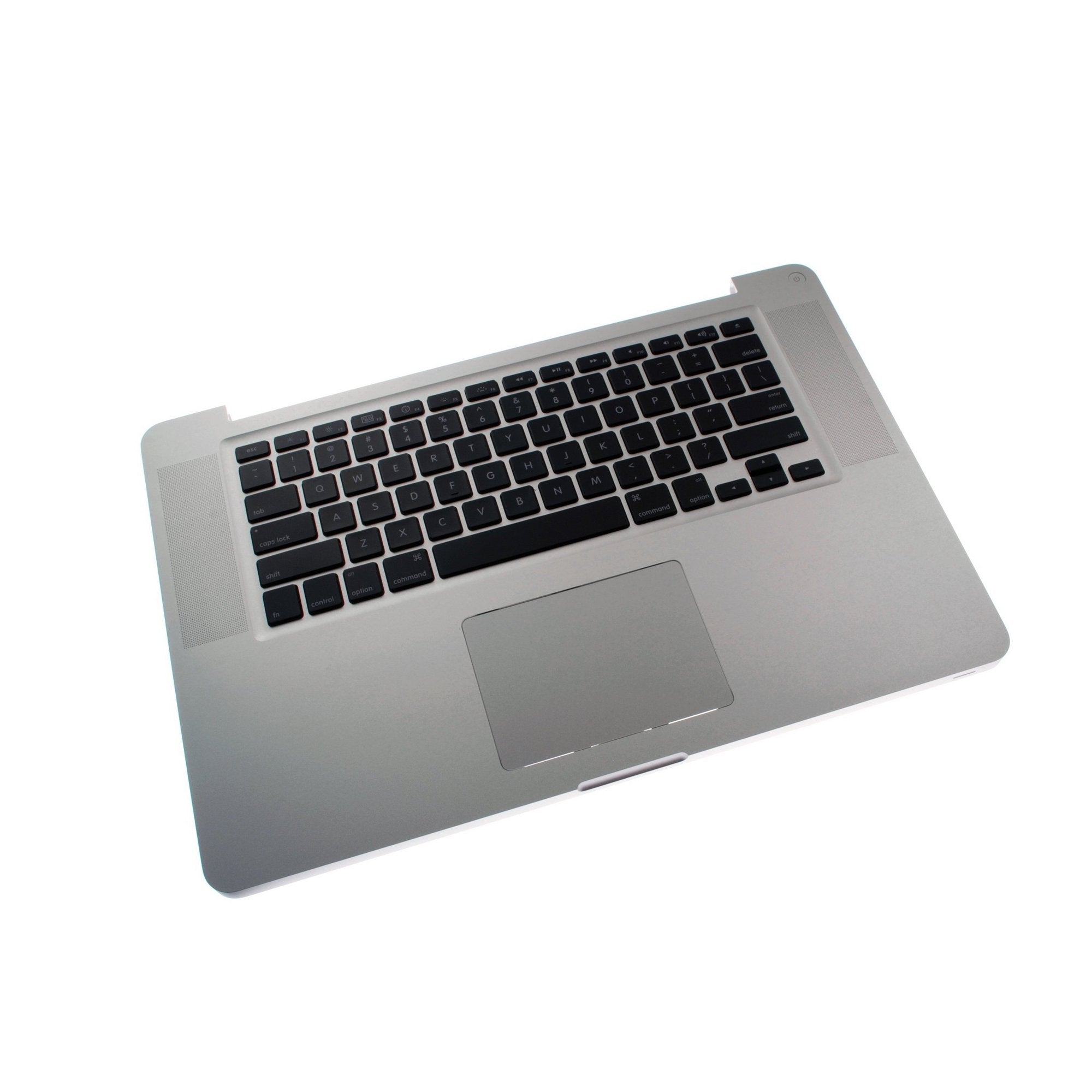
MacBook Pro 15" Unibody (Mid 2009) Upper Case

$299.95

Product code: IF161-026-1
Apple Part #: 661-5244

Product Overview

Good cases, like good superheroes, preserve and protect the weak, are solidly built, and adhere to a strict diet of henchmen and submarine parts. Coat your helpless individuals in strength today with our MacBook Pro 15" Unibody (Mid 2009) upper case.

Includes backlit keyboard, trackpad assembly, and battery level indicator assembly.

Note: This part is not compatible with machines featuring anti-glare displays. (The anti-glare display is a custom-to-order option. If you did not select this upgrade when purchasing your machine, you have the standard glossy display.)

Compatibility

Identify your Mac

  • Mid 2009 Unibody 15" MacBook Pros (except machines with anti-glare displays)

Product Details

  $299.95 English Keyboard


Condition:

Used, fully tested

Warranty:

6 month warranty

Notes:

English Keyboard Layout

Add to Cart »

8 Available

Quantity:


Installation Guides

MacBook Pro 15" Unibody Mid 2009

Difficulty: Difficult


Compatibility

MacBook Pro 15" Unibody 2.53 GHz Mid 2009
2.53 GHz (Mid 2009)
MacBook Pro 15" Unibody Mid 2009
2.66 GHz (Mid 2009)
2.8 GHz (Mid 2009)
3.06 GHz (Mid 2009)
 

Stories

My Problem

The unibody case had been bent from a fall. The battery was not fully recharging.

My Fix

Fine, but I didn't do it. I hired someone to do the repair.

My Advice

I tried to replace the top part of Macbook Pro but had to hire someone to do it after I failed.

My Problem

I spilled iced tea on my keyboard, hence making it sticky and messy. The trackpad was also useless.

My Fix

The repair went well. I looked at the guide and got an idea of what to expect. The entire process took me about an hour, but i was moving slowly and methodicaly since this was my first repair of it. I would be able to do it much faster next time.

My Advice

The price here listed was the best ones for the Keyboard and Mouse. There are some other sites which sell them seperatly but much more expensive. I really was pleased with how easily it all went.

Thanks guys!!!

My Problem

Spilled a drink on my keyboard. After drying out, the keyboard still didn't work.

My Fix

Took a good 2-3 hours to take all those little tiny screws out, change the topcase, and get it back together. One of the little screws got stripped, but it was just holding a cable tie-down, so I broke off the cable tie down and everything else went fine. When I got all the little screws back in, it started right up and worked fine! Apple Store wanted $1200 for the repair, and I spent $300. Well worth it.

My Advice

1) Work in a well-lit area, and if your eyes are like mine, get a magnifying glass so you can see for sure what type of screwdriver you need.

2) Be careful about stripping screws-- some are put in by Apple really tight, and you can strip them before you know it. You have to press down hard while turning to get them loose.

3) I didn't do this, but it would be a good idea to make labels for the different sets of screws, i.e. which are for hard drive, which are for logic board, etc. I had to mull over which were for which after I got them all out. Definitely keep the sets of screws sorted.

My Problem

Poured coffee on my macbook pro - liquids and electrical devices just don't work well together.

My Fix

Easy. Followed the instructions. A lot of steps but simple to do. A couple of the pictures could've been clearer, but overall pretty great.

My Advice

Not much. Read the ifixit instructions.