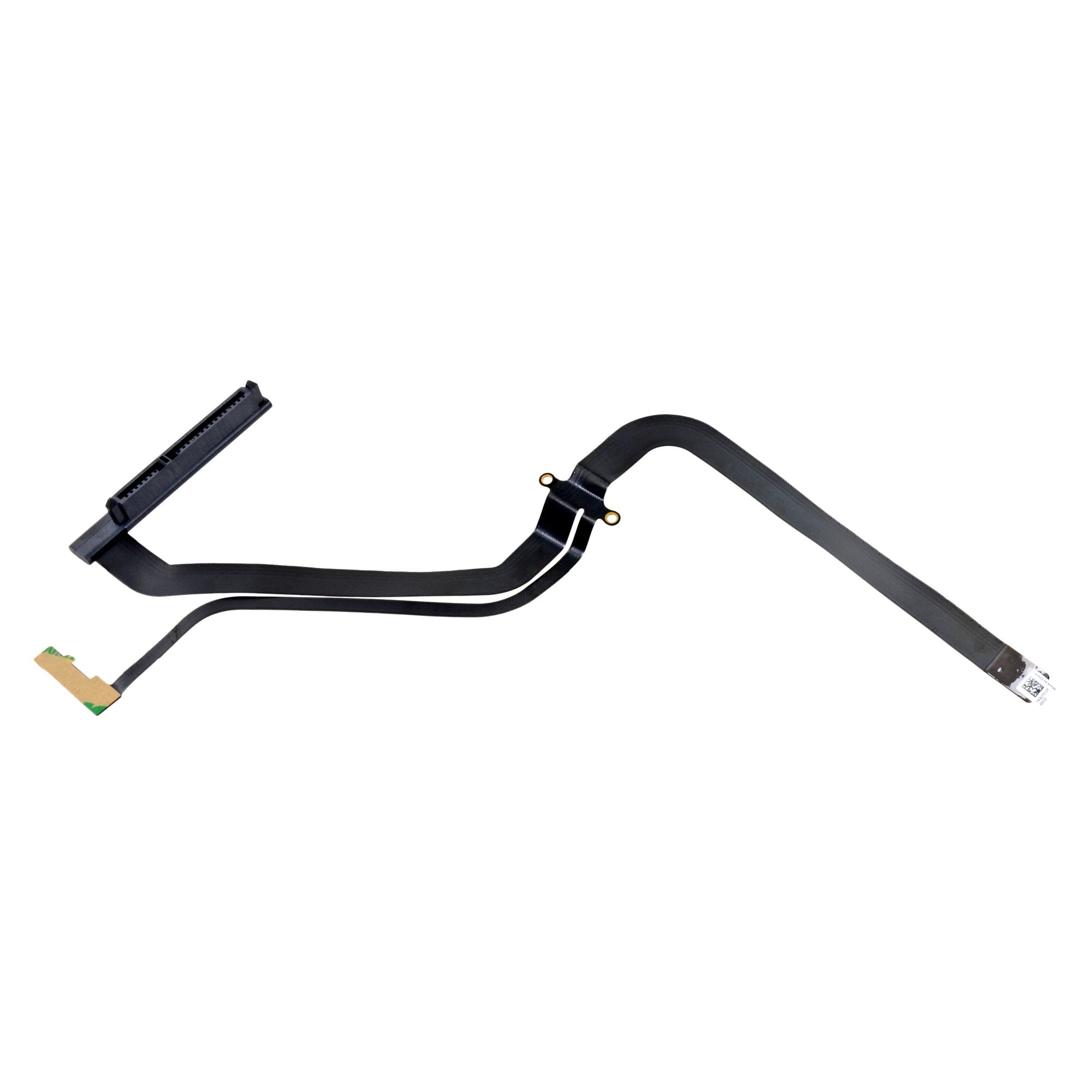
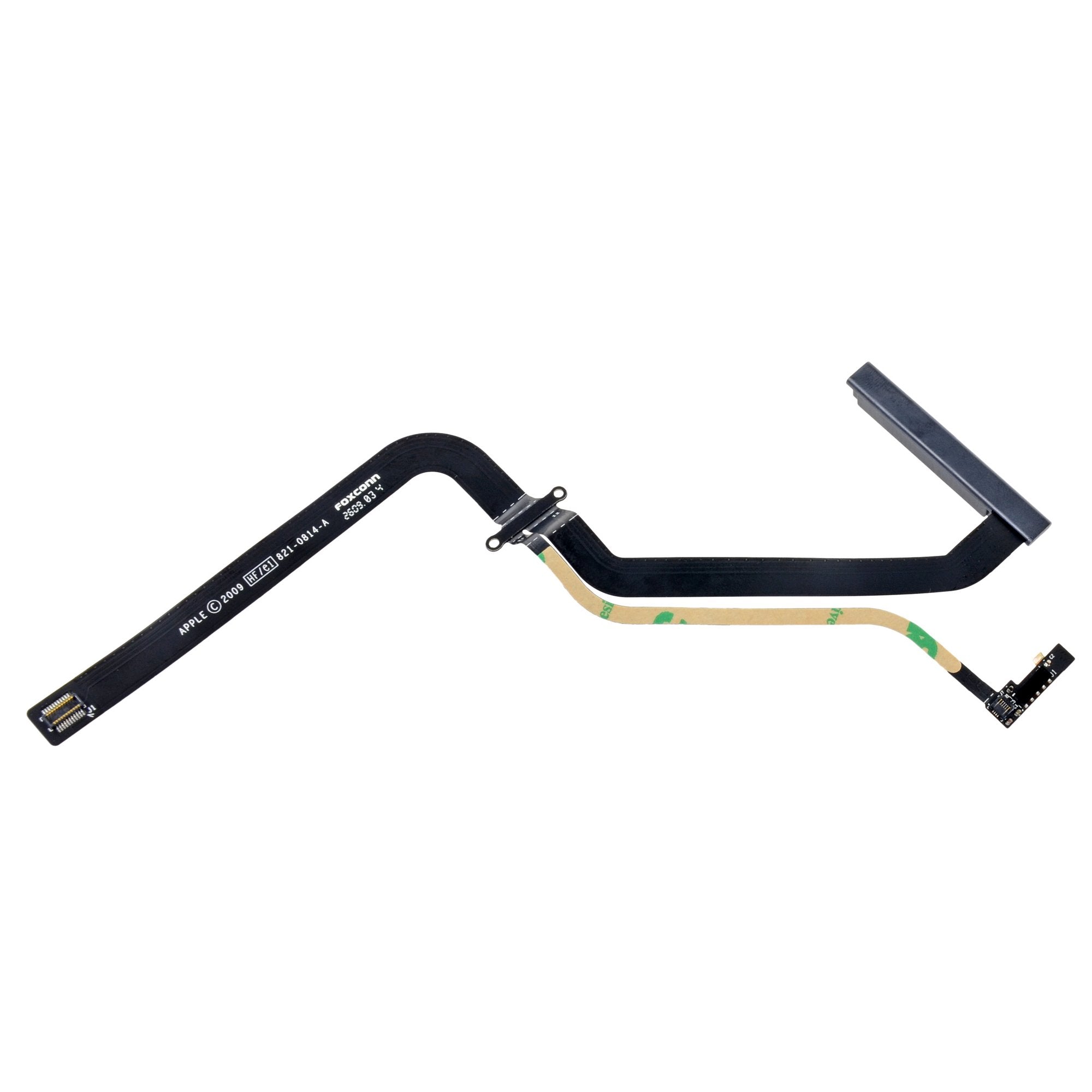
Click Image To Zoom
Share this Product
Installation Guides
MacBook Pro 13" Unibody Mid 2009
Difficulty: Moderate
MacBook Pro 13" Unibody Mid 2010
Difficulty: Moderate
Compatibility
| MacBook Pro 13" Unibody Mid 2009 |
| ||
| MacBook Pro 13" Unibody Mid 2010 |
|
Stories
My Problem
Macbook would not boot up from int. hd but, does from external usb hd.
My Fix
Replaced internal hd cable ordered from ifixit. It worked. Good as new. Well, almost. Just one snag, broke the tiny orange cable connected to a sensor. I think it's an indicator lamp in front of the macbook. So now when I power on there's no indicator light but, macbook still works otherwise. I don't suppose you know where I can get that replacement cable or sensor? Sorry did not take pix.
My Advice
The repair was a snap. Just be careful with that tiny orange cable. So tiny I couldn't even put my big fat fingers on it. There's supposedto be a clip you squeeze to release the cable but I couldn't find any even with the help of a magnifying glass.
My Problem
Had a mid 2009 MacBook Pro that starting having issues culminating in the "folder with a question mark" icon upon startup. Pulled the drive and was able to boot off of it externally, so it was a safe bet that it was the cable.
My Fix
The repair is pretty easy with or without the guide. The trickiest part was how to reattach the IR receiver & activity light. The guide didn't really provide any detail, and I didn't see how to reattach it, so it went back in the laptop with what I assume will be intermittent functionality. I don't use the IR port, and the activity light is of negligible use, so it's not exactly a major issue for me. But it is somewhat of an annoyance.
My Advice
Not all the screws are identical, so of course it's a good idea to record somehow which screw goes where. I guess if you go with the cable option that doesn't include the IR port bracket, just pay attention to how that cable is connected. Some kind of magnifying glass might also come in handy.
My Problem
My macbook pro was saying that my hard drive was missing.. So I took it to the apple store, & they told me i had to replace my hard drive (for some ridiculous amount), I ended up doing it myself.. but it still didn't work. After searching around, I figured it must be the hard drive cable so I decided to give it a shot.
My Fix
The repair was relatively easy, using the spudger was super helpful (I have a dent on the side of my macbook & the hard drive wouldn't have come out if the spudger wasn't there). The guide was super helpful (but i did freak out because there was no guide how to put things back together). After the installation, I had a problem with trying to find the hard drive again (turns out you have to format it properly), anyways the installation went perfectly & now I'm using it like it was brand new! :)
My Advice
Keep an eye on the screws, maybe put them in separate containers & be careful not to strip your screws. And try to remember what goes where (the pictures in the guide help). Other than that, I suppose have some fun!
My Problem
While abroad my MAC got out of service.The HD was not working.I have created a start up disc with a USB 500 giga disk. Once back at home , when installed a brand new HD , again MAC did not see it. After a quick search over internet I found Ifixit website with a possible solution.Ordere
My Fix
Repair was simpler than I was supposed. The pictures on ifixit website are so helpful together with instructions that I never been confused. in 20 minutes changes done. After the installation , the HD was detected then I transferred my OS from external disk to internal disk with CCC. <<<< END OF FEAR>>>>
My Advice
My advice is this : before to go repair shop , surf the web , there are a lot of suggestions and blogs where you can find a cheaper solution for your MAC
My Problem
OS x became slow and stalling and then would not boot up. First thought was a bad hard drive, but after I purchased a new hard drive and installed it, it was not recognized during OS x installation. I was able to boot through an external enclosure with my old hard drive which led me to believe it was the hard drive cable that was bad.
My Fix
The hard drive cable repair was easy and quick. I used the old IR sensor bracket from my previous cable. No problems with the installation.
My Advice
Pretty easy, not much advice needed.
My Problem
Je l'ai réparé grâce aux tutos de ifixit. Excellent site.
Merci pour votre aide
My Fix
Conformément au descriptif. Sans soucis. Tout refonctionne.
J'ai mis 10 mn pour la réparation.
My Advice
bien suivre les instruction que donne ifixit.( Les photos sont de bonne qualités et ça aide pour comprendre. C'est à souligner. Merci du soin que vous apportez.
My Problem
Macbook pro would not start up.
My Fix
Macbook pro would not start up. Replaced hard drive: didnt help. Downloaded recovery assistant onto a USB and selected recovery assistant at startup by holding option key. Recovery assistant could see the new hard drive but not write to it or format it. Got a universal USB adapter from Ifixit and tested old hard drive: working fine. Suspected that this meant problem was faulty hard drive cable (lots of posts on this problem). Ordered cable from Ifixit, 30 minute instalation and macbook all good !
My Advice
If Recovery Assistant can see the hard drive but not write to it you may have same problem that I had.
My Problem
Mac wasn't showing hard drive. Wouldn't boot. I thought my hard drive was dead.
My Fix
I first took the HD out of computer and hooked it up to my imac with a cheap adapter cable kit. Everything worked fine with HD, so I copied some important files and photos to the imac, just incase.
I then ordered the new HD cable for the Mac Book Pro, hoping that was all that was wrong. Install was very easy. It actually takes longer to unscrew/screw the tiny screws on the bottom of the computer case then to do the repair. It fixed the issue with no data lost. Repair/test cost about $70 total.
My Advice
Don't listen to your wife when she says " the computers dead, why didn't we just get a Dell". I am a little !@#$%^ at apple though. I paid a premium for this laptop and shouldn't have had to fix little crappy cables.
My Problem
The computer was experiencing intermittent freezes and finally became unusable. I had thought this was a hard disk problem, especially since there was an error in trying to reformat the drive. However, it turned out that the internal HD cable was bad. The disk would format from an external USB port but not when installed internally.
My Fix
The iFixit visual instructions were excellent and the repair went well. Since I don't have tools, I appreciate that iFixit identified which tools were needed and allowed me to order them along with the replacement part.
My Advice
The HD cable appears to be a serious problem. Others have experienced this problem after about 2 years of use. I don't have any advice other than not to depend too much on any one computer.
My Problem
My daughter's MacBook just dropped dead. After reading about symptoms online, I decided it might be the HD cable and ordered from iFixit.
My Fix
Looked over the online instructions for installation, sat down at the kitchen table, and 10 minutes later everything is happy again.
My Advice
Don't be afraid, just follow instructions!
Related Questions
| 1 Answer 0 Score | change of hdd did not work. | |
| 3 Answers 1 Score | Any problems with large hard drives and the 13" MBP? |
| 5 Answers 0 Score | not booting osx appears a folder |
| 13 Answers 0 Score | Internal hard drive disk not recognized |
| 2 Answers 0 Score | Flashing Folder Icon on boot |