Introduction
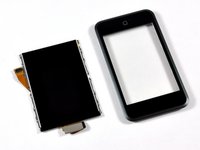
This guide shows how to replace the front panel on the 1st Generation iPod Touch.
What you need
-
-
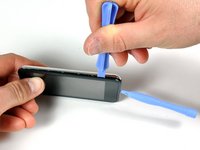
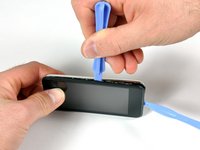
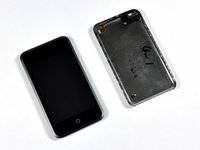
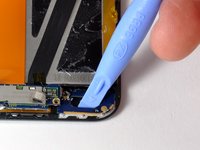
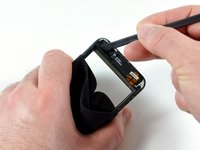
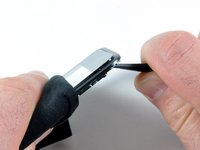
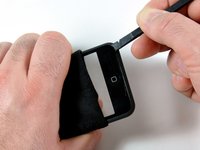
Insert the small plastic opening tool into the seam in between plastic display panel and the metal back panel. The angled edge should point towards the metal back panel.
-
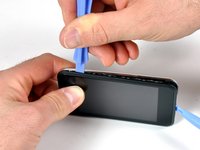
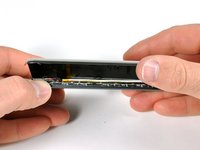
Hold the tool in place once it is wedged inside and the two panels are separated.
-
-
-
Flip the iPod 180 degrees so it matches the orientation in the picture.
-
Carefully insert the spudger in between the battery and the display. There are routing cables underneath, so make sure you slowly pry the battery loose.
-
-
-
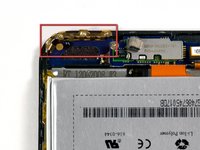
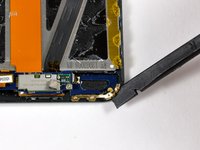
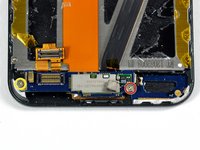
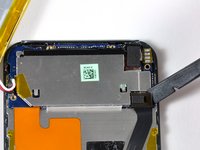
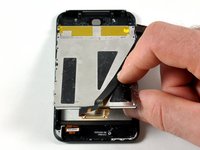
Use a spudger (or your fingernails) to remove the gold antenna. The antenna bends easily, so make sure not to apply too much pressure. When re-assembling, put the gold antenna in place before inserting the antenna circuit boards.
-
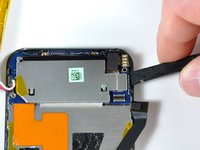
Use the spudger to remove the connector on the left side.
-
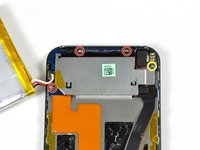
Remove the 2.4 mm Phillips screw.
-
Remove the 1.6 mm Philips screw.
-
-
-
-
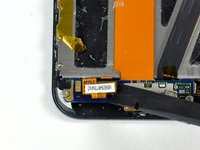
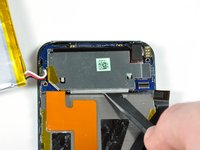
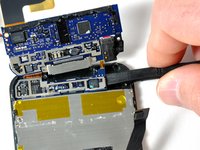
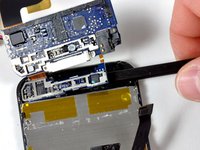
The antenna loop board needs to be pried up (it is glued down). Gently use a plastic opening tool or spudger, to dislodge the antenna loop board. The board is connected to the antenna electronics by a small ribbon cable. This two-board assembly is very frail.
-
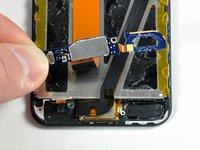
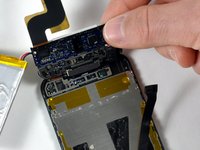
The two small antenna circuit boards can now be lifted up together, and their orange cable can be peeled from the display.
-
-
-
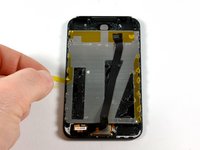
Peel the orange tape up covering the sixteen Phillips screws on the back of the display.
-
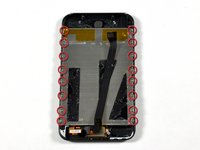
Use a #00 Phillips screwdriver to remove the sixteen screws.
-
-
-
Use a hair dryer or heat gun to loosen the glue around the perimeter of the front panel.
-





















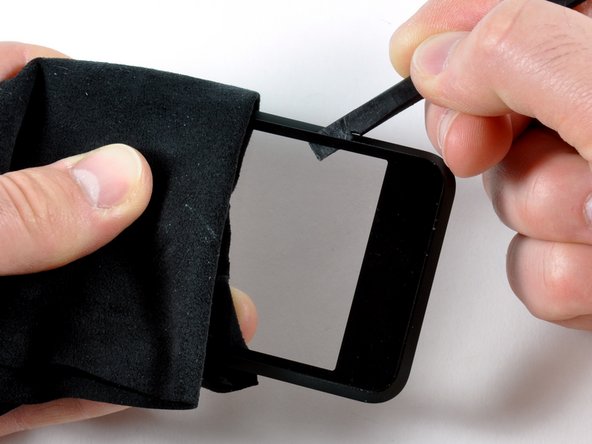


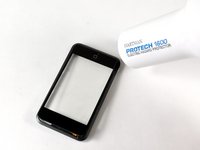
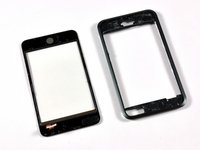
To reassemble your device, follow these instructions in reverse order.
Cancel: I did not complete this guide.
43 other people completed this guide.


