Introduction
First read the Teardown from ifixit.com for the Dell Streak Phone
What you need
-
-
Loosen any clamps that hold the LCD screen in place. Some of the clamps may not be loosened yet, leave them attached for now.
-
-
-
The gorilla glass is pinned to the case. You must take a slotted screwdriver to go around the case and separate the gorilla glass from the case.
-
In some instances the gorilla glass may seperate from the LCD fairly easily, or it maybe hard to release.
-
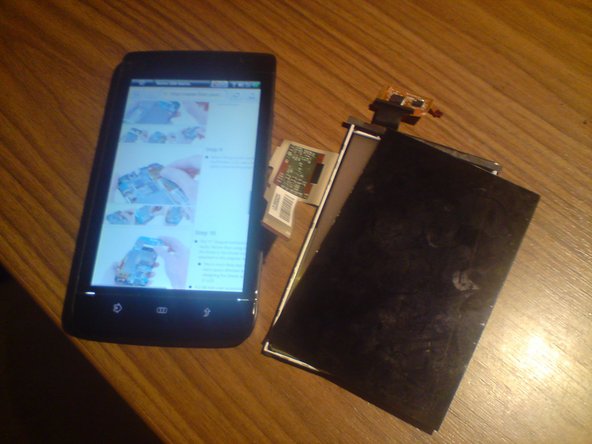
(Don't feel sorry for the broken display, it doesn't deserve to be treated gently..)
-
-


To reassemble your device, follow these instructions in reverse order.
To reassemble your device, follow these instructions in reverse order.
Cancel: I did not complete this guide.
One other person completed this guide.



