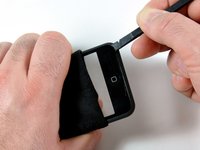
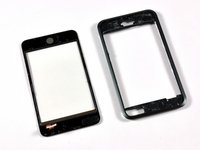
Installing iPod Touch 1st Generation Front Panel

  • Add Note x
  • x 37

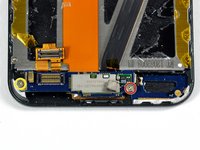
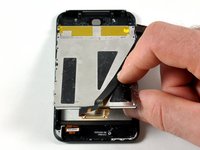
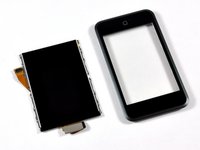
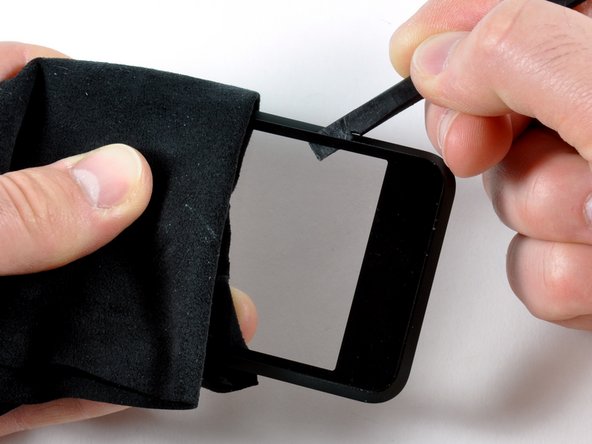
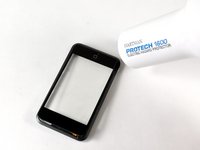
This guide shows how to replace the front panel on the 1st Generation iPod Touch.

Sections
Tools
Image #1

Add Note Edit Step 1 — Case  ¶ 

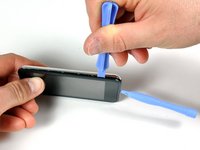
  • Opening the case is a tough and potentially dangerous task. A good amount of force is required to wedge the iPod opening tool in between the case seams. The case may be damaged if this step is not done properly. Make sure not to hurt yourself while opening your iPod.

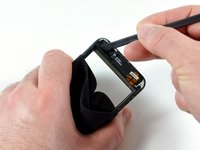
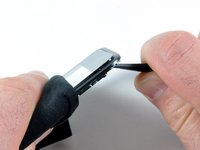
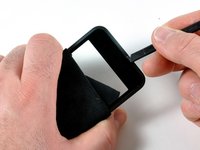
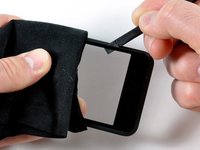
  • Insert the small iPod opening tool into the seam in between plastic display panel and the metal back panel. The angled edge should point towards the metal back panel.

  • Hold the tool in place once it is wedged inside and the two panels are separated.

Image #1 Image #2 Image #3

Add Note Edit Step 2  ¶ 

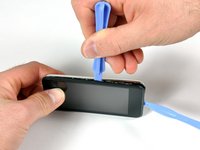
  • There are seven interlocking retaining clips on each side of the iPod. The large iPod opening tool will be used to separate the front panel from the metal back of the iPod.

  • Insert the large iPod opening tool into the right side of the iPod, with the edge of the tool pointing towards the metal back.

  • Gently enlarge the existing crevice by wiggling the large iPod opening tool and moving it to the right.

  • Continue doing so until the right side of the iPod is loose.

Image #1 Image #2 Image #3

Add Note Edit Step 3  ¶ 

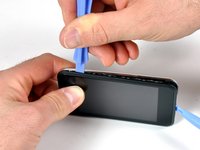
  • Switch to the other side of the iPod.

  • Follow the same procedure as in the previous step to release the seven clips holding the panels in place.

  • Once the panels are separated on this side, the back panel can be separated from the rest of the iPod.

Image #1 Image #2 Image #3

Add Note Edit Step 4  ¶ 

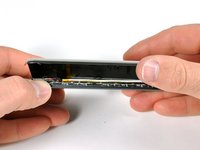
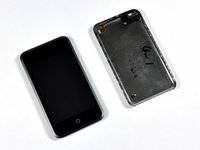
  • Gently lift the rear panel using your fingers.

  • The front and back of the iPod should now be completely separated.

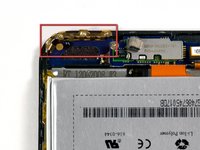
  • The gold antenna (third picture) can easily fall out from its housing. Make sure that the antenna is securely in place before closing the iPod.

Image #1

Add Note Edit Step 5 — Logic Board  ¶ 

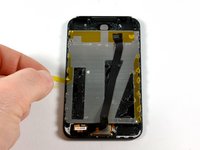
  • The battery is glued to the iPod's display, but no screws hold it in place.

  • Flip the iPod 180 degrees so it matches the orientation in the picture.

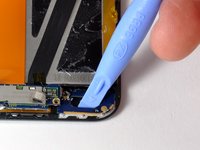
  • Carefully insert the spudger in between the battery and the display. There are routing cables underneath, so make sure you slowly pry the battery loose.

Image #1 Image #2 Image #3

Add Note Edit Step 6  ¶ 

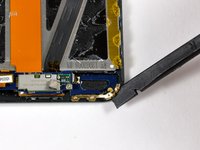
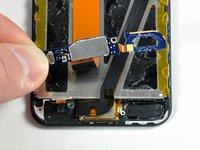
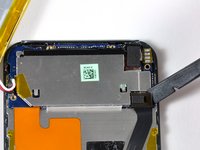
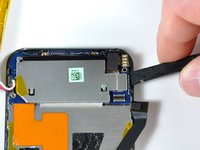
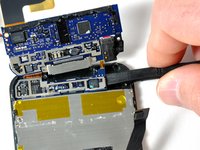
  • Use a spudger (or your fingernails) to remove the gold antenna. The antenna bends easily, so make sure not to apply too much pressure. When re-assembling, put the gold antenna in place before inserting the antenna circuit boards.

  • Use the spudger to remove the connector on the left side.

  • Remove two Phillips screws.

Image #1 Image #2

Add Note Edit Step 7  ¶ 

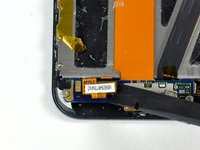
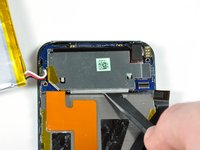
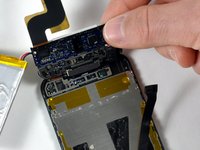
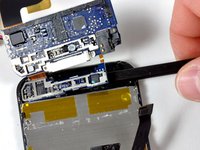
  • The antenna loop board needs to be pried up (it is glued down). Gently use an iPod opening tool, or spudger, to dislodge the antenna loop board. The board is connected to the antenna electronics by a small ribbon cable. This two-board assembly is very frail.

  • The two small antenna circuit boards can now be lifted up together, and their orange cable can be peeled from the display.

Image #1 Image #2

Add Note Edit Step 8  ¶ 

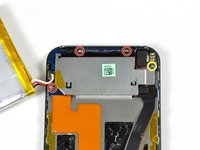
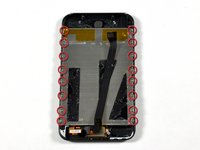
  • Use the spudger to remove the black masking tape. This will reveal the top two screws in the picture.

  • Unscrew the four Phillips screws.

  • Use a spudger to disconnect the black connector.

Next » « Previous

Required Tools

Spudger

$2.95 · 50+ In stock

Phillips #00 Screwdriver

$4.95 · 50+ In stock

Heat Gun

$24.95 · 21 In stock

Plastic Opening Tools

$2.95 · 50+ In stock

Related Products

Recommended Tools

Universal Drive Adaptor

$29.95 · 50+ In stock

iFixit Lock Pick Set

$29.95 · 17 In stock

Inspection Scope

$39.95 · 38 In stock

Frictionless Ratchet

$24.95 · 48 In stock

Portable Anti-Static Mat

$24.95 · 16 In stock

Comments Add Note Comments are offturn on