Introduction
Replace a faulty video card to bring your iMac's graphics back up to speed.
What you need
-
-
Loosen the single Phillips screw in the center of the access door.
-
Remove the access door from your iMac.
-
-
Tool used on this step:Heavy-Duty Suction Cups (Pair)$14.95
-
Stick two suction cups to opposing corners of the glass panel.
-
-
-
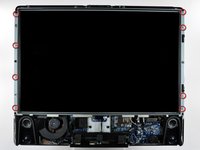
Remove the following 12 screws securing the front bezel to the rear case:
-
Eight 13 mm T8 Torx.
-
Four 25 mm T8 Torx.
-
-
-
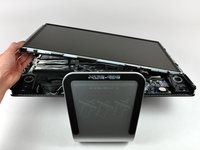
Place your hands at the top corners of the bezel (to the side) and lift the bezel 2-3cm from the body by working from the top. After this you can also disengage the bottom of the bezel (the memory modules will prevent the bottom of the bezel to detach first). When reassembling, start with the bottom of the bezel.
-
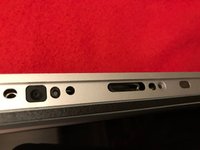
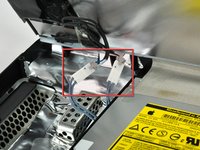
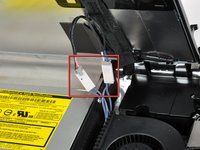
To fully detach the bezel: disconnect the microphone cable connector, removing tape as necessary.
-
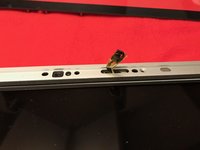
To keep it attached, leave the microphone cable attached to the logic board, and place the bezel 'above' the chassis, with the microphone cable forming a hinge.
-
-
-
be sure to tuck the microphone cable and connector into the void next to the camera board.
-
Gently guide the microphone connector and cables through the ±1in long slot at the right of the iSight camera. Once the bezel is properly assembled, gently push the microphone connector and cable into the bezel through that slot.
-
-
-
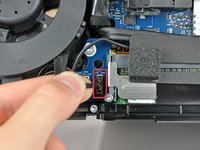
Pull the LCD temperature sensor connector straight up out of its socket on the logic board.
-
If necessary, de-route the LCD temperature sensor cable from behind the logic board.
-
-
-
With the display panel still lifted, disconnect the four inverter cables.
-
If you are replacing a hard drive and have an extra set of hands, it is possible to reach in and remove the drive without disconnecting anything but the LCD temp and display connector in the previous step with the LCD in its propped position.
-
-
-
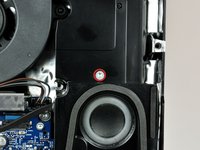
Disconnect the left speaker cable connector from the audio board by pulling it straight away from its socket.
-
-
-
-
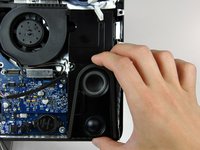
Disconnect the power button and CPU fan by lifting their connectors straight up off the logic board.
-
-
-
Remove the following 13 screws securing the logic board to the rear case:
-
Six 7.2 mm coarse-thread T10 Torx.
-
Two 6.8 mm T8 Torx. When reinstalling these two screws, don't overtighten them, as the plastic tabs they hold down are thin and brittle, and can crack.
-
Three 7 mm fine-thread T10 Torx.
-
Two 24 mm T10 Torx.
-
-
-
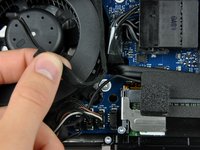
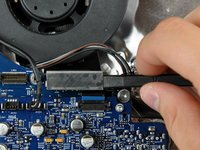
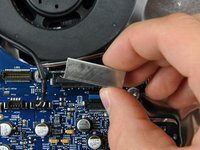
Disconnect the video card thermal sensor by pulling its connector away from the socket on the logic board.
-










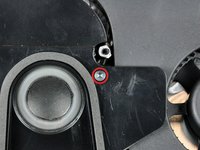
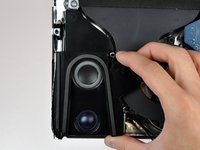


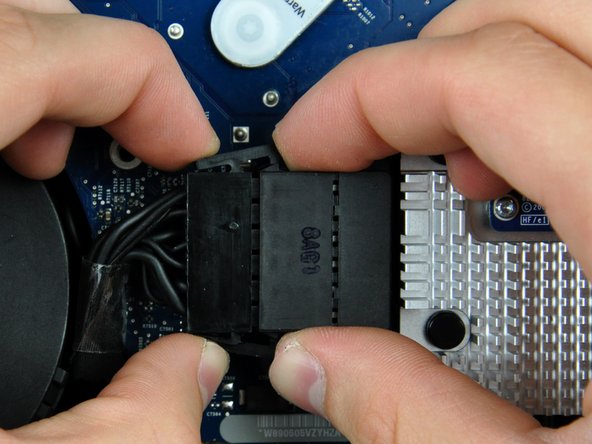
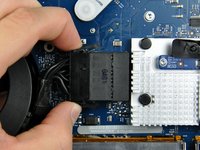








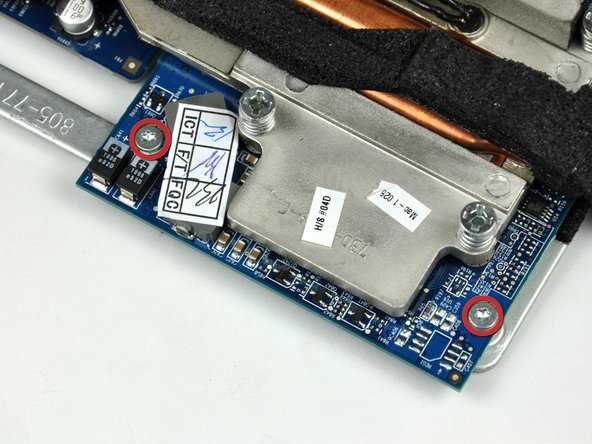


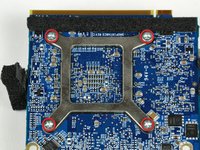
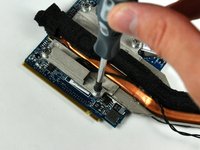

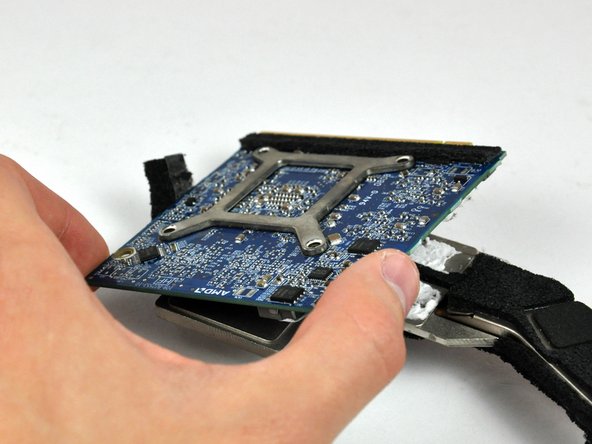
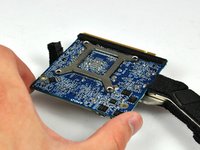
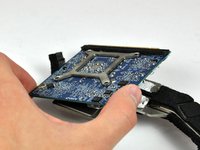


To reassemble your device, follow these instructions in reverse order.
Cancel: I did not complete this guide.
111 other people completed this guide.


19 Guide Comments
What video/graphics card can I upgrade to from a ATI Mobility Radeon HD 2600 XT? I have a 2008 EMC 2210 iMac and would like upgrade my video/graphics card but I don't know how high of a upgrade is possible!?
please which card should i buy to replace my old one?
which card should we buy for a early 2008 imac? and how do you put it all back together ?
No its the iMac model.
