Introduction
Like brain surgery? Use this guide to replace your logic board.
What you need
-
-
Lay the iMac display-side down on a flat surface.
-
Loosen the three Phillips screws securing the rear panel to the iMac.
-
-
-
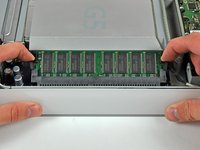
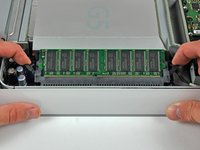
Rotate each of the two RAM retaining arms away from the RAM chip.
-
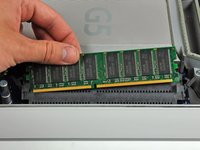
Pull the RAM chip straight away from its socket.
-
-
-
Remove the three 8 mm brass Phillips screws securing the optical drive to the midplane.
-
-
-
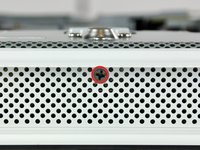
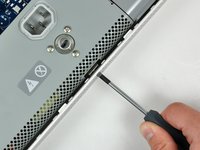
Rotate the center Phillips screw on the bottom of the iMac clockwise until the rear panel clamp contacts the edge of the case.
-
-
Tool used on this step:Heavy-Duty Spudger$4.99
-
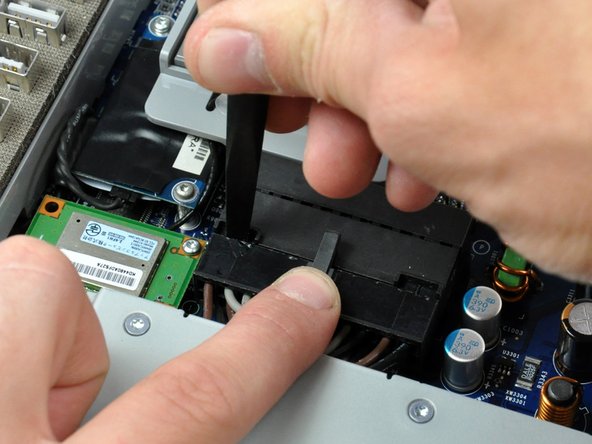
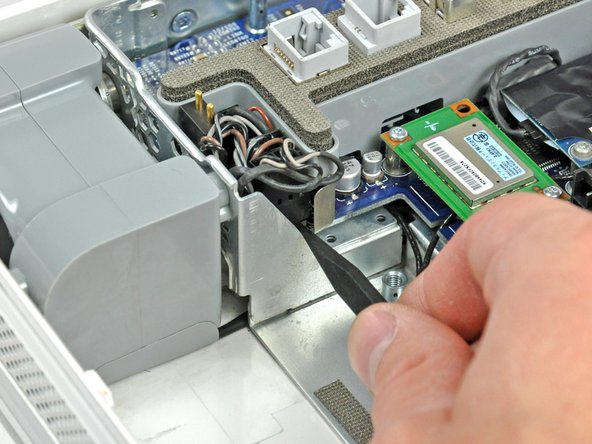
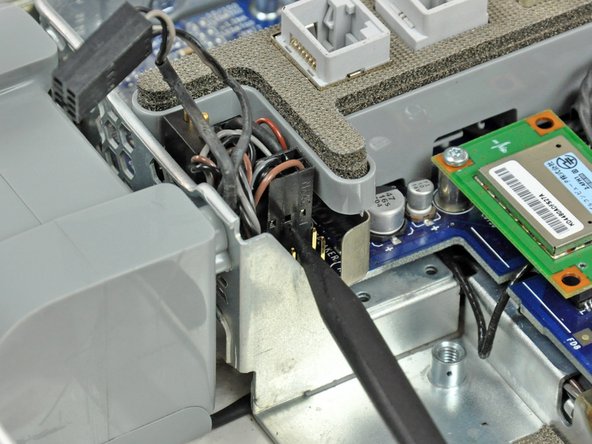
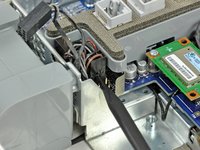
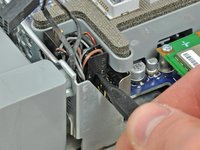
While depressing the connector lock, insert the flat end of a heavy duty spudger into the gap between the power supply connector and its socket.
-
Twist the heavy duty spudger to slightly separate the connector from its socket.
-
-
-
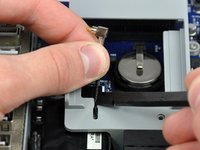
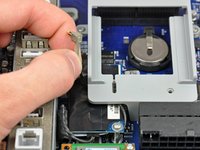
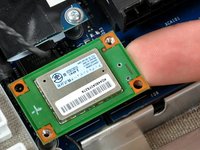
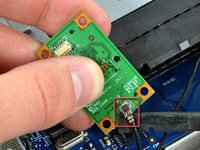
Disconnect the hard drive thermal sensor cable from the hard drive thermal sensor board.
-
-









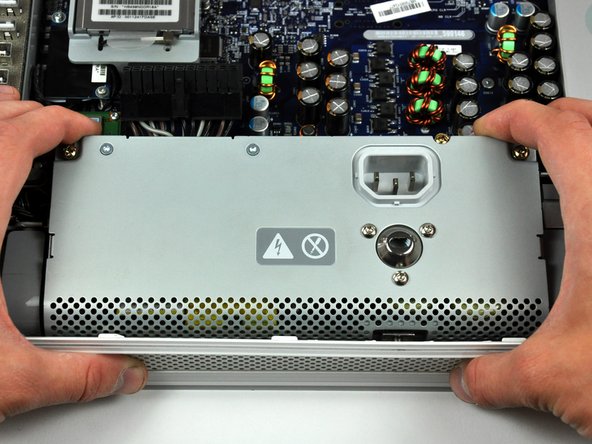



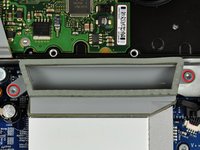
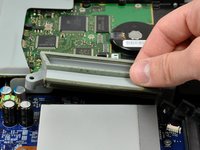


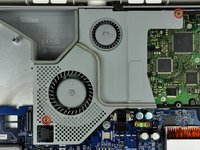
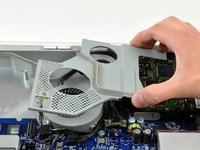


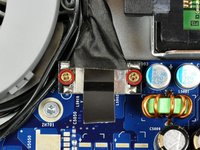
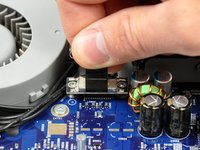


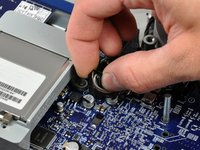
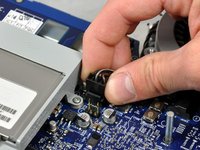












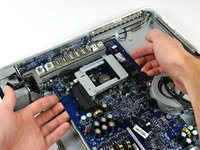
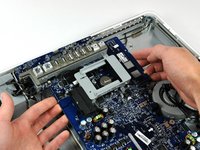


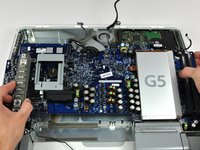
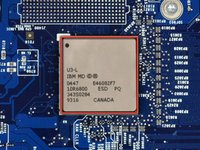
To reassemble your device, follow these instructions in reverse order.
Cancel: I did not complete this guide.
62 other people completed this guide.


