Introduction
Restore balanced sound to your laptop by replacing the left speaker.
What you need
-
-
Unscrew the three evenly-spaced Phillips 000 screws from along the rear wall of the battery compartment.
-
-
-
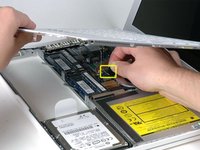
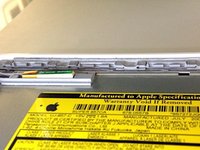
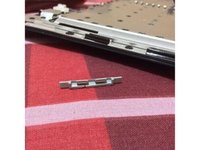
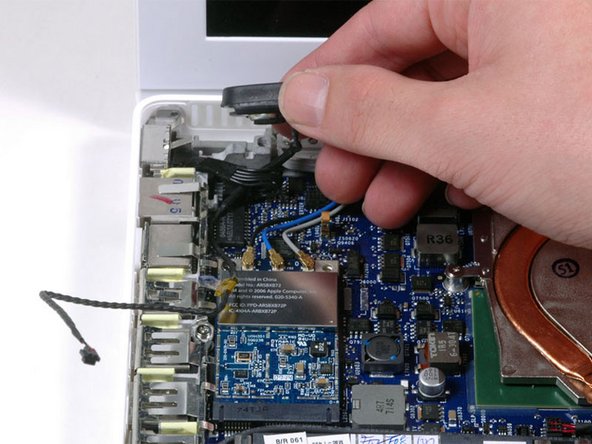
Remove the following 3 screws:
-
One 11 mm Phillips#00 in the middle of the lower case. (Head: 5mm dia. x .75mm thick)
-
Two 14.5 mm Phillips #00 (Head: 5mm dia. x .75mm thick)
-
-




To reassemble your device, follow these instructions in reverse order.
Cancel: I did not complete this guide.
9 other people completed this guide.


1 Guide Comment
I restored balanced audio to my laptop following this guide. Many thanks from this detailed tutorial. I am aiming to open a repair shop, but to do so I need to learn a lot from you. taming io
