Introduction
Use this guide to replace your MacBook Pro's logic board. Before reattaching the heat sink, it is essential to apply a new layer of thermal paste.
What you need
-
-
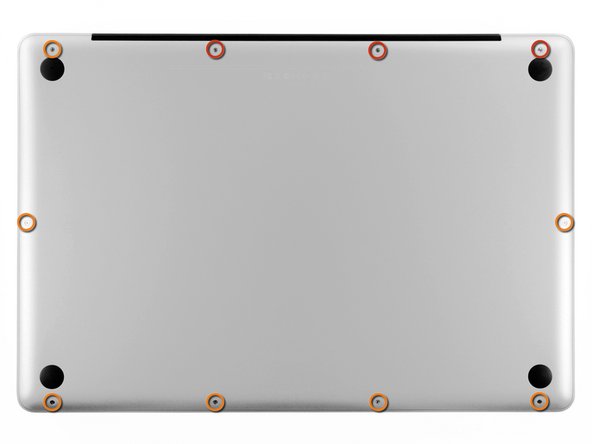
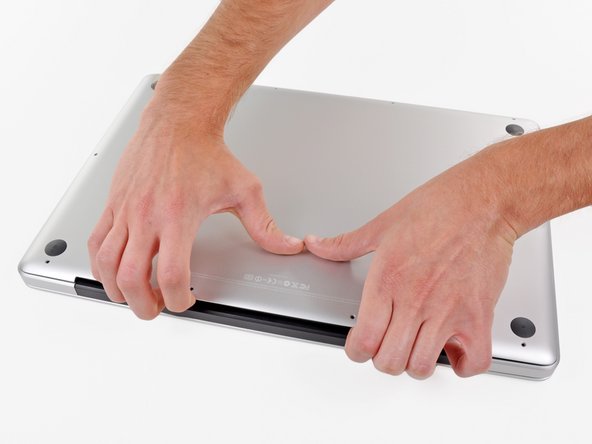
Remove the following ten screws securing the lower case to the upper case:
-
Three 13.5 mm Phillips screws.
-
Seven 3 mm Phillips screws.
-
-
-
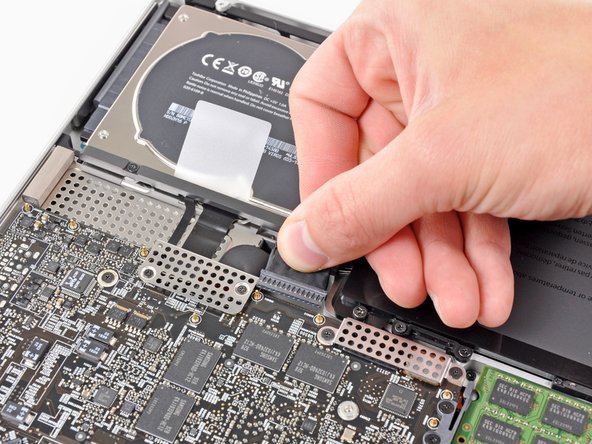
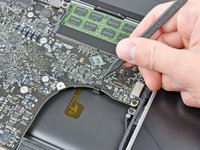
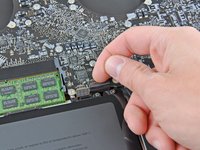
If present, grab the plastic tab attached to the battery connector and pull it toward the front edge of the device. For Late-2011 models the battery connector will not have a tab and is simply a plug that inserts straight down into the motherboard--to remove pry the plug straight up.
-
-
-
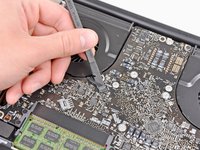
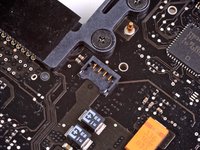
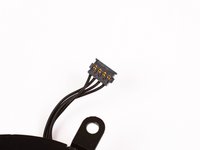
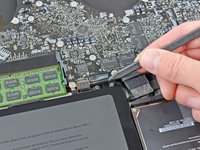
Use the flat end of a spudger to lift the right fan connector out of its socket on the logic board.
-
-
-
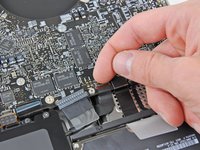
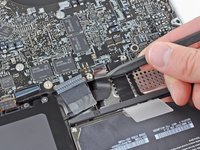
Use the flat end of a spudger to lift the left fan connector out of its socket on the logic board.
-
-
-
-
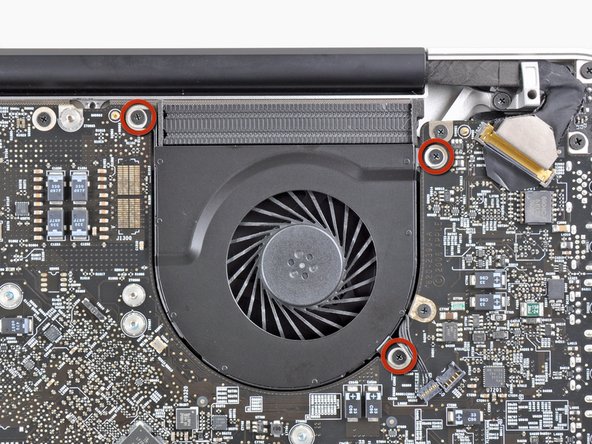
Remove the eight 8.3 mm Phillips screws securing the heat sink to the logic board.
-








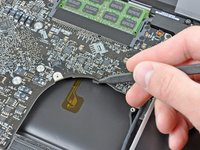

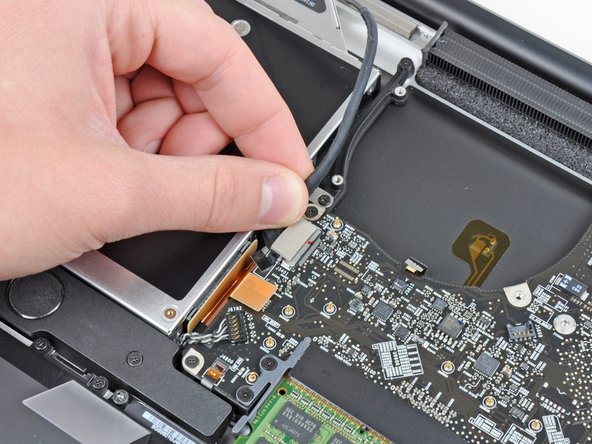

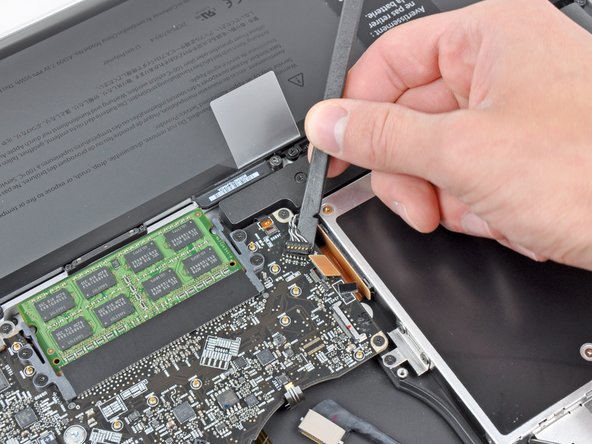


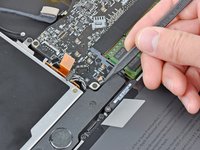


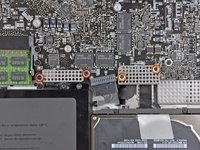
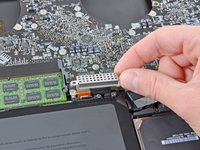
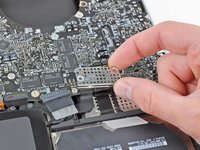






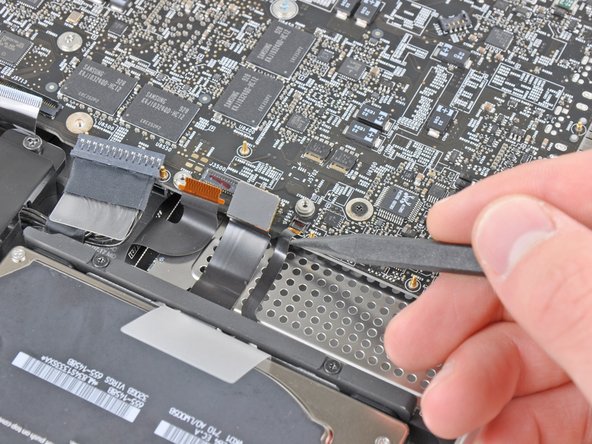
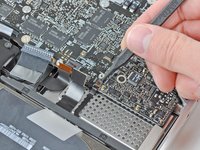
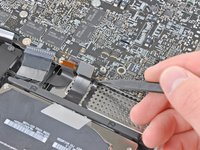


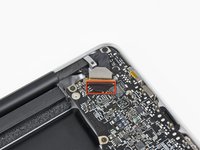
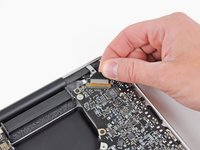
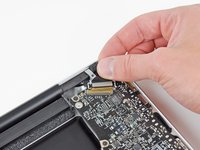


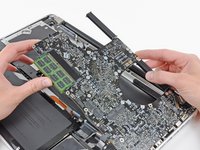
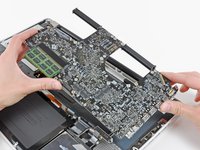



To reassemble your device, follow these instructions in reverse order.
Cancel: I did not complete this guide.
100 other people completed this guide.


13 Guide Comments
Good question! We’ve had good quality Ethernet cables easily slip out of the jacks on several of our MacBook Pros (and TiBook) over the years.
hi Andrew... My macbook pro retina.. When starting up, the progress bar gors slow, then macbook suddenly shuts down.. But before that, there is a grain/noise of rainbow colors across the hole screen showing up.. .. Do you regocnize the problem and what can it be, the graphic / logic card?
Thank you.
